
Quick Start
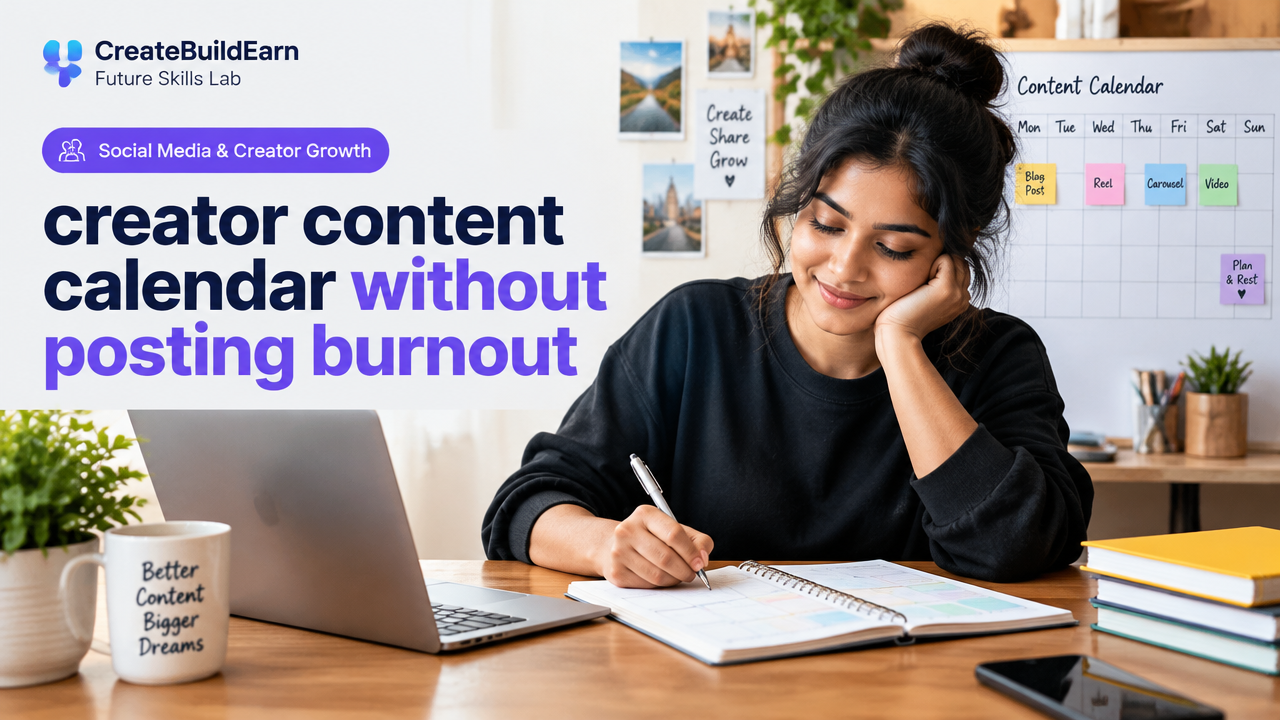
What you will learn/build: A practical weekly and monthly creator content calendar designed to prevent posting burnout while keeping steady audience growth.
Skill level: Beginner — useful for students, hobby creators and small-business beginners.
Time needed: 60–120 minutes to set up a first 4-week plan; 15–30 minutes weekly to maintain and review.
What you need: A calendar tool (Google Calendar, Notion, Trello or a printed planner), a list of content ideas, basic content creation tools (phone/camera, simple editor), and access to your posting platforms.
Why a content calendar that avoids burnout matters
Creators often equate success with constant posting. That leads to fatigue, lower-quality content and inconsistent audience value. A content calendar that prioritizes strategy, repurposing and rest helps you create better content more predictably and protect your time and energy.
Core principles for a sustainable creator content calendar
- Quality over quantity: plan fewer high-value pieces and repurpose them.
- Batch work: group similar tasks (writing, filming, editing) to save time.
- Buffer time: build in rest days and buffer days before deadlines.
- Prioritize audience value: each item should teach, solve, entertain or inspire.
- Measure, then adjust: track simple metrics and adapt the calendar monthly.
Prerequisites: what to have before you plan
- A short content goal (e.g., grow newsletter, build portfolio, learn video editing).
- 3–10 content ideas or themes you can work with for a month.
- A basic tool for scheduling and tracking (calendar app or Notion/Trello board).
- Boundaries: how many hours per week you can commit without stress.
Step-by-step path to build your burnout-free calendar
- Set a sustainable weekly posting frequency. Start small — e.g., 1 long post + 2 shorter posts or 3 pieces a week across platforms.
- Choose 3 content pillars (themes). Rotate them through the month so you always have direction.
- Plan one flagship piece per week that you can repurpose into 2–4 smaller posts.
- Batch create: allocate one day for scripting/outlines, one for production and one for editing/scheduling.
- Use a simple template for each piece: headline, 3 key points, CTA, repurpose ideas, publish date.
- Reserve 20–30% of your weekly time as buffer for replies, learning, and rest.
- Review performance and energy cost weekly; adjust frequency or workflow if you feel strain.
Weekly planning table (practical checklist)
Use this as a quick visual plan. Replace days and tasks according to your workflow.
| Day | Main Task | Micro Content (repurpose) | Energy & Time |
|---|---|---|---|
| Monday | Plan & script flagship post | Short clip idea, 3 tweet threads | High (2–3 hrs) |
| Tuesday | Record/produce | Behind-the-scenes photo | High (2–3 hrs) |
| Wednesday | Edit & schedule flagship | 1 short reel, 2 text posts | Medium (1–2 hrs) |
| Thursday | Audience engagement / feedback | Reply, story Q&A | Low (30–60 min) |
| Friday | Create a micro-post based on flagship | Tips carousel, short video | Medium (1–2 hrs) |
| Weekend | Rest / learning / backlog work | Save drafts for next week | Low / flexible |
Worked example: One-week plan for a student creator
Context: You can commit 5 hours weekly. Goal: build portfolio and post educational short videos.
- Content pillars: Study tips, Project walkthrough, Tool tutorials.
- Week plan:
- Monday (1 hr): Outline a 3-minute study-tips video and three social captions.
- Tuesday (1.5 hr): Film the video in one session (use phone, natural light).
- Wednesday (1 hr): Edit video to 60–90 seconds, export for Instagram/YT Shorts.
- Thursday (30 min): Post video and one caption; engage with first comments.
- Friday (1 hr): Turn clips into two 15–30 second reels and a static carousel with 3 tips.
- Result: 1 flagship video + 3 repurposed posts for multiple platforms, created in 5 hours with one buffer day.
Try It Now / Mini Project
Build your first 4-week calendar. Steps:
- Create a simple spreadsheet or board with columns: Date, Content Pillar, Title, Format, Status, Repurpose Plan.
- Pick three pillars and list four ideas each.
- Schedule one flagship per week and assign repurposes and editing days.
- Set two non-negotiable rest days every week.
- At the end of week 4, note which posts felt hardest to produce and which performed best.
Deliverable: a filled 4-week sheet and at least one scheduled post.
Checkpoint: self-review questions
- Do I feel able to keep this schedule for 4 weeks without forcing extra hours?
- Is each piece tied to a pillar and a small audience outcome (learn/share/CTA)?
- Do I have at least one repurpose planned per flagship item?
- Have I scheduled buffer days to handle delays or recovery?
Common mistakes and how to avoid them
- Trying to copy another creator’s volume: match output to your available time instead.
- No repurposing: you waste time when each post becomes a unique task. Plan 2–3 repurposes per flagship.
- Not batching: switching tasks increases friction. Group similar tasks into blocks.
- Ignoring analytics: track one simple metric (engagement or clicks) and adjust monthly.
- Skipping rest: no calendar survives if you burn out. Enforce rest days and lower frequency if needed.
Review checklist before you publish
- Headline or hook written and tested.
- Main idea broken into 3 clear points.
- Repurpose list created (short clip, caption, image, CTA).
- Scheduled publish time and reminders in calendar app.
- Privacy check: no sensitive personal data shared.
- Backup: raw files saved and organized.
Tools and extras (what to use)
- Scheduling: Google Calendar, Notion, Trello or Later.
- Editing: a simple phone editor, free video editor or web tools.
- Templates: use a headline/hook template and a repurpose checklist.
- Account & privacy safety: follow a checklist before uploading personal data.
Next practice: 4-week retrospective and pivot
After four weeks, do a short retrospective: which posts required the most time, which earned the most engagement relative to effort, and what felt unsustainable? Use that to set a new 4-week plan with adjusted frequency and better batching.
Related learning links
- Personal Brand Consistency and Proof of Work: Clear Profiles & Posting Habits for Creators
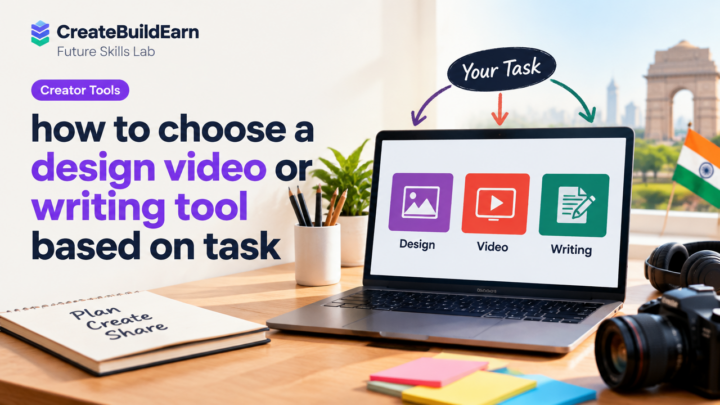
- How to Choose a Design Video or Writing Tool Based on Task
- Student AI Privacy Checklist Before Uploading Personal Information
- 8 Week Blogging SEO and Digital Growth Learning Path
Frequently Asked Questions
How many posts per week are ideal to avoid burnout?
There is no single ideal number. Start with what fits your schedule — often 1 flagship plus 1–2 repurposed items per week is sustainable. Increase only after consistency and energy feel stable.
What is batching and why does it help?
Batching groups similar tasks (e.g., all filming or all editing) into one session. This reduces setup time and mental switching costs, making creation faster and less tiring.
How do I repurpose one piece for multiple platforms?
Start with a flagship (longer video, blog, or thread). Extract shorter clips, create an image with a tip, write a condensed caption or make a carousel. Tailor format and length to each platform’s norms.
Can I use AI to help plan my calendar?
Yes, AI can help brainstorm ideas or create outlines, but always verify facts, avoid sharing personal data, and review outputs for tone and accuracy. See the Student AI Privacy Checklist for safety tips.
What if I miss a planned day or post?
Use your buffer days. If you miss a day, move the content to the next buffer slot rather than forcing a double workload. Consistency over intensity wins long-term.
How do I know if my calendar is causing burnout?
Warning signs include dread about creating, falling engagement due to rushed content, or needing to skip rest. If this happens, temporarily reduce frequency, simplify formats, and prioritize sleep and rest days.
Is it better to automate posting?
Automation helps maintain consistency, but keep human review for captions and timing. Automate scheduling once content is finalized, not the creative process itself.
Conclusion and next skill to learn
A creator content calendar without posting burnout focuses on realistic frequency, batching, repurposing and regular reviews. Start with a small, repeatable plan, protect buffer days, and measure simple signals to improve.
Next skill: learn how to turn your steady content into a portfolio or simple service offering — see the Personal Brand Consistency link above and the 8 Week Blogging SEO path to expand your reach and value.
Learn it by building something
Use the guide as a learning checklist, build a small version yourself, test it, explain what you learned and then improve the project.
How this guide was prepared
This guide is prepared for everyday readers using practical research, usability checks and editorial review. Product or tool-specific claims should be verified against current official documentation when needed.
How did you like this article?
Your feedback helps us make our guides more useful.



Join the Discussion
Join the conversation and share a useful tip, question or experience.