
Quick Start
What you will learn/build: One clear, one-page project case study you can add to a beginner portfolio.
Skill level: Beginner — no special tools required.
Time needed: 60–120 minutes to draft and polish a single case study.
What you need: One finished project (school assignment, mini web page, design mock, small script), screenshots or links, and a text editor (Google Docs, Notion or plain Markdown).
What is a project case study (and why it matters)
A project case study tells the story of a single project from problem to outcome. For beginners, it converts work samples into evidence of skill, thinking and growth. Recruiters and clients quickly scan case studies to see what you did, how you work and what you learned.
Who this is for and prerequisites
This guide is for students, beginners and career-changers who have at least one small project to show: a homework assignment, a one-page website, a design mock, a short script or a study tool. No writing experience required—this guide gives a simple template and practical steps.
Step-by-step: How to write your case study
Follow this practical order. Keep each section short and concrete. Aim for 300–700 words total for a beginner case study.
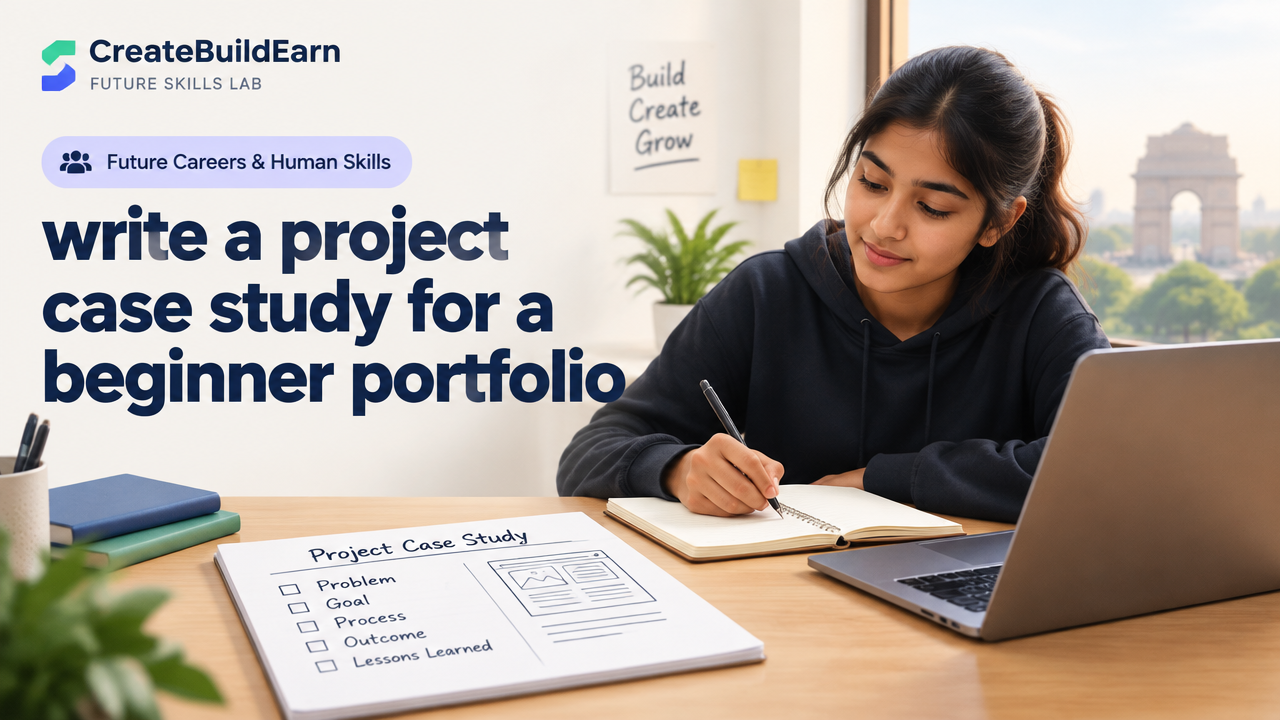
- Title & one-liner (15–25 words)
What to write: Project title + a single sentence: what it is, who it’s for, and the benefit. - Context & problem (30–80 words)
Explain: Why the project existed. What user problem or assignment did you solve? - Goal & audience (20–40 words)
State: The main measurable goal (learn, prototype, reduce steps, present concept) and who the project serves. - Your role & tools (10–30 words)
List: What you did and the tools you used (e.g., HTML/CSS, Figma, Python, ChatGPT for brainstorming—note ethical use). - Process — key steps (80–200 words)
Show the path: Research, design, build, test. Use bullet points for 3–6 main actions. If you used AI, explain verification and privacy steps. - Outcome & evidence (50–120 words)
Give proof: Screenshots, a link to the live project or code, short metrics (e.g., ‘reduced clicks from 4 to 2 in prototype tests’ or ‘completed in two iterations’). If no numeric data, describe user feedback or what worked. - Reflection & next steps (30–80 words)
What you learned: Skills gained, problems you would solve differently, and the next improvements you plan. - Call to action
Finish with: A link to the project, GitHub repo, or your contact/portfolio page.
Practical table: Typical lengths and time per section
| Section | Suggested words | Time to draft |
|---|---|---|
| Title & one-liner | 15–25 | 5–10 min |
| Context & problem | 30–80 | 10–15 min |
| Goal & audience | 20–40 | 5–10 min |
| Role & tools | 10–30 | 5 min |
| Process | 80–200 | 20–40 min |
| Outcome & evidence | 50–120 | 10–20 min |
| Reflection & CTA | 30–80 | 10–15 min |
Worked example: Responsive Profile Card case study
Use this short example as a template. Replace text with your project details.
Title & One-liner
Responsive Profile Card — A small HTML/CSS component to display personal details on mobile and desktop for portfolio pages.
Context & Problem
Many portfolio headers are either too full or break on small screens. The assignment was to build a simple, responsive profile card that looks clean on phones and tablets.
Goal & Audience
Goal: Create a responsive component that shows name, role, short bio and contact link. Audience: potential employers and portfolio visitors.
Your Role & Tools
Solo developer. Tools: HTML, CSS (Flexbox), a small image exported with optimized compression.
Process
- Researched common profile cards and spacing rules.
- Sketched layout on paper, then coded a mobile-first version using Flexbox.
- Tested on phone and laptop. Compressed image to reduce load time.
Outcome & Evidence
Completed a responsive card in one coding session. Clean layout on 360px and 1366px widths. Code is on GitHub (link) and screenshot attached. Load time improved by using a compressed image.
Reflection & Next Steps
Learned how small spacing changes affect readability. Next: add keyboard-accessible focus states and an aria-label for screen readers.
Section: Try It Now / Mini Project
Task
Create one case study for a recent small project. Keep it to one page and follow the step-by-step structure above.
Deliverables (60–90 minutes)
- Title + one-liner
- Short description of the problem and your process (3–6 bullets)
- One screenshot or a link to the project
- Reflection with 2 lessons learned and one next improvement
Tips
- Write simply. Replace adjectives with facts or evidence.
- If you used AI for ideas, include a short note about how you checked outputs and kept private data safe. See AI content verification guidance in our internal resources.
Checkpoint: Self-review questions
- Can someone understand the project’s purpose in 10 seconds?
- Is your role and contribution clearly stated?
- Do you provide proof (screenshot, link or code)?
- Did you include honest reflection about what you learned?
Common mistakes to avoid
- Too long: Keep beginner case studies short and scannable.
- Vague claims: Replace ‘improved performance’ with what you changed and how you measured or observed it.
- No evidence: Always add at least one screenshot or link.
- Hiding tools and role: Be explicit about what you did and what you used.
- Using AI outputs without verification: If you used AI, note how you validated content and protected private data.
Review checklist
| Item | Yes/No |
|---|---|
| Clear title and one-liner | |
| Problem & goal stated | |
| Your role and tools listed | |
| Process described in steps | |
| Screenshot/link included | |
| Reflection and next steps written |
Next practice & learning path
After you publish one case study, try these next steps to build a portfolio and present proof of work:
- Use the case study on a simple portfolio page — see Build First Portfolio Website Project Plan and Progress Log.
- If your project was a profile card, expand it with the HTML CSS Profile Card Mini Project.
- When you research or use AI for drafts, follow the AI Content Research Checklist to verify sources and protect privacy.
- Practice consistent posting and proof-of-work habits with Personal Brand Consistency and Proof of Work.
Frequently Asked Questions
How long should a beginner case study be?
A single beginner case study is usually 300–700 words. Aim for clarity over length: short, structured and evidence-backed is better than long and vague.
What if I don’t have measurable results?
Use qualitative evidence: screenshots, user comments, teacher feedback or a short note about usability testing. Be honest and explain what you learned.
Can I use AI to help write my case study?
Yes, but use AI responsibly. Verify facts, avoid sharing personal or private data, and add a short note about how you checked AI outputs. See the AI Content Research Checklist link above for guidance.
Should I include full code in the case study?
Include a short code snippet if it illustrates a key idea, but link to the full repository (GitHub) for complete code. Keep examples small and harmless.
How many case studies should my beginner portfolio have?
Start with 3–5 clear case studies that show different skills or types of work. Quality and clarity matter more than quantity.
How do I present the case study on a portfolio page?
Show the title, one-liner, a featured screenshot, then include a “Read more” link to the full case study. For guidance, see the portfolio project plan link above.
Can I update a case study later?
Yes. Treat case studies as living documents: add tests, improved designs or new outcomes as you learn more.
Conclusion and the next skill to learn
Writing a clear, honest project case study turns your work into proof of skill. Start small, be evidence-focused and practice writing one case study for each project. Next, learn how to present those case studies on a portfolio website — try our project plan for building your first portfolio site.
Note: For privacy and responsible AI use, never paste private personal data into public repositories or AI tools. Verify any third-party claims or metrics before publishing.
Learn it by building something
Use the guide as a learning checklist, build a small version yourself, test it, explain what you learned and then improve the project.
How this guide was prepared
This guide is prepared for everyday readers using practical research, usability checks and editorial review. Product or tool-specific claims should be verified against current official documentation when needed.
How did you like this article?
Your feedback helps us make our guides more useful.




Join the Discussion
Join the conversation and share a useful tip, question or experience.