
Quick Start
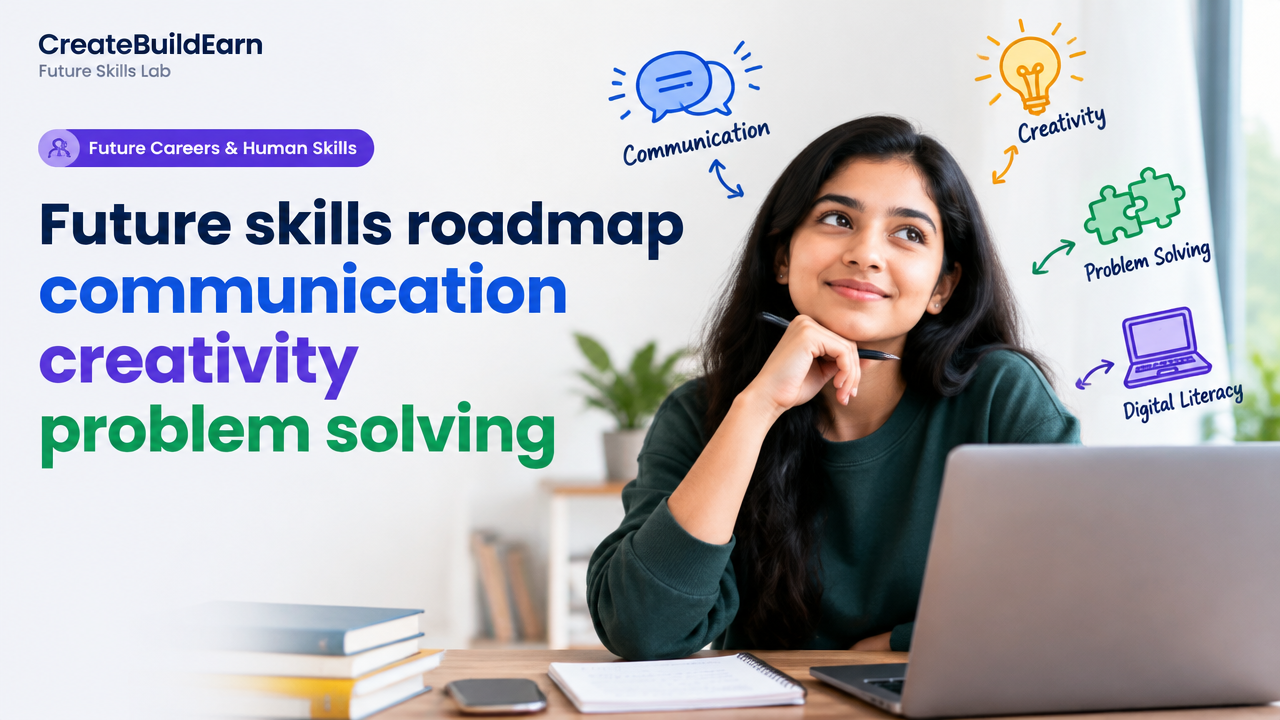
What you will learn/build: A clear, practice-first roadmap to improve communication, creativity, problem-solving and digital literacy. You will build a 1-week micro-portfolio: a 60–90 second explainer (video or slide), a 300-word problem-solution note, and a digital checklist.
Skill level: Beginner to early intermediate (students and adult learners).
Time needed: 3–6 hours for the initial mini-portfolio; 4–8 weeks to make steady habit changes with weekly practice.
What you need: A smartphone or basic laptop, a free text editor (Google Docs or Word), a simple slide tool (Google Slides or Canva free), and optionally a quiet space to record a short video. Internet access and an email account for account sign-ups. Follow privacy and safe-AI use rules—see student AI privacy checklist linked below.
Introduction: Why these skills matter now
Employers, project teams and creators need people who can explain ideas clearly, find new approaches, solve real problems and use digital tools responsibly. These four skills—communication, creativity, problem-solving and digital literacy—work together. This roadmap shows how to practice them with projects so you learn by doing, not only by reading.
Core skill brief: What each skill looks like
- Communication: Clear spoken and written explanations, active listening, structure and feedback use.
- Creativity: Idea generation, curiosity, iteration and combining simple ideas into useful outputs.
- Problem-solving: Define problems, break them down, prototype solutions, test and learn.
- Digital literacy: Use basic apps, online research, manage files, verify online information and follow privacy rules.
Prerequisites and safe-AI reminders
No formal background is needed. You should be comfortable using a phone or computer and creating simple documents. If you use AI tools for idea generation or drafts, always:
- Check facts, protect personal data and avoid uploading sensitive information.
- Use AI as an assistant — keep the human judgment and final editing.
- For a privacy checklist before uploading personal info, see: Student AI Privacy Checklist Before Uploading Personal Information.
Step-by-step learning path (practical weekly plan)
This 4-week starter path focuses on projects and small, repeatable practice.
| Week | Focus | Daily/Weekly Habits | Outcome |
|---|---|---|---|
| 1 | Structure & Short-form Communication | Practice 10 min writing + 10 min spoken summary | One 300-word explainer + 60s voice note |
| 2 | Idea Generation & Creativity Tools | Do 15 min idea prompts; try 2 design layouts | Three different poster or slide concepts |
| 3 | Problem-Solving & Prototyping | Define a small problem, sketch 2 solutions, test one | 1 tested low-cost prototype (digital or paper) |
| 4 | Digital Literacy & Portfolio | Organise files, create a single-page portfolio, verify sources | Micro-portfolio: 1 slide + 1 note + 1 media file |
Worked example: Solve a noisy group study room problem
Use the problem-solving steps to get a real outcome quickly.
- Define: The library group room is noisy during 5–7pm, making concentration difficult.
- Break down: Who makes noise? Is it phones, chatting, or nearby classes? When is it worst?
- Ideas (5-minute brainstorming): polite signs, scheduled quiet hours, noise-reducing headphones, a short group check-in before session.
- Choose & Prototype: Create a simple A4 sign: “Quiet Study Time 5–7pm” using Google Slides. Print or place it at the room entrance for 3 days.
- Test & Review: After 3 days, measure: did average noise reduce? Collect brief feedback from 5 users.
- Iterate: If helpful, add a QR code on the sign linking to a 30-second survey; if not, try another idea (earplugs or scheduling).
This example uses communication (creating the sign), creativity (designing a friendly notice), problem-solving (prototype + test) and digital literacy (using a slide tool and QR code generator).
Try It Now / Mini Project
Mini-portfolio task (3–6 hours): Create a small bundle showing these skills.
- Choose a simple problem you care about (study space, class communication, small event).
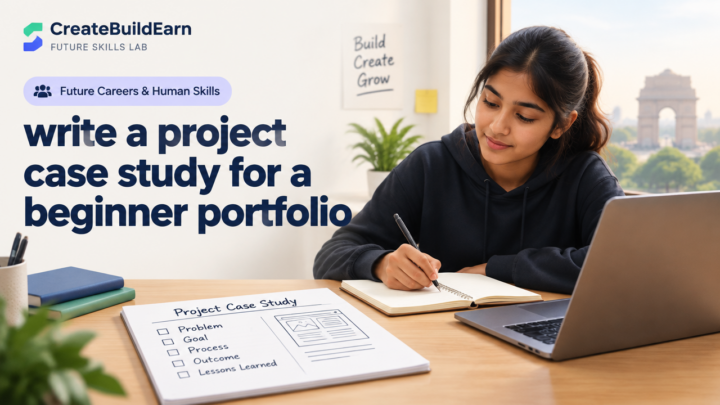
- Write a 300-word problem brief and proposed solution.
- Design a single-slide visual summary (poster, announcement or diagram) using Google Slides or Canva free.
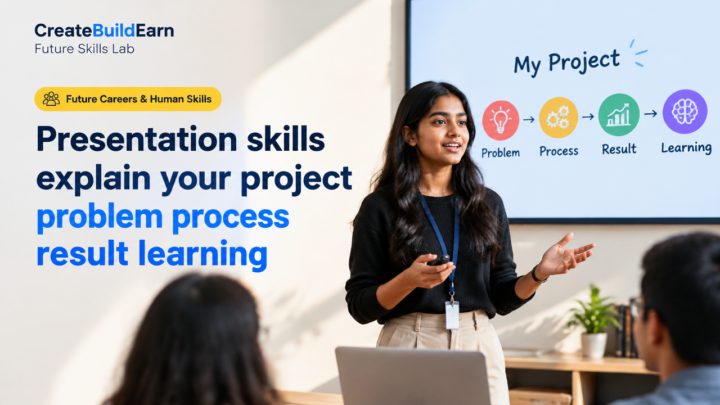
- Record a 60–90 second spoken explanation (phone or laptop). Keep it concise: Problem, Idea, One Next Step.
- Package the three items into a single folder and name files clearly (problem-note.pdf, slide.png, pitch.mp3).
Share this mini-portfolio with a friend or mentor and ask for two specific pieces of feedback: clarity and usefulness.
Checkpoint: Self-review questions
Use these to assess your mini-portfolio and progress.
- Can someone unfamiliar with the issue understand the problem in under a minute?
- Does your slide highlight the main idea with clear headings or visuals?
- Did you test one simple version of your idea and collect feedback?
- Are your digital files organized and named clearly for sharing?
Common mistakes and how to avoid them
- Overcomplicating the first draft: Start simple—one idea, one test. Avoid multi-feature prototypes at first.
- Skipping feedback: Don’t present to no one. Even peer feedback is valuable and fast.
- Relying on AI without verification: Use AI for suggestions, then check and rewrite. For privacy rules see the linked checklist above.
- Poor file naming and sharing: Use clear names and one shared folder to avoid lost work.
Review checklist (use before sharing your portfolio)
| Item | Done |
|---|---|
| 300-word problem brief is clear and structured | [ ] |
| Slide or visual uses headings, one main image and readable text | [ ] |
| 60–90s spoken explanation recorded and understandable | [ ] |
| Files organized in one folder and named clearly | [ ] |
| Asked at least one person for feedback and noted changes | [ ] |
Next practice and a short roadmap
After completing the mini-portfolio, follow this next practice plan:
- Week 5–6: Publish one item (slide or note) publicly on a simple platform (Google Drive link or free portfolio) and collect 5 external feedbacks.
- Week 7–8: Learn one new digital tool in-depth (short course or tutorial) and redo your slide using that tool.
- Ongoing: Repeat the problem→prototype→test cycle monthly, and build a small portfolio of 4–6 projects over 6 months.
For portfolio and presentation tips, see: Beginner Portfolio Before Client Work and for planning a focused learning path: 4 Week Digital Creator Beginner Learning Path.
Frequently Asked Questions
How long before I see improvement?
Small improvements appear in weeks with consistent daily practice (10–30 minutes). Bigger changes—confidence, portfolio pieces and visible results—take months. Progress is cumulative: regular small tasks win.
Can I use AI to help with ideas and writing?
Yes, use AI for brainstorming and drafts but verify facts, protect personal data and edit the output to add your voice. See the student AI privacy checklist: Student AI Privacy Checklist.
What free tools are best for beginners?
Google Docs/Slides, Canva free, smartphone camera (video), and a simple audio recorder. For organizing, use Google Drive or a free Dropbox account. Choose tools you can use regularly rather than switching often.
How do I practice creativity if I don’t feel creative?
Use structured prompts: SCAMPER (Substitute, Combine, Adapt, Modify, Put to another use, Eliminate, Reverse), forced connections (combine two unrelated items), and time-limited idea sprints. Practice is the skill—not an innate trait only for some people.
What should I include in a beginner portfolio?
Start with 3–6 self-initiated projects showing problem, solution and a visual or demo. Use clear file names, a short description and outcomes or feedback. For more on creating a portfolio before client work, see our guide: Beginner Portfolio Before Client Work.
How can I show problem-solving skills without a job?
Document self-initiated or community projects: explain the problem, your steps, what you tested and what you learned. Even a small tested prototype or feedback from users is evidence of problem-solving ability.
Is it okay to share work publicly as a student?
Yes, but avoid sharing personal or sensitive information. Use generic names, blur faces if needed, and follow school or platform rules. If using AI-generated content, check ownership and privacy rules for the tool you used.
Where can I learn more about using AI responsibly for learning?
Read guides on safe AI use and privacy. Start with our practical guide: How to Use AI as a Tutor Without Letting It Do All the Thinking.
Conclusion
This roadmap is designed to move you from theory to practice quickly: define simple problems, communicate clearly, try creative ideas and use basic digital tools safely. Start with the mini-portfolio, review feedback, and repeat the cycle. Your next skill to learn: persuasive storytelling—how to structure longer narratives and presentations from your short explainers. That skill deepens communication and helps your creative solutions get adopted.
Relevant internal reading: How to Use AI as a Tutor Without Letting It Do All the Thinking, Student AI Privacy Checklist, Beginner Portfolio Before Client Work, 4 Week Digital Creator Beginner Learning Path.
Learn it by building something
Use the guide as a learning checklist, build a small version yourself, test it, explain what you learned and then improve the project.
How this guide was prepared
This guide is prepared for everyday readers using practical research, usability checks and editorial review. Product or tool-specific claims should be verified against current official documentation when needed.
How did you like this article?
Your feedback helps us make our guides more useful.

Join the Discussion
Join the conversation and share a useful tip, question or experience.