
Quick Start
What you will learn/build: A clear method to calculate the cost of a simple digital product idea, estimate its customer value, and set a price that covers costs and reflects value.
Skill level: Beginner — no accounting degree required; basic spreadsheet skills help.
Time needed: 60–120 minutes to follow the steps and complete the mini-project.
What you need: A notebook or spreadsheet, internet access to research competitors, and one clear digital product idea (example ideas given below).
Introduction — why cost and value matter for digital products
Digital products (ebooks, templates, courses, stock media, plugins) have low marginal cost per unit, but they still need upfront time, tools and marketing. Estimating costs and understanding customer value helps you set realistic prices, test demand, and avoid common pricing mistakes.
What is a digital product idea, and what problem does it solve?
A digital product idea is a defined piece of digital work you can sell or distribute — for example, “a 30-page exam-prep PDF for Class 12 physics” or “10 editable Instagram story templates.” The best ideas solve a clear customer problem: save time, learn a skill, pass an exam, or improve a design.
Who this guide is for (prerequisites)
- Students or beginners wanting to turn skills into a product.
- Creators testing simple digital product ideas with limited budget.
- Anyone who wants a practical cost + value checklist before building.
Step-by-step path: From idea to cost estimate to price
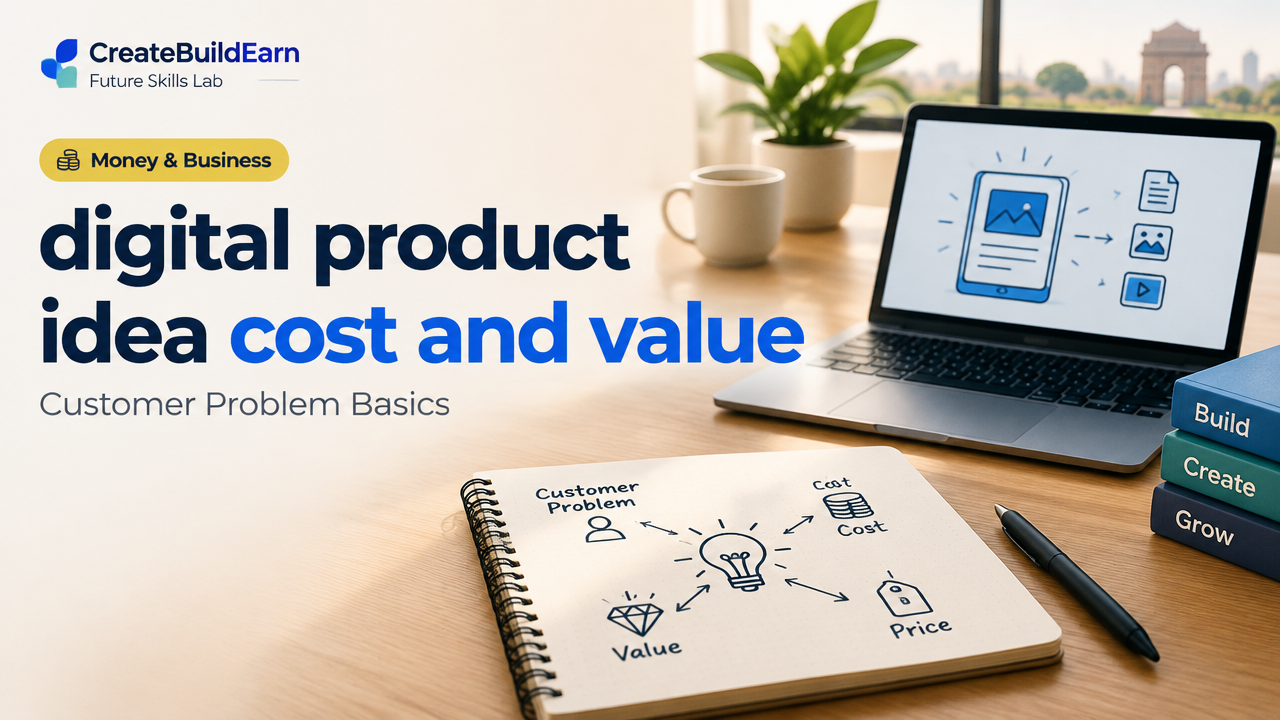
- Define the product and customer problem. Write a one-sentence problem statement: “Students need quick revision notes for X topic in Y format.”
- List required resources and time. Tools (software, hosting), paid assets (icons, stock), and time to create, edit, and market.
- Assign costs (INR). Convert time into a cost (your time or a contractor), and add direct expenses and a contingency.
- Estimate value to the customer. What problem does it solve? How much time or money does it save the buyer? Use competitor prices for reference.
- Calculate price options and break-even units. Choose a target price and compute how many sales you need to cover costs. See internal link for break-even basics.
- Validate cheaply. Use a pre-launch page, free sample, or small paid test to confirm demand before building full product.
Worked example: A short paid study PDF for exam revision (INR)
Idea: A 25-page revision PDF for a popular Class 12 topic. You will sell it as a downloadable PDF.
| Item | Assumption | Cost (INR) |
|---|---|---|
| Design software (one-time or subscription) | Use Canva Pro monthly share (assume part month) | 300 |
| Stock diagrams / icons | Buy 5 small assets | 500 |
| Your time (10 hours) valued at | INR 300/hour (conservative) | 3,000 |
| Payment platform fees (per sale) | Assume 6% + ₹10 (verify with provider) | — (per sale) |
| Marketing (initial ads / boosted post) | Small test | 1,200 |
| Contingency (10%) | Buffer for unknowns | 500 |
| Total upfront cost | 5,500 |
Set a test price: ₹250 per PDF. Payment fee at 6%+₹10 = ₹25 + ₹10 = ₹35 (approx). Net per sale ≈ ₹215.
Break-even units = Total upfront cost / Net per sale = 5,500 / 215 ≈ 26 sales.
Interpretation: If you can reach 26 buyers with reasonable marketing, the project recovers costs. If the customer’s alternative is buying a ₹500 guide or spending extra hours studying, price may be seen as good value.
Practical checklist (table) — estimate your product cost and value
| Step | Action | Example entry |
|---|---|---|
| 1 | Define customer problem | Need quick revision notes for topic X |
| 2 | List tools & costs | Canva ₹300, stock ₹500 |
| 3 | Estimate your time | 10 hours × ₹300 = ₹3,000 |
| 4 | Estimate marketing | ₹1,200 |
| 5 | Set test price | ₹250 |
| 6 | Compute break-even | 5,500 / 215 = 26 sales |
Try It Now / Mini Project
Mini-project: Cost & Price a Small Digital Product
Time: 60–90 minutes.
- Pick one small product idea: a 10-slide template pack, a 10-page study PDF, or 20 stock photos.
- Make a quick list of tools and costs (write values in INR). Use conservative time estimate and price your own time modestly.
- Decide a test price. Compute payment fees (estimate 6% + ₹10) and net per sale.
- Calculate break-even units.
- Create a one-line validation plan: free sample + WhatsApp list or a simple pre-sale link.
Optional: share your results on a learning log or portfolio. If you want a simple pre-launch page workflow, see our Build First Portfolio Website Project Plan.
Validation methods that keep risk low
- Free sample + signup form to measure interest.
- Landing page with “Buy” and a small ad or social post — track conversions.
- Pre-sales or paid beta at discounted price for early feedback.
For product structure and early prototype advice, see our App Idea Validation guide (method applies to products too).
Checkpoint / Self-review
Before you build, answer these:
- Is the customer problem clearly stated? (Yes / No)
- Do my estimated costs include my time and marketing? (Yes / No)
- Does the test price cover fees and leave useful net revenue? (Yes / No)
- Can I reach enough buyers to break even? (Yes / No)
If you answered “No” to any, adjust your idea: reduce scope, lower costs, raise perceived value, or plan a stronger validation step.
Common mistakes to avoid
- Underpricing because digital products seem “cheap” — factor your time and marketing.
- Ignoring payment and platform fees — always check current rates with the provider.
- Skipping validation — building a full product before testing demand is risky.
- Confusing cost with value — price should reflect both costs and the benefit to customers.
Review checklist before launch
| Item | Done? |
|---|---|
| Problem statement and target customer | ☐ |
| Cost estimate including time | ☐ |
| Test price and net-per-sale calculated | ☐ |
| Validation plan (sample, landing page or pre-sale) | ☐ |
| Privacy and delivery method decided (email, download link) | ☐ |
Next practice — what to learn after pricing
After you test a small digital product, learn these next skills:
- Basic product page and checkout setup (see portfolio website plan).
- Break-even analysis and simple business math (Break-Even Units Explained).
- How to turn a skill into an ethical freelance service if you prefer service model (Turn a Skill into a Freelance Service).
- Pricing strategy for digital services and products (Pricing Digital Services).
Frequently Asked Questions
How should I value my time when estimating cost?
Choose a realistic hourly rate based on your experience or the salary you could earn elsewhere. For beginners, a conservative lower rate helps; for skilled contractors, use market rates. The goal is to account for opportunity cost, not set a lifetime wage.
Can I set a very low price to attract buyers?
Low prices can attract buyers but may also lower perceived value. Test different price points in small experiments (A/B or separate launch batches). Make sure even a low price covers fees and contributes toward your time or future scale plans.
How do I calculate payment gateway fees accurately?
Fees vary by provider and country. Use the provider’s published rates (percentage + fixed fee). For India, many gateways show a percent + fixed amount per transaction — verify on the gateway site before final pricing.
Should I include my marketing time in costs?
Yes. Marketing is a real cost: time spent creating posts, designing ads, or managing campaigns should be included when estimating cost and break-even.
What is contingency and how much should I set?
Contingency is a small buffer for unexpected costs (revisions, extra assets). 5–15% of total estimated cost is typical for small projects.
Is customer feedback part of cost?
Collecting feedback often costs time (and sometimes incentives). Plan time to handle feedback and one revision cycle in your cost estimate.
Can I use AI tools to create digital products?
Yes, but use AI responsibly. Verify outputs, avoid uploading private personal data, and check licensing of AI-generated content. See our AI content research checklist for verification steps.
Conclusion — next skill to learn
Estimating cost and understanding customer value are essential first steps for any digital product. After you validate price and demand, the next practical skill is creating a simple product page and handling secure delivery. A good next learning path is building a basic portfolio site to host product pages — try our Build First Portfolio Website guide to proceed.
Good luck — start small, validate fast, and keep learning from real customer feedback.
Learn it by building something
Use the guide as a learning checklist, build a small version yourself, test it, explain what you learned and then improve the project.
How this guide was prepared
This guide is prepared for everyday readers using practical research, usability checks and editorial review. Product or tool-specific claims should be verified against current official documentation when needed.
How did you like this article?
Your feedback helps us make our guides more useful.



Join the Discussion
Join the conversation and share a useful tip, question or experience.