
Quick Start
- What you will learn/build: How to write clear AI prompts using the Role + Context + Task + Constraints formula and test them with a mini project.
- Skill level: Beginner — no coding required.
- Time needed: 45–90 minutes to read, try examples and complete the mini project.
- What you need: A text-based AI tool (chatbot or completion API) or free demo, a notebook or Google Doc, and an imagination for a short practical task.
Introduction
Good prompts are the bridge between your idea and the AI’s output. This article teaches a simple, repeatable prompt writing formula — Role, Context, Task, Constraints — that works for writing, summarising, brainstorming, and many other AI uses. You’ll get clear steps, a worked example, a practice mini-project, a self-check and safe-use tips.
What is the prompt writing formula?
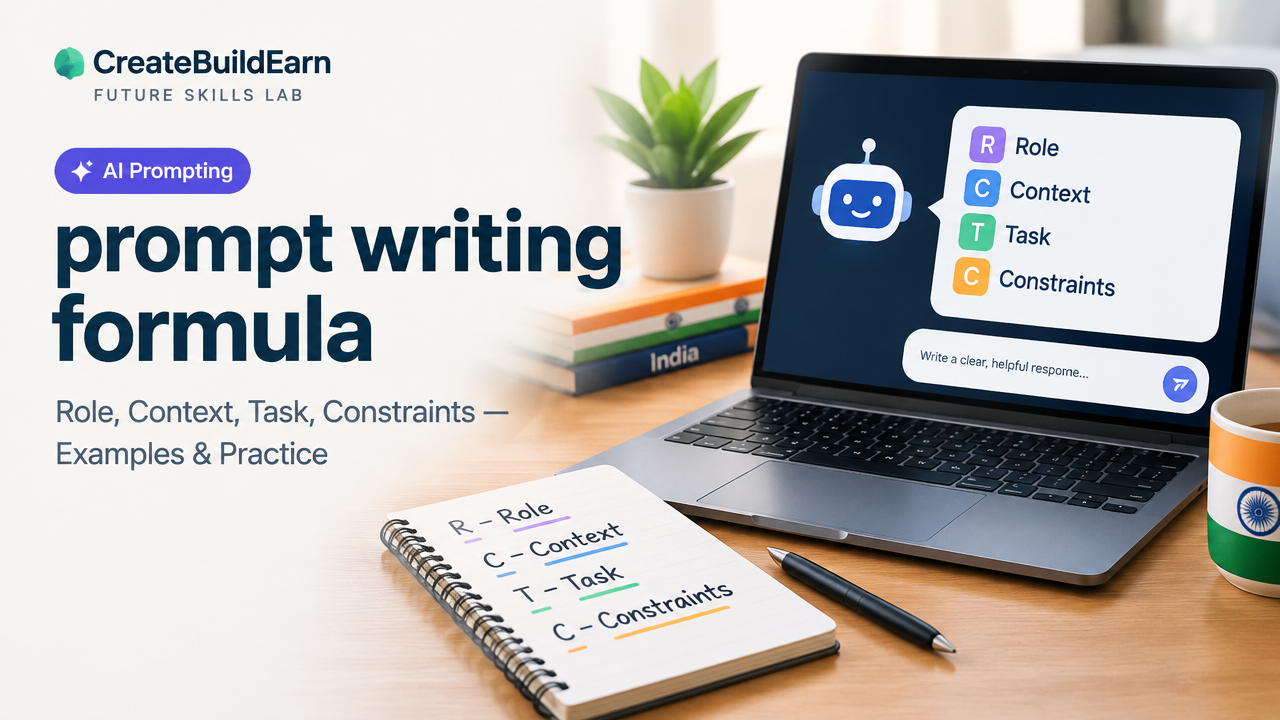
The formula breaks a prompt into four clear parts so the AI understands who to be, what situation to consider, what exact job to do, and any limits to follow:
- Role: Ask the AI to take on a role (teacher, editor, translator, designer).
- Context: Give short background or key facts the AI should use.
- Task: The specific action you want (write, summarise, list, compare).
- Constraints: Limits like length, tone, format, or safety rules.
Why this formula helps beginners
Many prompts fail because they are vague. Splitting the instruction into these four parts reduces guesswork for the AI and for you. It also makes it easy to iterate: change one part (for example, Constraints) without rewriting the whole prompt.
Prerequisites
- Basic reading and typing skills.
- Access to an AI chat or completion tool (free demo OK). For minors, follow platform age and privacy rules — do not bypass checks.
- A simple example task in mind (e.g., summarise an article, draft a social post, design a poster brief).
Step-by-step prompt-writing path
- Choose the role: Who should the AI act as? (Keep it specific: ‘high-school biology tutor’ beats ‘tutor’.)
- Add context: One to three short facts the AI must use.
- Give the task: Be concise and clear about the output type.
- Set constraints: Length, tone, format, and safety checks (no personal data!).
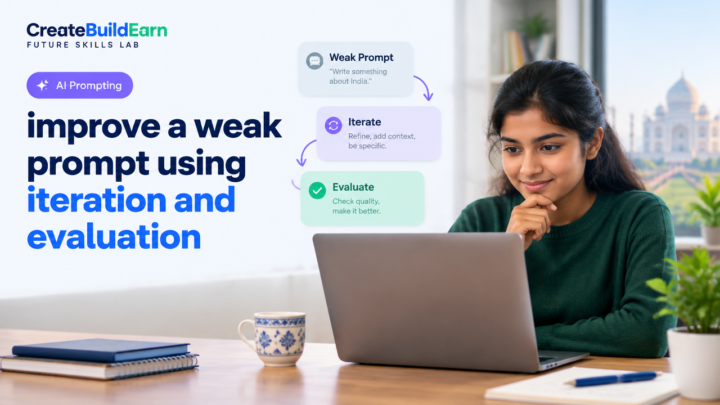
- Run the prompt, read the output, and revise one part at a time.
Worked example: Student summary prompt
We will write a prompt to ask an AI to summarise a short biology text for a classmate.
Step-by-step using the formula:
- Role: ‘You are a high-school biology tutor’.
- Context: ‘The student has just read a 500-word article about photosynthesis and mixed up the light and dark reactions.’
- Task: ‘Explain the difference between light and dark reactions in simple terms and provide a two-sentence study tip.’
- Constraints: ‘Use simple language, max 120 words, no diagrams, safe to share in class (no personal info)’.
Full prompt (combine parts):
‘You are a high-school biology tutor. A student has read a 500-word article about photosynthesis and is mixing up the light and dark reactions. Explain the difference between the light and dark reactions in simple terms and provide a two-sentence study tip. Use simple language, maximum 120 words, no diagrams, and do not include any personal data.’
Why it works: Each part is short and focused. The Role sets tone, Context gives the problem, Task says what output is needed, Constraints keep it usable for a classroom.
Prompt checklist table
| Part | What to include | Example fragment |
|---|---|---|
| Role | Who AI should be | You are a friendly tutor |
| Context | 1–3 facts or background | Student confused about light vs dark reactions |
| Task | Exact output desired | Explain difference + two-sentence tip |
| Constraints | Length, tone, format, safety | Max 120 words, simple language, no personal data |
Try It Now / Mini Project
Project: Create a short social post series (3 posts) that explains a simple coding concept (for example, ‘if statements’).
- Pick Role: ‘You are a friendly coding mentor for beginners.’
- Context: ‘Target audience: 15–18 year olds, know basic HTML but not programming logic.’
- Task: ‘Write three social media post drafts (max 40 words each) that explain if-statements with an everyday example.’
- Constraints: ‘Friendly tone, include one short code snippet per post, avoid platform-specific hashtags, do not use personal data.’
- Run the prompt in your AI tool, then edit the posts for clarity and accuracy.
Deliverable: Save the 3 posts in a document and reflect: Which constraint did you change first to improve results?
Checkpoint: Self-review questions
- Did the prompt include a clear Role? If not, add it and retry.
- Is the Context concise and relevant? Remove extra facts that confuse the AI.
- Is the Task specific (output type and purpose)? If not, specify format (list, paragraph, table).
- Do Constraints prevent unwanted output (length, tone, safety)? Tighten them if needed.
Common mistakes and how to fix them
- Vague task: ‘Tell me about photosynthesis.’ Fix: specify the audience and output format.
- Too much context: Long backstories can confuse the model. Keep to 1–3 essential facts.
- Missing constraints: AI may write very long or off-tone replies. Add limits (word count, tone).
- No safety rules: Never include personal data in prompts. Use the Student AI Privacy Checklist before sharing content.
Review checklist (quick table)
| Role clear? | Yes / No |
| Context concise? | Yes / No |
| Task specific? | Yes / No |
| Constraints applied? | Yes / No |
| Output reviewed for safety? | Yes / No |
Next practice (iterating and improving)
Try these short exercises in order:
- Rewrite the same Task with a different Role (e.g., change ‘tutor’ to ‘exam coach’).
- Keep Role and Task but change Constraints (stricter word limit, formal tone).
- Swap Context facts to see how output adapts.
Links to related learning paths and projects
- Image Prompt Structure — use the same formula for image prompts.
- AI Poster Project Prompt — a project example using role and constraints.
- Build an AI Assisted Study Quiz Project — practice responsible prompt design for study tools.
- Student AI Privacy Checklist — before you upload or share content.
Frequently Asked Questions
What is the simplest prompt I can start with?
Start with a three-sentence prompt: role, one context fact, and the task. Add one short constraint like word limit. This minimal form teaches the parts without overload.
How long should prompts be?
Keep prompts concise. Aim for 20–80 words that cover the four parts. If the task is complex, use a few short paragraphs and break the work into steps.
Can I use this formula for image prompts?
Yes. Replace the Task with ‘generate an image description’ and include visual constraints (style, camera, lighting). See our Image Prompt Structure guide for more detail.
How do I keep prompts private and safe?
Never include personal data. Follow platform rules and the Student AI Privacy Checklist. If your prompt uses private content, anonymise or summarise it before sending.
What if the AI ignores the Constraints?
Make constraints explicit and place them at the end of the prompt. If ignored, shorten the prompt or repeat the constraint. For critical tasks, manually verify outputs.
Should I say ‘You are …’ every time?
Yes, using a clear Role helps set tone and style. For short or repeated tasks you can rely on templates, but include the role at least in your first prompt in a session.
Can I use templates in a classroom or team?
Yes. Create shared templates that include role/context/task/constraints. Teach students to modify only one part at a time to learn prompt effects.
Conclusion
The Role + Context + Task + Constraints formula is a practical, beginner-friendly way to get better results from AI. Use it to write, summarise, plan projects and create learning materials safely. Your next skill to learn: refining prompts into multi-step workflows and turning prompts into reproducible templates — try our Automation vs AI Agent guide to see how prompts fit into larger workflows.
Learn it by building something
Use the guide as a learning checklist, build a small version yourself, test it, explain what you learned and then improve the project.
How this guide was prepared
This guide is prepared for everyday readers using practical research, usability checks and editorial review. Product or tool-specific claims should be verified against current official documentation when needed.
How did you like this article?
Your feedback helps us make our guides more useful.




Join the Discussion
Join the conversation and share a useful tip, question or experience.