
Stop Using the Wrong – Artificial intelligence has become a part of everyday life. From writing and studying to coding, image creation, research, and video editing, there is now an AI tool for almost everything.
But here’s the problem: using the same AI for every task isn’t always the best idea.
Different AI tools have different strengths. Some are excellent at reasoning and conversation, while others specialize in research, coding, images, video, or productivity. Instead of asking, “What is the best AI?”, ask a better question:
“What is the best AI for this task?”
Let’s look at how to choose the right AI for different jobs.
1. Best AI for Everyday Tasks
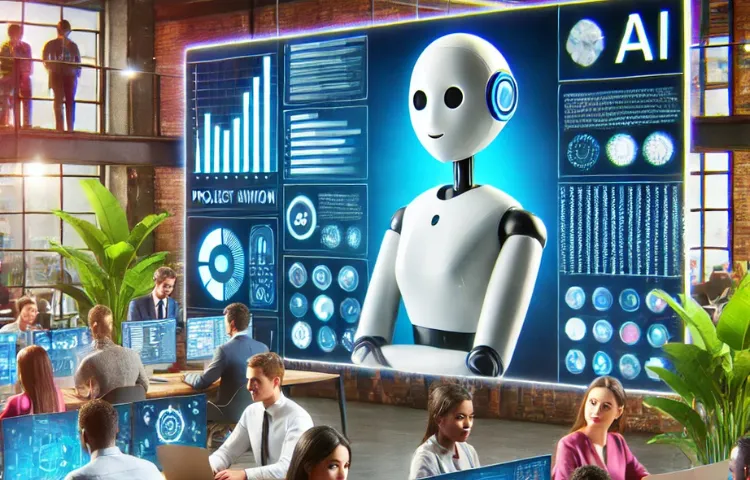
For general questions, brainstorming, explanations, writing, and everyday assistance, a general-purpose AI assistant such as ChatGPT is a great starting point.
You can use it to explain difficult topics, organize ideas, summarize information, create plans, write drafts, and even help with programming.
Its biggest advantage is flexibility. You can start with one question and continue the conversation until you get exactly what you need.

2. Best AI for Research
Research requires current and reliable information. For topics such as technology, news, products, prices, and current events, use an AI that can search the web and provide sources.
A good research workflow is:
Search → Compare sources → Check facts → Summarize
Don’t rely on an AI’s answer alone for important information. Always check the original sources when accuracy matters.
3. Best AI for Coding
For programming, coding-focused AI assistants can be extremely useful. They can write code, explain errors, suggest improvements, generate tests, and help you understand unfamiliar projects.
However, never blindly copy AI-generated code. AI can make programming mistakes or create security problems.
The best approach is:
Ask → Understand → Test → Fix
If you’re learning, ask the AI to explain the problem instead of simply giving you the final code.

4. Best AI for Writing
AI writing tools are useful for blogs, articles, emails, scripts, product descriptions, and social media posts.
But good writing isn’t just about generating thousands of words. A strong article needs accurate information, useful examples, clear organization, and a natural voice.
Give the AI your target audience, topic, tone, and structure. Then edit the result yourself.
Think of AI as your first-draft assistant, not your replacement.

5. Best AI for Studying
AI can work like a personal tutor. You can ask it to explain concepts, create quizzes, make flashcards, give hints, and identify your mistakes.
Instead of asking:
“Give me the answer.”
try:
“Give me a hint and help me solve it myself.”
This makes AI much more useful for learning.

6. Best AI for Images
When you need artwork, illustrations, concept art, thumbnails, or creative visuals, use an image-generation AI.
Better prompts usually describe the subject, environment, lighting, composition, mood, and style.
Instead of saying “a cool castle,” you could describe the castle, its surroundings, the time of day, camera angle, and atmosphere.
The more specific your visual goal, the better your chances of getting a useful result.

7. Best AI for Video and Audio
AI video tools can create short clips, animations, backgrounds, and visual effects. AI voice tools can help with narration and voice-overs.
These tools are particularly useful for content creators.
However, AI-generated video can sometimes contain strange movements or inconsistent details. AI voice technology should also be used responsibly, especially when dealing with real people’s voices.
8. Best AI for Presentations and Documents
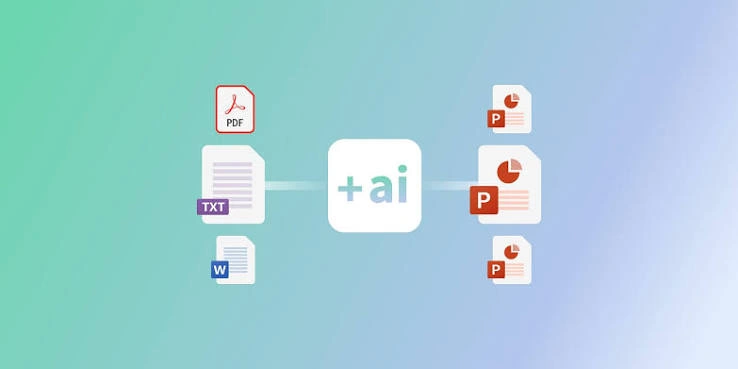
AI presentation tools can help create slide structures, speaker notes, layouts, and visual ideas.
Document-focused AI tools are useful for analyzing long PDFs, reports, manuals, and notes.
Instead of spending hours searching through a large document, you can ask questions about its contents and quickly identify important sections.
Still, check the original document when the information is important.
9. Best AI for Data Analysis
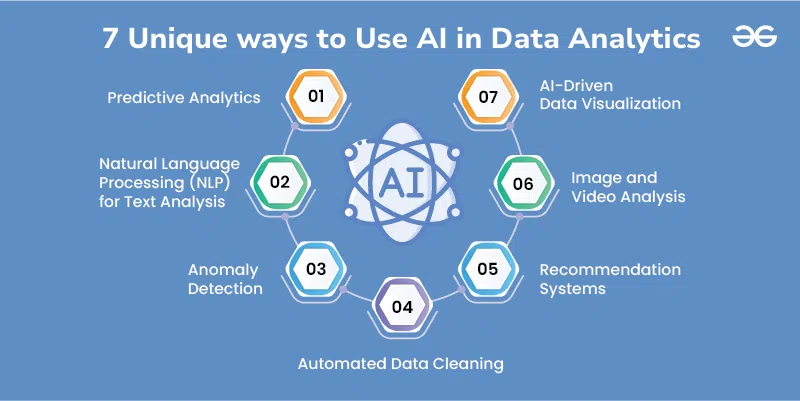
If you’re working with spreadsheets or large datasets, AI-powered data-analysis tools can help identify trends, summarize information, create charts, and explain patterns.
For example, instead of manually examining hundreds of rows, you could ask AI to identify the biggest changes or unusual values.
But always verify important calculations.
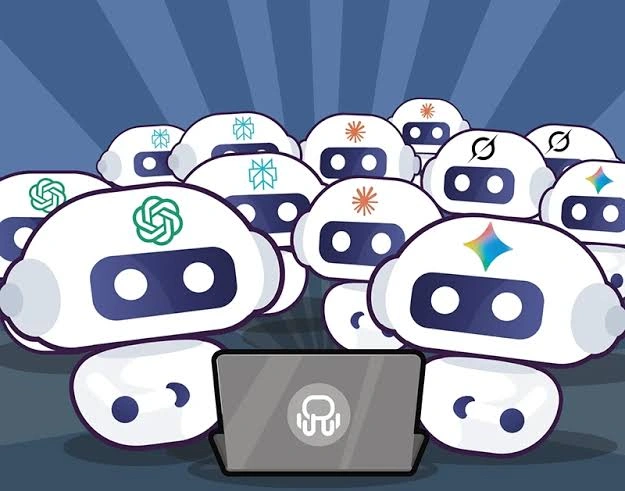
10. The Best Strategy: Use Multiple AI Tools
The biggest mistake is believing that one AI must do everything.
Imagine you’re creating a YouTube video. You could use:
Research AI for information
Writing AI for the script
Image AI for visuals
Video AI for clips
Voice AI for narration
Design AI for thumbnails
This is often much more effective than forcing one AI to handle every part of the project.
Final Thoughts
There is no single AI that is perfect for every task.
The smartest approach is to choose your tool based on what you actually need.
Use general AI for everyday tasks, research AI for current information, coding AI for programming, image AI for visuals, video AI for video creation, and specialized tools for documents and data.
Most importantly, remember that AI is a tool, not an unquestionable authority. Check important information, review generated content, and use your own judgment.
So the next time you start a task, don’t automatically open the same AI.
Ask yourself:
“What is the right AI for this job?”
That simple question can help you save time, get better results, and make much smarter use of artificial intelligence.
How this guide was prepared
This guide is prepared for everyday readers using practical research, usability checks and editorial review. Product or tool-specific claims should be verified against current official documentation when needed.
How did you like this article?
Your feedback helps us make our guides more useful.


Join the Discussion
Join the conversation and share a useful tip, question or experience.