
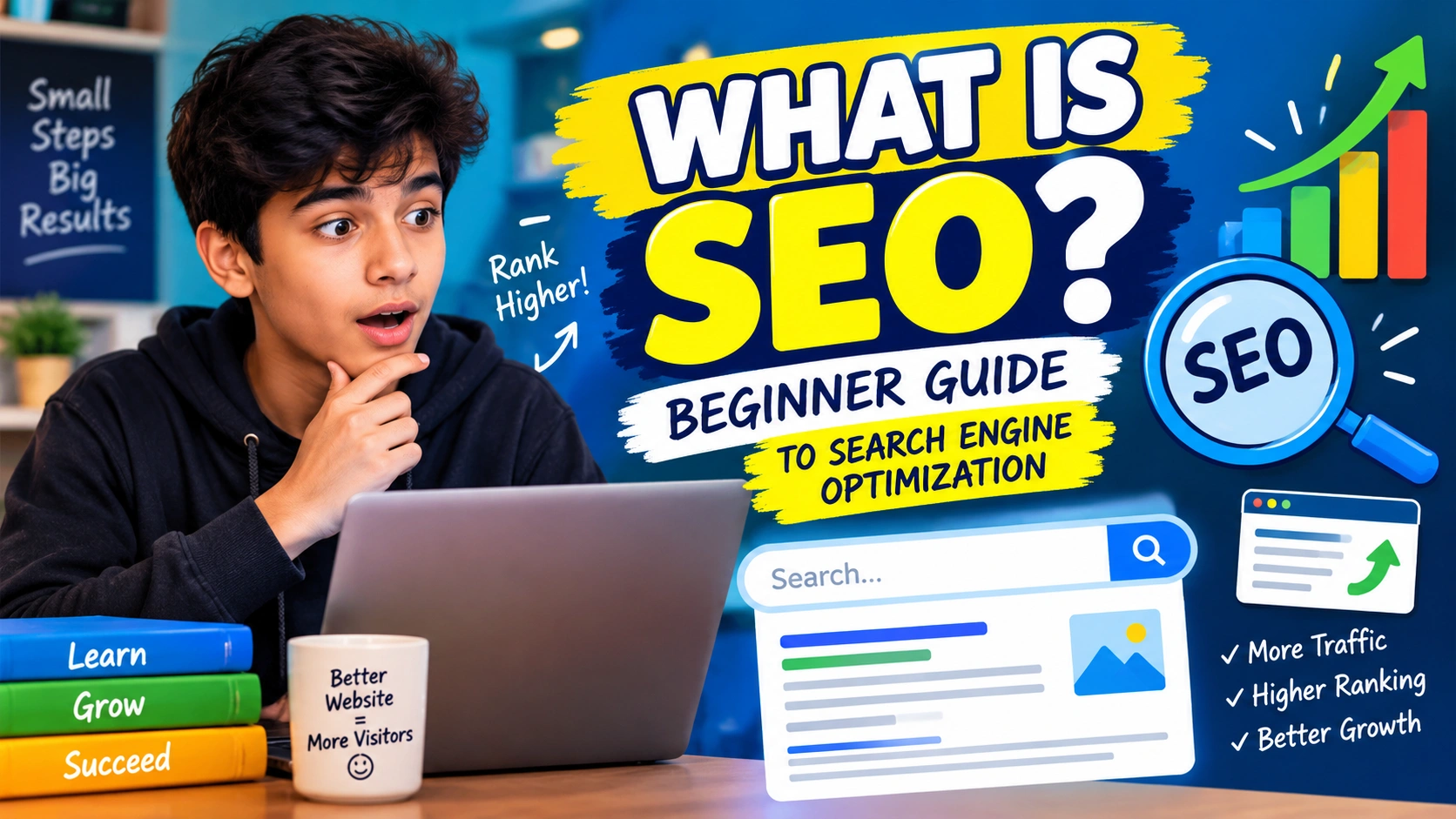
Have you ever searched something on Google and wondered why some websites appear at the top while others are far down the page? I used to wonder about that too. Then I learned about SEO, and suddenly the whole thing started making more sense.
SEO stands for Search Engine Optimization. It is a way of improving a website so search engines can understand it better and people can find it more easily.
In simple words, SEO helps the right people find the right website through search.
If you have a blog, website, online store, news site, or even a personal project, learning SEO can be really useful. You do not need to be a computer expert to understand it. You can start with a few simple ideas and learn more as you go.
In this beginner guide, I will explain what is SEO, how it works, why it matters, the main types of SEO, keywords, backlinks, technical SEO, and some easy SEO tips for beginners.
“Good SEO is not about tricking search engines. It is about helping people find useful information.”
What Is SEO?
So, what is SEO exactly?
SEO means Search Engine Optimization. It is the process of making a website and its content easier for search engines to find, understand, and show to people searching for related information.
For example, imagine you write a blog post about easy chocolate cake recipes.
Someone searches Google for:
“easy chocolate cake recipe”
If your article is useful, clear, well organized, and properly optimized, it may have a chance to appear in the search results.
SEO does not mean you can simply press a button and become number one on Google. There is no magic button like that. Search engines look at many different things when deciding which pages are useful for a search.
Google itself explains that SEO helps search engines understand your content and helps users find your website through search.
Why Is SEO Important?
Imagine you open a small shop but nobody knows where it is.
You may have great products, but if people cannot find your shop, you will not get many visitors.
A website can be similar.
You may write an amazing article, but if people cannot discover it, it may receive very few visitors.
This is where SEO can help.
Good SEO can help your website:
- Get discovered through search
- Bring more visitors
- Reach people who are interested in your topic
- Build trust over time
- Improve the overall website experience
- Help search engines understand your pages
SEO is especially useful for bloggers because search traffic can bring visitors to old articles long after they are published.
But remember, SEO takes time. Search engines do not promise that every page will rank highly, and changes can take weeks or even months to show noticeable results.
How Do Search Engines Work?
Before learning SEO, it helps to understand what a search engine does.
Think of a search engine as a giant library.
There are billions of pages on the internet. Search engines need to discover those pages, understand them, store information about them, and decide which pages may be useful when someone searches.
There are three simple ideas to remember:
Crawling: Search engines discover webpages.
Indexing: Search engines store and understand information about webpages.
Ranking: Search engines decide which pages are most useful for a particular search.
Google uses automated programs called crawlers to explore websites and discover pages.
So when you publish a new blog post, you are not instantly guaranteed a top position. The search engine still needs to discover and understand the page.
What Is Organic Search?
You may hear the word organic traffic when learning SEO.
Organic traffic means visitors who reach your website through unpaid search results.
For example, if someone searches:
“best study tips for students”
and clicks your article from the normal search results, that is organic traffic.
This is different from paid advertising, where a business pays for an advertisement to appear.
SEO mainly focuses on improving your visibility in unpaid search results.
The Main Types of SEO
There are different parts of SEO. At first, the names may sound confusing, but they are actually easier to understand than they look.
The main areas include:
- On-page SEO
- Technical SEO
- Off-page SEO
- Local SEO
- Content SEO
Let’s look at them one by one.
1. On-Page SEO
On-page SEO means improving things on your own webpage.
This includes your:
- Page title
- Headings
- Content
- Keywords
- Images
- Internal links
- URLs
- Meta description
- Content structure
For example, if your article is about beginner gardening, your title should clearly tell readers what the article is about.
Instead of writing:
“Things I Learned Last Weekend”
you could write:
“Beginner Gardening Tips for Growing Plants at Home”
The second title is much clearer.
Good headings also make an article easier to read. Google recommends organizing content with useful headings and making pages easy for people to understand.
2. Technical SEO
Technical SEO sounds difficult, but the basic idea is simple.
It is about making sure your website can be properly accessed and understood by search engines.
Some technical SEO areas include:
- Website speed
- Mobile friendliness
- Website structure
- Secure HTTPS connection
- XML sitemap
- Crawlability
- Indexing
- Broken links
- Page experience
You do not need to become a programmer to start learning technical SEO.
Many website platforms and SEO plugins can help with basic tasks.
Still, it is useful to understand what these things mean.
A website that loads properly and works well on phones gives visitors a much better experience.
3. Off-Page SEO
Off-page SEO means activities that happen outside your own website that can help build your website’s reputation and visibility.
One common part of off-page SEO is backlinks.
A backlink is a link from another website to your website.
For example, imagine you write an excellent article about photography. Another website finds it useful and links to your article.
That link can help people discover your content and may also provide a useful signal about your website.
But not every backlink is equally useful.
It is better to focus on natural, relevant links instead of trying to collect hundreds of random links.
4. Local SEO
Local SEO is especially useful for businesses that serve a particular area.
For example:
- Restaurants
- Doctors
- Salons
- Repair shops
- Local stores
- Tuition centers
Imagine someone searches:
“pizza restaurant near me”
A local business wants its information to appear when people nearby are searching.
Local SEO can involve business information, location details, reviews, website content, and other signals that help people discover a local business.
5. Content SEO
Content is one of the biggest parts of SEO.
If you want people to visit your website, you need something useful for them to read, watch, or use.
Good SEO content should answer the reader’s question.
For example, if someone searches:
“how to clean a laptop screen”
they probably want simple instructions.
If your article spends five paragraphs talking about something unrelated before answering the question, the reader may leave.
Google recommends creating useful, unique, easy-to-read, people-first content.
What Are Keywords?
Keywords are words or phrases people type into search engines.
For example:
- what is seo
- easy dinner recipes
- best study tips
- how to start a blog
- beginner photography tips
If you are writing an article about SEO, “what is SEO” is an important keyword for the article.
But there is one important thing to understand.
You should not repeat the same keyword again and again just to make a search engine notice it.
That can make your article sound strange.
Instead, use the keyword naturally where it makes sense.
What Is Keyword Research?
Keyword research means finding out what people are searching for.
Let’s say you want to start a website about gaming.
You might think people search for:
“gaming information”
But you could discover that people actually search for things like:
“best games for low end PC”
“how to improve FPS”
“Minecraft beginner tips”
These specific phrases can give you ideas for useful articles.
Keyword research is basically about understanding what your audience wants to know.
You do not need to make every article about a huge keyword. Sometimes a smaller and more specific topic can be a great starting point.
Search Intent Is Important
Search intent means the reason behind someone’s search.
This is something I think beginners should understand early.
Suppose someone searches:
“buy gaming mouse”
They may be looking for products.
But if someone searches:
“how does a gaming mouse work”
they probably want information.
These are two different intentions.
If you understand search intent, you can create content that better matches what people actually want.
Read More: How to Start a Blog: A Beginner Road map
What Is a Meta Description?
A meta description is a short description that can appear below a webpage title in search results.
For example, an article about SEO might have a description like:
“Learn what SEO means, how search engines work, and simple SEO tips for beginners.”
A good description gives people an idea of what they will find on the page.
Search engines may sometimes use the meta description when creating a search-result snippet, although they can also create the snippet from the page’s content.
What Are Headings in SEO?
Headings help organize your content.
Your main article title is normally the H1.
Then you can use H2 headings for major sections and H3 headings for smaller sections.
For example:
H1: What Is SEO?
H2: Why Is SEO Important?
H2: How Does SEO Work?
H3: What Are Keywords?
H3: What Are Backlinks?
You don’t need to put keywords into every heading.
Headings should mainly help readers understand and move through your article.
Why Internal Links Matter
Internal links are links from one page of your website to another page on the same website.
Imagine you write an article called:
“Beginner Guide to Blogging”
Inside it, you have another article about:
“How to Choose a Blog Topic”
You can link to that related article.
This helps readers discover more of your content.
It can also help search engines discover pages on your website. Google notes that links are an important way pages can be discovered.
What Are Backlinks?
A backlink is a link from another website to your website.
Think about it like a recommendation.
If a website you trust links to a useful article, you may become more interested in visiting it.
Backlinks can be helpful for SEO, but trying to get links from anywhere and everywhere is not a good plan.
The better idea is to create useful content that other people genuinely want to reference.
SEO and Website Speed
Nobody likes waiting forever for a webpage to load.
If your website is slow, visitors may leave before reading your content.
Website speed is therefore an important part of creating a good website experience.
You should try to:
- Compress large images
- Avoid unnecessary plugins
- Use a good hosting service
- Keep your website design simple
- Remove things that make pages unnecessarily heavy
A simple website that loads properly can be better than a website packed with fancy effects.
SEO for Mobile Phones
Today, many people browse websites on phones.
So your website should work properly on smaller screens.
Check whether:
- Text is easy to read
- Buttons are easy to tap
- Images fit the screen
- Menus work correctly
- Pages load properly
- Visitors do not have to zoom in all the time
If your website looks great on a computer but terrible on a phone, that is a problem.
SEO Does Not Mean Keyword Stuffing
One common beginner mistake is keyword stuffing.
Keyword stuffing means putting the same keyword into your content too many times.
For example:
“What is SEO? SEO is important. What is SEO means understanding SEO. SEO helps SEO websites with SEO…”
That sounds terrible.
Nobody wants to read it.
Instead, write naturally.
Use your main keyword where it fits, and talk about related ideas naturally.
Search engines have become much better at understanding language and topics, so you do not need to repeat the exact same phrase constantly.
A Simple SEO Checklist for Beginners
If you are just starting, do not try to learn everything at once.
Start with this simple checklist:
| SEO Task | What It Means | Why It Helps |
|---|---|---|
| Choose a topic | Decide what your page is about | Keeps the article focused |
| Find keywords | Learn what people search for | Helps match your content to searches |
| Write useful content | Answer the reader’s question | Gives visitors a reason to stay |
| Create a clear title | Explain the page topic | Helps readers understand the page |
| Use headings | Break content into sections | Makes reading easier |
| Add internal links | Link related pages | Helps visitors explore your site |
| Optimize images | Use useful, suitable images | Improves page experience |
| Improve speed | Make pages load efficiently | Helps visitors use the website |
| Check mobile design | Make pages phone-friendly | Helps mobile visitors |
| Update old content | Keep information useful | Keeps articles fresh |
Simple SEO Tips I Would Give a Beginner
If I were starting SEO today, I would keep things simple.
1. Write for people first
Do not write an article only because you want Google traffic.
Write because you want to help someone.
2. Pick topics you understand
It is much easier to write useful content when you understand the subject.
3. Don’t copy other websites
Create your own explanations, examples, and ideas.
Google recommends unique and useful content instead of copied or lightly changed material.
4. Make your titles clear
A reader should understand the topic from the title.
5. Use simple language
You don’t need complicated words to sound professional.
Simple writing can be easier for everyone to understand.
6. Add useful internal links
If you have another article that can help the reader, link to it.
7. Be patient
This is probably one of the hardest parts.
You may publish an article today and see almost nothing happen tomorrow.
That does not automatically mean your article failed.
SEO can take time.
Common SEO Mistakes Beginners Make
Here are some mistakes I would try to avoid.
Trying to rank for everything: One website cannot be the best answer for every topic.
Writing only for search engines: Your readers are real people, not robots.
Using keywords too much: Keywords should sound natural.
Copying content: Your website should offer something useful and original.
Ignoring mobile users: Many people browse on phones.
Making very long articles with no useful information: More words do not automatically mean better content.
Expecting instant results: SEO usually takes time.
How Long Does SEO Take?
This is a question almost every beginner asks.
The honest answer is: there is no single fixed time.
Some changes can show effects fairly quickly. Other changes may take much longer.
Google says some changes can take hours while others can take several months, and it often makes sense to wait a few weeks before judging whether an SEO change helped.
So don’t publish one article and expect it to become number one immediately.
Keep improving.
Keep learning.
Keep writing useful content.
Can Beginners Learn SEO?
Yes.
You don’t need to be an SEO expert before you start.
You can learn one thing at a time.
First learn what SEO means.
Then learn keywords.
Then learn how to write good titles.
After that, learn internal links, technical SEO, backlinks, and analytics.
The more you practice, the easier these words become.
“You don’t have to know everything about SEO on day one. You just need to keep learning.”
Important SEO Terms to Remember
Here is a quick table you can save:
| SEO Term | Simple Meaning |
|---|---|
| SEO | Improving a website for search visibility |
| Search Engine | A service that helps people find information online |
| Keyword | A word or phrase people search for |
| Organic Traffic | Visitors coming from unpaid search results |
| SERP | Search Engine Results Page |
| On-Page SEO | SEO improvements made on your webpage |
| Technical SEO | Improvements that help search engines access and understand your website |
| Off-Page SEO | Activities outside your website that can build visibility and reputation |
| Backlink | A link from another website to your website |
| Internal Link | A link from one page of your website to another |
| Meta Description | A short description that may appear in search results |
| Search Intent | The reason behind a person’s search |
| Sitemap | A file that helps search engines discover website URLs |
What Is SEO? Quick Answer
If someone asks you “what is SEO?”, you can give them this simple answer:
SEO is the process of improving a website so search engines can understand it better and people can find it through unpaid search results.
That is the basic idea.
You do not need to make it more complicated than that when you are just starting.
Frequently Asked Questions About SEO
1. What is SEO in simple words?
SEO means improving a website so search engines can understand it and people can find it more easily through search results.
2. Is SEO free?
SEO itself does not require you to pay a search engine for every visitor. However, SEO can take time, effort, tools, content work, and sometimes professional services.
3. How long does SEO take?
There is no fixed answer. Some changes can have an effect quickly, while others can take weeks or months. It depends on the website, competition, content, and many other factors.
4. Do I need coding to learn SEO?
No. You can learn many SEO basics without knowing how to code. Basic technical knowledge can become useful later, especially when working with more advanced website problems.
5. Is SEO still useful for blogs?
Yes. SEO can help blog posts get discovered when people search for information related to your topics. But good SEO should focus on useful content and a good experience for readers, not just rankings.
Conclusion
Learning what is SEO does not have to be scary.
At first, words like keywords, backlinks, indexing, crawling, technical SEO, and search intent may sound like a different language. But once you understand the basic ideas, SEO becomes much easier.
The main thing I would remember is this:
Make your website useful for people first.
Write answers that people actually want. Use clear titles and headings. Make your website easy to use. Link related pages. Keep your information useful and updated. Give search engines enough information to understand your content.
And most importantly, don’t expect instant results.
SEO is more like growing a plant than pressing a button. You put in the work, take care of it, and give it time.
If you are a beginner, start small. Learn one SEO idea today and try it on your next article.
That is how you slowly become better.
SEO is not magic. It is a skill you can learn, practice, and improve.
Want a professional website designed for your business or blog?
Visit eDigitalized for website design and development services.
Need help or support?
Visit our Contact Us page and get in touch with us.
Want to become a blogger and start your own blog?
Visit WP Bazaar for blogging resources, tools, and helpful guides.
How this guide was prepared
This guide is prepared for everyday readers using practical research, usability checks and editorial review. Product or tool-specific claims should be verified against current official documentation when needed.
How did you like this article?
Your feedback helps us make our guides more useful.


Join the Discussion
Join the conversation and share a useful tip, question or experience.