
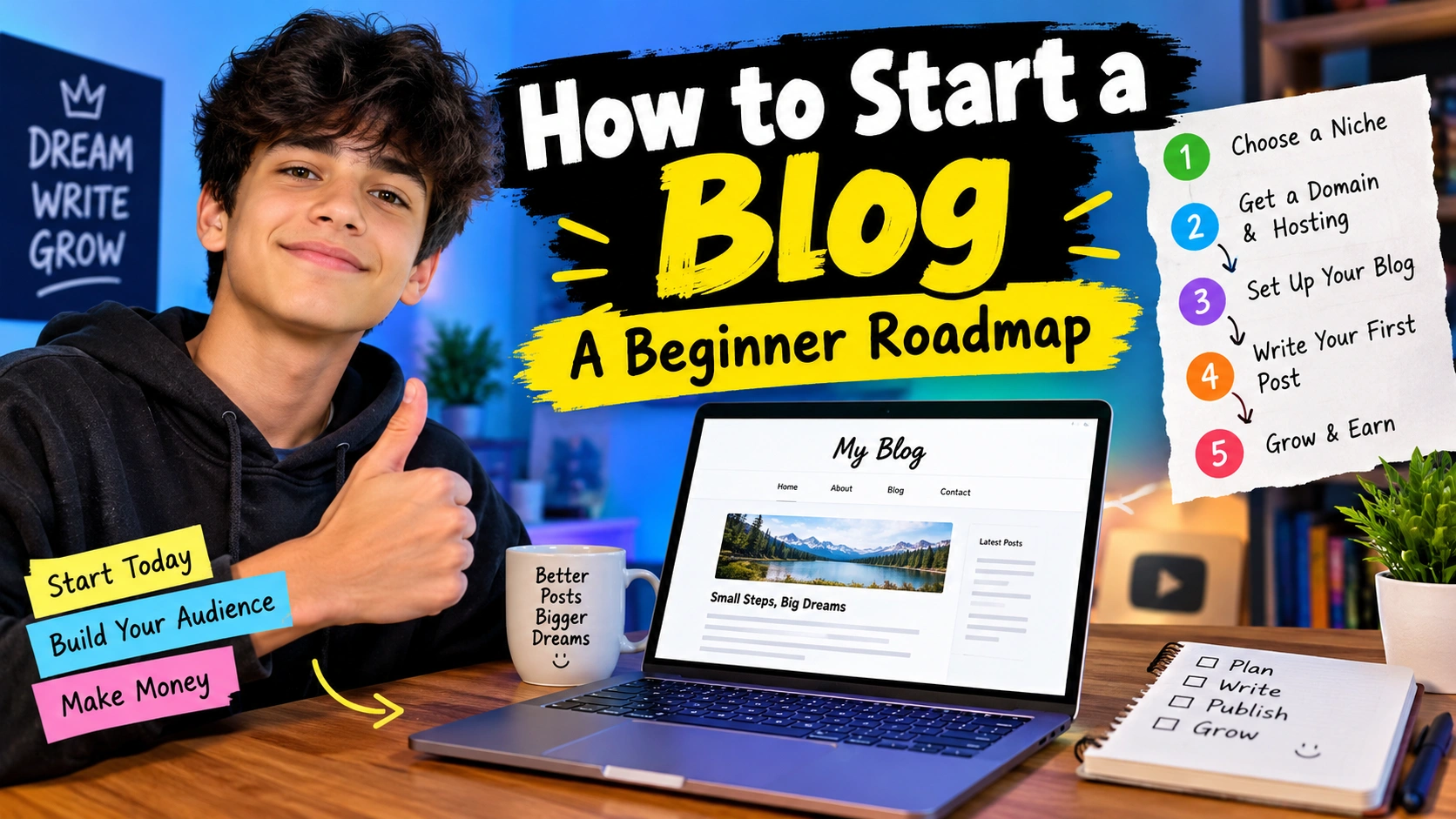
Starting a blog can feel exciting and confusing at the same time. You may have an idea in your mind, but then many questions start coming up. What should I write about? Which platform should I use? How do I get people to read my blog? Can I make money from it?
I had the same kind of questions when I first learned about blogging. At first, blogging looked like something only professional writers could do. But later I understood that you do not need to be a perfect writer to start. You just need an idea, some patience, and the courage to begin.
If you are searching for how to start a blog, this beginner roadmap can help you understand the process without making it too complicated.
“You do not have to be perfect to start. You just have to start.”
A blog can be about almost anything. You can write about gaming, technology, cooking, books, travel, study tips, hobbies, sports, home ideas, or something you know really well.
The most important thing is to choose something you actually enjoy.
What Is a Blog?
A blog is a website where you regularly publish articles or posts. These posts can teach something, answer questions, share experiences, or simply entertain people.
For example, if you love gaming, you could create a gaming blog and write about game guides, beginner tips, updates, settings, and your own experiences.
If you love cooking, you could create a food blog and share recipes and kitchen tips.
So, a blog is basically your own space on the internet where you can share useful information with other people.
You do not need to know complicated coding to start one. Many blogging platforms make it possible to create and manage a blog using simple tools.
Why Should You Start a Blog?
There are many reasons why someone might want to start blogging.
You can start a blog because you enjoy writing. You can also use it to share your knowledge or build something of your own.
Here are some common reasons:
- Share your ideas
- Teach other people
- Build writing skills
- Create an online presence
- Share your hobbies
- Build an audience
- Learn about websites and SEO
- Create something you can be proud of
- Potentially earn money in the future
For me, one of the best things about blogging is that you keep learning.
When you write about a topic, you often learn more about that topic yourself.
Read More: Graphic Design Basics: A Beginner Guide
Step 1: Choose Your Blog Topic
The first big step in learning how to start a blog is choosing your topic.
This is also called your niche.
Your niche simply means the main subject your blog will focus on.
For example:
- Gaming
- Technology
- Home cleaning
- Recipes
- Education
- Travel
- Books
- Gardening
- Fitness
- DIY projects
- Personal development
- Movies and entertainment
Try not to choose a topic only because you think it can make money.
If you hate the topic, you may get bored after writing five or ten posts.
Instead, ask yourself:
What do I enjoy talking about?
What do I know about?
What would I like to learn more about?
Can I think of many article ideas about this topic?
If you can answer these questions, you are already moving in the right direction.
Step 2: Pick a Good Blog Name
After choosing your topic, you need a name for your blog.
Your blog name should be easy to remember and easy to type.
For example, if your blog is about gaming, you could choose a short and creative name related to gaming.
Try to avoid names that are extremely long or difficult to spell.
A good name should be:
- Short
- Easy to remember
- Easy to type
- Related to your topic
- Simple to pronounce
- Different from other websites
Do not spend weeks trying to find the “perfect” name.
Sometimes a simple name is better than a complicated one.
“A good blog name helps people remember you, but good content gives them a reason to return.”
Step 3: Choose Your Blogging Platform
Now you need a place where you can create your blog.
A blogging platform gives you tools to write posts, add images, create pages, and manage your website.
There are free options and paid options.
A free platform can be useful if you simply want to learn blogging and see whether you enjoy it.
If you want more control over your website, you may eventually choose a self-hosted setup.
The important thing is not to spend too much time worrying about this in the beginning.
Choose an option that you understand and can manage.
Simple Blogging Setup
| Thing | What It Means | Why You Need It |
|---|---|---|
| Blog Name | Name of your website | Helps people remember you |
| Domain | Your website address | Gives your blog its online address |
| Hosting | Space for your website | Stores your website files |
| Blogging Platform | Tool for managing posts | Helps you create and publish content |
| Theme | Website design | Makes your blog look better |
| Blog Posts | Your articles | Give readers useful information |
| Images | Visual content | Makes posts easier to read |
| SEO | Search optimization | Helps people discover your content |
Step 4: Get Your Domain
A domain is the address people type to visit your website.
For example, a website could have an address like:
example.com
Try to choose a domain that matches your blog name.
Keep it simple.
Avoid adding lots of numbers, strange symbols, or words that are difficult to spell.
Before choosing a domain, check whether the name is available and whether another brand is already using a very similar name.
Step 5: Set Up Your Blog
Once you have chosen your platform and domain, it is time to set up your blog.
This is where you choose the basic appearance of your website.
Do not worry about making your website look extremely fancy.
A clean and simple design is usually better for beginners.
Make sure your visitors can easily find:
- Home
- Blog
- About
- Contact
- Privacy Policy
Your website should also be easy to use on a phone because many people read blogs on mobile devices.
Step 6: Create Important Pages
Before publishing lots of articles, create some basic pages.
About Page
Tell readers what your blog is about and why you created it.
You do not need to write a huge story.
Just explain what visitors can expect from your website.
Contact Page
Give readers a way to contact you.
Depending on your website, this could be through a contact form or another suitable method.
Privacy Policy
A privacy policy explains how your website handles visitor information.
If you plan to use advertising, analytics, email forms, or other services, this page can become especially important.
Step 7: Plan Your First Blog Posts
Now comes the fun part.
You need to decide what you are going to write.
Do not publish random articles just because you want to fill your website.
Think about what your readers actually want to know.
For example, if your blog is about gaming, you could write:
- Beginner guides
- Game settings
- Tips and tricks
- Game comparisons
- Beginner mistakes
- Game updates
- Helpful tutorials
Make a list of at least 20 to 30 possible article ideas.
This will make blogging much easier because you will not have to think of a new topic every time you sit down to write.
Step 8: Learn Basic Keyword Research
If you want people to find your blog through search engines, you should understand keywords.
A keyword is simply a word or phrase people search for.
For example:
how to start a blog
is a keyword.
Someone searching that phrase probably wants information about starting a blog.
You can use keywords naturally in your title, headings, and content.
But do not repeat the same keyword again and again.
That can make your writing look strange.
Instead, write for real people first.
“Write for people first and search engines second.”
If your article is genuinely useful, easy to read, and answers the reader’s question, you are already doing something important.
Step 9: Write Your First Blog Post
Your first post does not need to be perfect.
In fact, it probably will not be perfect.
That is completely normal.
Start with a simple introduction.
Tell readers what they will learn from the article.
Then break the article into smaller sections using headings.
Keep paragraphs reasonably short.
Use examples when they help.
Add images when they make the topic easier to understand.
At the end, give the reader a useful conclusion.
Most importantly, do not copy another person’s article.
Your blog should have your own words, ideas, experiences, examples, and explanations.
Step 10: Make Your Articles Easy to Read
Nobody likes opening a huge wall of text.
Even if your information is good, people may leave if the article is difficult to read.
You can make your posts easier by using:
- Short paragraphs
- Clear headings
- Bullet points
- Simple language
- Useful examples
- Tables when needed
- Images
- Bold text for important points
Do not make every sentence bold.
Use bold text only when you want something important to stand out.
Step 11: Learn Basic SEO
SEO means Search Engine Optimization.
It sounds complicated, but beginners can start with some simple habits.
Try to:
- Use a clear title
- Understand what your reader is searching for
- Use useful headings
- Write helpful content
- Create descriptive URLs
- Add useful internal links
- Use images properly
- Keep your website easy to navigate
- Update old articles when needed
SEO is not a magic button.
You cannot publish one article today and expect thousands of visitors tomorrow.
It takes time.
Step 12: Be Patient With Traffic
This is one of the hardest lessons for a new blogger.
You may publish your first article and then keep checking your website statistics.
Maybe you get five visitors.
Maybe you get ten.
Maybe you get zero.
Do not immediately think your blog has failed.
Every blog starts somewhere.
Instead of only thinking about traffic, focus on improving your content.
Ask yourself:
Did I answer the reader’s question?
Can I make this article easier to understand?
Can I add a better example?
Can I make the title clearer?
Small improvements can make a big difference over time.
Step 13: Promote Your Blog
Writing articles is only one part of blogging.
You also need to let people know your blog exists.
You can share your articles through places where you are allowed to post them.
For example, you could share a useful article with people who are already interested in the topic.
But do not spam links everywhere.
Nobody likes getting the same link again and again.
Instead, focus on helping people.
If your article solves a real problem, people may naturally become interested in your other posts.
Step 14: Create a Simple Blogging Schedule
You do not need to publish ten articles every day.
That would be difficult for most beginners.
Instead, create a schedule that you can actually follow.
For example:
| Day | Task |
|---|---|
| Monday | Find article ideas |
| Tuesday | Research and make an outline |
| Wednesday | Write the article |
| Thursday | Edit and add images |
| Friday | Publish the article |
| Saturday | Promote the article |
| Sunday | Plan the next post |
You can change this schedule based on your school, work, hobbies, or free time.
The important thing is consistency.
Can a Beginner Make Money From a Blog?
Yes, a blog can eventually make money, but you should not expect instant results.
There are different ways blogs can earn money, such as advertising, affiliate marketing, selling digital products, memberships, services, or other suitable methods.
But money should not be your only goal at the beginning.
First build something useful.
Get better at writing.
Learn what your readers like.
Learn how websites work.
Build trust.
Then think about monetization.
A blog with no useful content will have a hard time making money.
Common Blogging Mistakes Beginners Should Avoid
Starting a blog is exciting, but there are some mistakes you should try to avoid.
1. Choosing a Topic You Do Not Like
If you choose a topic only because someone says it is profitable, you may lose interest quickly.
2. Copying Other Blogs
Do not copy someone else’s articles.
Learn from other websites, but create your own content.
3. Trying to Make the Website Perfect
You can spend days choosing colors and fonts.
But remember that your readers came for your content.
A simple website with useful articles is better than a beautiful website with nothing helpful to read.
4. Giving Up Too Early
This is probably the biggest mistake.
Your first few articles may not get much attention.
That does not mean you should stop.
Keep learning and improving.
5. Using Too Many Keywords
Keywords are useful, but your article should still sound natural.
Do not turn every paragraph into a list of repeated search phrases.
A Simple 30-Day Beginner Blogging Roadmap
If you are completely new, here is a simple plan you can follow.
Week 1: Plan
Choose your topic.
Think about your audience.
Choose a blog name.
Write down 20 to 30 article ideas.
Week 2: Build
Choose your blogging platform.
Set up your domain and website.
Choose a clean design.
Create your important pages.
Week 3: Write
Write your first two or three articles.
Edit them carefully.
Add helpful headings, images, and links.
Week 4: Publish and Learn
Publish your articles.
Share them in suitable places.
Check how people are using your website.
Start planning your next articles.
Do not worry if everything is not perfect.
You are learning.
Quick Checklist Before Starting Your Blog
Use this checklist when you are ready:
| Task | Done? |
|---|---|
| Choose a blog topic | ☐ |
| Choose a blog name | ☐ |
| Check your domain | ☐ |
| Choose a blogging platform | ☐ |
| Set up your website | ☐ |
| Choose a simple design | ☐ |
| Create About page | ☐ |
| Create Contact page | ☐ |
| Create Privacy Policy | ☐ |
| Plan 20+ article ideas | ☐ |
| Write your first article | ☐ |
| Learn basic SEO | ☐ |
| Publish your first post | ☐ |
| Create a posting schedule | ☐ |
| Keep learning | ☐ |
FAQ for How to Start a Blog
1. Can I start a blog as a beginner?
Yes. You do not need to be an expert to start. You can learn blogging step by step while you build your website.
2. How much money do I need to start a blog?
It depends on the setup you choose. Some platforms allow you to begin for free, while a more complete website may require money for a domain and hosting.
3. What should I write about on my blog?
Choose a topic you enjoy, understand, or want to learn more about. Make sure you can think of many useful topics related to it.
4. How long does it take for a blog to get visitors?
There is no fixed answer. Some websites grow faster than others. It can take time to build useful content, gain trust, and attract regular visitors.
5. Can I make money from blogging?
Yes, blogging can become a source of income, but it usually takes time and effort. Focus on creating useful content and building an audience before expecting big results.
Conclusion
Learning how to start a blog may look difficult when you see everything at once. But when you break it into small steps, it becomes much easier.
First, choose your topic.
Then choose a name.
Set up your website.
Create useful pages.
Plan your articles.
Write helpful content.
Learn basic SEO.
Publish regularly.
Keep improving.
That is your basic blogging roadmap.
Do not worry if your first article is not amazing. Your first design may not be perfect either. That is okay.
Every experienced blogger was once a beginner.
The biggest difference is that they started.
So if you have been thinking about starting a blog for a long time, maybe today is a good day to take that first small step.
“Your first blog post does not need to change the internet. It just needs to exist.”
Start small, learn as you go, and keep creating.
Want a professional website designed for your business or blog?
Visit eDigitalized for website design and development services.
Need help or support?
Visit our Contact Us page and get in touch with us.
Want to become a blogger and start your own blog?
Visit WP Bazaar for blogging resources, tools, and helpful guides.
How this guide was prepared
This guide is prepared for everyday readers using practical research, usability checks and editorial review. Product or tool-specific claims should be verified against current official documentation when needed.
How did you like this article?
Your feedback helps us make our guides more useful.


Join the Discussion
Join the conversation and share a useful tip, question or experience.