
Quick Start
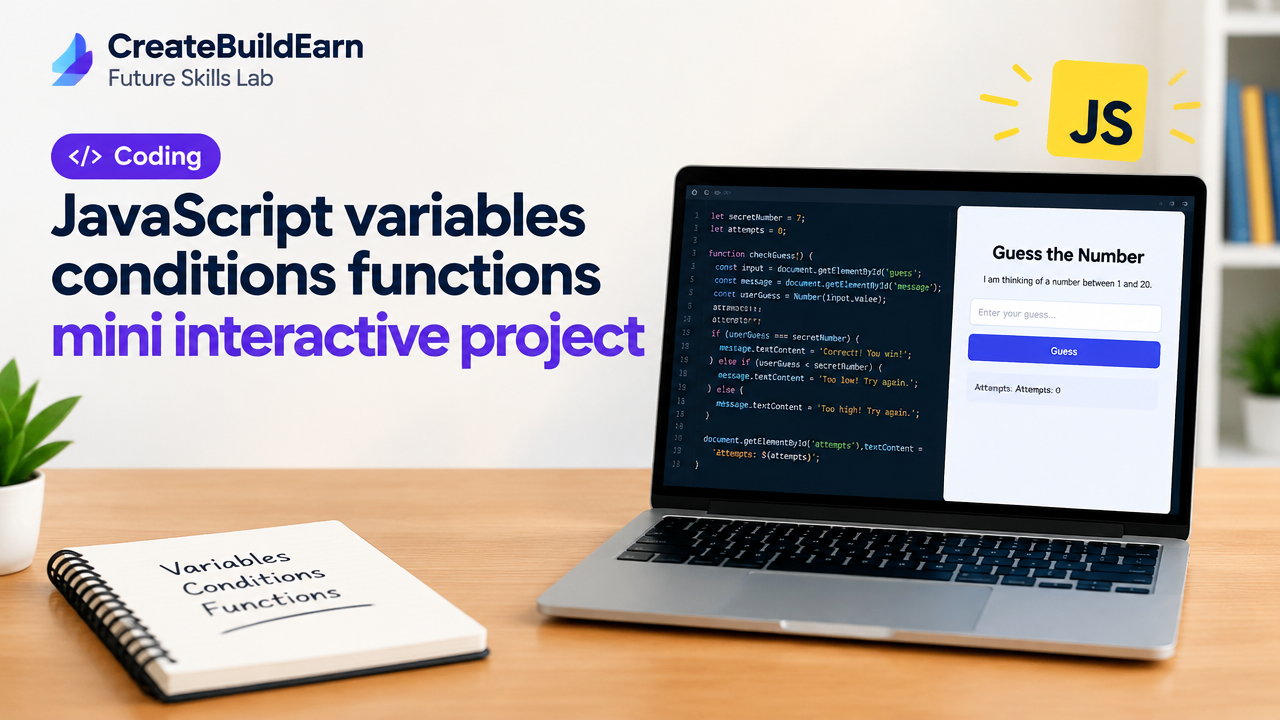
What you will learn/build: Use JavaScript variables, if/else conditions and functions to build a small interactive “Guess the Number” game that runs in a browser.
Skill level: Beginner (no prior JavaScript required, basic HTML helpful)
Time needed: 45–90 minutes (depending on practice)
What you need: A text editor (VS Code, Notepad++ or plain Notepad), a modern web browser (Chrome/Firefox/Edge) and a basic understanding of files and folders.
Why variables, conditions and functions matter
Variables store values your program uses. Conditions (if/else) let your program make choices. Functions package actions so you can reuse code. Together they let you create interactive behaviour on web pages — like checking a user’s guess and giving feedback.
Prerequisites
- Basic computer skills: create and open files, use a browser.
- Familiarity with HTML is helpful but not required — this guide includes the needed HTML.
- Curiosity and willingness to test and fix errors.
Step-by-step path
- Create two files:
index.htmlandscript.js. - Write minimal HTML to hold an input, a button and a message area.
- Use variables to store the secret number and the user’s input.
- Write a function that checks the guess with
if/else if/elseand updates the page. - Add attempts count and a restart button.
- Test, find mistakes using the browser console, and improve messages.
Quick reference: common variable types
| Type | Example | Use |
|---|---|---|
| Number | let attempts = 0; |
Counts or math |
| String | let msg = "Try again"; |
Text shown to users |
| Boolean | let won = false; |
True/false flags |
Worked example: Build the Guessing Game
Below is a safe, minimal project. Copy the code into your two files and open index.html in a browser.
<!-- index.html -->
<!doctype html>
<html lang="en">
<head>
  <meta charset="utf-8">
  <title>Guessing Game</title>
</head>
<body>
  <h1>Guess the Number</h1>
  <p>I am thinking of a number between 1 and 20.</p>
  <input id="guessInput" type="number" min="1" max="20" />
  <button id="checkBtn">Check</button>
  <button id="restartBtn">Restart</button>
  <p id="message">Make a guess!</p>
  <script src="script.js"></script>
</body>
</html>

<!-- script.js -->
// Variables to store game state
let secretNumber = Math.floor(Math.random() * 20) + 1; // 1..20
let attempts = 0;
let gameOver = false;

// Elements
const input = document.getElementById('guessInput');
const message = document.getElementById('message');
const checkBtn = document.getElementById('checkBtn');
const restartBtn = document.getElementById('restartBtn');

// Function to check the guess
function checkGuess() {
  if (gameOver) return; // stop if game finished
  const value = Number(input.value);
  if (!value || value  20) {
    message.textContent = 'Please enter a number between 1 and 20.';
    return;
  }
  attempts++;
  if (value === secretNumber) {
    message.textContent = `Correct! You guessed in ${attempts} attempts.`;
    gameOver = true;
  } else if (value < secretNumber) {
    message.textContent = 'Too low. Try a higher number.';
  } else {
    message.textContent = 'Too high. Try a lower number.';
  }
}

function restartGame() {
  secretNumber = Math.floor(Math.random() * 20) + 1;
  attempts = 0;
  gameOver = false;
  input.value = '';
  message.textContent = 'Game restarted. Make a new guess!';
}

checkBtn.addEventListener('click', checkGuess);
restartBtn.addEventListener('click', restartGame);
Explanation: secretNumber is a variable. checkGuess is a function that uses if/else to compare input and update the message. Event listeners call these functions when buttons are clicked.
Try It Now / Mini Project
Extend the game with one of these safe challenges:
- Show an on-screen list of previous guesses using an array variable.
- Limit the number of attempts to 5 and show “Game over” if exceeded.
- Add a difficulty selector (easy: 1-20, medium: 1-50, hard: 1-100) using a function to set the range.
Task: Pick one challenge, implement it, test in the browser, and debug using the browser console (press F12).
Checkpoint / Self-review
After coding, answer these short checks:
- Can you explain what each variable stores?
- Do you know which condition handles a correct guess?
- Can you reuse a function to restart the game?
- Can you find and read errors in the console if something breaks?
Common mistakes
- Using
==instead of===(use===for precise comparison). - Reading input value as a string: use
Number(input.value)orparseInt. - Forgetting to reset state variables on restart (attempts, gameOver, input value).
- Not checking user input range — always validate before using values in logic.
Review checklist
| Check | Done |
|---|---|
| HTML file opens in browser | |
| script.js linked and loaded (no 404) | |
| Variables declared: secretNumber, attempts | |
| Function checkGuess compares values with === | |
| Restart resets the game state |
Next practice (roadmap)
- Try DOM updates: change background color on win or loss.
- Add CSS to style messages and buttons.
- Build a small portfolio entry showing this project and your code.
Suggested internal learning links:
- 7 Powerful Steps For How To Start Coding: A Beginner’s Roadmap
- 4 Week Digital Creator Beginner Learning Path
- Beginner Portfolio Before Client Work
- How to Turn Skills Into Income: 9 Powerful Steps
Frequently Asked Questions
Do I need to install anything to run this code?
No. You only need a text editor and a web browser. Save the files and open index.html in the browser.
What is the difference between let and var?
let has block scope and is recommended for modern JavaScript. var is older and function-scoped which can cause bugs. Use let or const.
Why use === instead of ==?
=== checks both value and type (strict equality). == converts types before comparing which can be unexpected. For clear checks, use ===.
How do I debug if the game does not work?
Open the browser Developer Tools (F12), check the Console for errors, and use console.log() to print variable values. Confirm script file is correctly linked in HTML.
Can I use this in a mobile browser?
Yes. The code is browser-based and works on mobile, but adjust UI (bigger buttons and inputs) for touch screens.
Is it safe to use user input directly?
For this learning app, yes, but in real applications always validate and sanitize input before using it in any sensitive context. Never trust user input in production systems.
How can I learn more about functions and scope?
Try small exercises that move variables inside and outside functions to observe scope. Follow the linked beginner coding roadmap for structured practice.
Conclusion
This mini project teaches how variables hold data, conditions make decisions and functions run reusable logic. You built a working guessing game, practiced debugging and created a base you can expand with features like difficulty levels and history of guesses. Next skill to learn: JavaScript arrays and loops to store past guesses and display them — a natural next step for interactive projects.
Safety and responsible AI note: If you use AI to help write or review code, verify suggestions before copying them into your project. Check any AI-generated code for security, correctness and privacy issues.
Learn it by building something
Use the guide as a learning checklist, build a small version yourself, test it, explain what you learned and then improve the project.
How this guide was prepared
This guide is prepared for everyday readers using practical research, usability checks and editorial review. Product or tool-specific claims should be verified against current official documentation when needed.
How did you like this article?
Your feedback helps us make our guides more useful.



Join the Discussion
Join the conversation and share a useful tip, question or experience.