
Quick Start
What you will learn/build: Core game design ideas for difficulty curves, player feedback, reward systems and fairness. You will build a simple single-level balancing plan and test it.
Skill level: Beginner (no prior experience needed)
Time needed: 1–2 hours for the mini-project and testing; a few more hours to iterate.
What you need: Any simple game tool (construct 3, Godot, Unity, or even a paper prototype). A notebook or spreadsheet for tests.
Introduction: Why difficulty, feedback, rewards and fairness matter
Players judge a game quickly. Clear feedback, fair rules, an understandable difficulty curve and meaningful rewards keep players engaged and learning. This guide breaks those four areas into small, practical steps you can use in a student project or first game prototype.
Core concepts explained
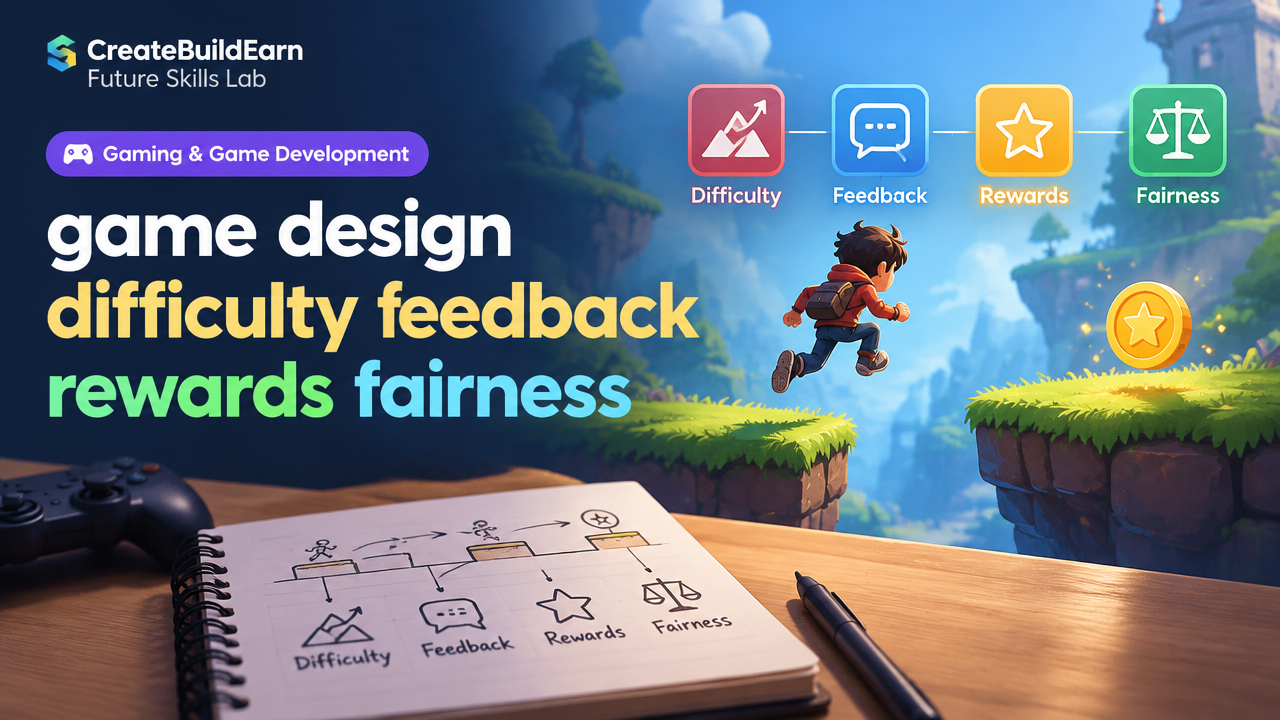
- Difficulty: How hard tasks are and how that changes over time (difficulty curve).
- Feedback: Signals given to the player (visual, audio, numerical) that show progress, failure, or next actions.
- Rewards: Anything the player gains for success—points, items, new abilities, or unlocking content.
- Fairness: Players’ sense that outcomes are deserved and not purely random or biased.
Prerequisites
- Basic familiarity with any game editor or pen-and-paper prototyping.
- Willingness to playtest and collect simple data (times, attempts, success rate).
- Optional: Basic coding knowledge for automated tests (see internal link to start coding).
Step-by-step path: design, test and iterate
- Define the player action you want to test (e.g., jump across a gap, defeat an enemy).
- Choose a difficulty metric (time to complete, number of attempts, success percentage).
- Design feedback for success/failure (sound, particle effect, text). Keep it immediate and clear.
- Create a simple reward for success (score, small health potion, unlock next area).
- Playtest with 3–5 people and record results; look for patterns.
- Adjust a single variable (enemy health, gap width, cooldown) and test again.
| Area | Question to answer | Action |
|---|---|---|
| Difficulty | Is it too easy, just-right, or too hard? | Set initial value and plan 2 adjustments. |
| Feedback | Does the player know why they failed or succeeded? | Add immediate visual/audio cue. |
| Rewards | Is the reward meaningful and proportional? | Choose one small and one larger reward. |
| Fairness | Would a player accept the outcome as deserved? | Reduce randomness and clarify rules. |
Worked example: Balancing a simple enemy encounter (with numbers)
Scenario: A player fights an enemy in a single-room encounter. You want a 60–70% success rate for new players on first attempt.
Design choices (hypothetical example):
- Player base damage: 10 per hit
- Enemy HP options: 30, 50, 70
- Player hit accuracy: about 70% (based on playtests)
- Reward: 10 coins for victory, 3 coins on failure
Test plan: let 10 players try each HP value and record wins.
| Enemy HP | Avg hits to kill (ideal) | Observed success (out of 10) |
|---|---|---|
| 30 | 3 | 9 wins |
| 50 | 5 | 6 wins |
| 70 | 7 | 3 wins |
Interpretation: HP=50 gives about 60% wins, which matches the target. Feedback during hits (a flash + sound) made outcomes clear. Reward (10 coins) felt balanced because coins buy useful items soon after.
Simple learning-code example (pseudocode, safe for learning):
// Learning example: compute expected hits
playerDamage = 10
enemyHP = 50
expectedHits = ceil(enemyHP / playerDamage)  // expectedHits = 5
Note: This is a small calculation to help you reason about numbers. Real players vary, so always test.
Try It Now / Mini Project
Mini-project: “One-Room Challenge”
- Create a simple room with one obstacle or enemy in your chosen tool.
- Pick one difficulty variable (enemy health, obstacle width, timer length).
- Implement a clear feedback signal for success/failure (visual + short text prompt).
- Make two reward tiers: small (consolation) and full (win).
- Playtest with at least 3 people and record whether they win on their first try.
- Adjust the chosen variable to reach a target success rate (e.g., 60–70%).
Safety and ethics: If you use AI tools to help design levels or write code, verify outputs and avoid sharing personal data. For minors, follow platform age rules and do not create accounts that require adult information incorrectly.
Checkpoint: Self-review
Answer these after your test:
- Did players understand goals and rules within 30 seconds?
- Was feedback immediate and helpful?
- Were rewards motivating without being excessive?
- Did at least one variable produce the target success range?
- Did any player describe outcomes as “unfair”? Why?
Common mistakes and how to avoid them
- Overcomplicating feedback: Too many messages or effects confuse players. Keep feedback focused and consistent.
- Changing multiple variables at once: Test one change at a time to learn cause and effect.
- Ignoring perceived fairness: If players feel punished by randomness, reduce hidden RNG or communicate it (e.g., show miss chance).
- Reward flooding: Giving many rewards early removes meaning. Space rewards to support progression.
- Not iterating with real players: Designer bias is strong. Use fresh testers early.
Review checklist (quick table)
| Item | Done? |
|---|---|
| Clear goal & rules | [ ] |
| Immediate success/fail feedback | [ ] |
| Reward tied to effort | [ ] |
| One variable tested at a time | [ ] |
| Playtests recorded | [ ] |
Next practice & roadmap
After this mini-project, try these next steps:
- Scale the idea to a three-room sequence and test pacing.
- Learn basic scripting to automate playtests (see “7 Powerful Steps For How To Start Coding” link).
- Build a public learning portfolio with screenshots, short videos and test notes (see link).
- Study how the entire game is made from idea to playable system (linked below).
Useful internal links:
- How Games Are Made: From Idea to Playable System
- 7 Powerful Steps For How To Start Coding: A Beginner’s Inspiring Roadmap
- How to Build a Public Learning Portfolio
Frequently Asked Questions
How do I choose a good target success rate?
Common beginner targets are 60–70% for first attempts and higher for repeat players. The best rate depends on your design goals: casual games often aim higher; hard-core challenge games aim lower. Always test with real players and refine.
What is immediate feedback in games?
Immediate feedback is any instant response to a player action: a sound when you hit an enemy, a flash when you take damage, or a pop-up text when you collect an item. It should tell the player what happened and, if possible, what to do next.
How do I make rewards feel meaningful?
Make rewards useful and noticeable: small but tangible benefits (coins, short boost) and rarer larger rewards (new ability). Tie rewards to player goals and ensure progression demonstrates value.
What if players call my game “unfair”?
Ask why they feel that way. Common causes: hidden randomness, inconsistent rules, or punishing consequences without warning. Make rules visible and reduce hidden RNG or explain it clearly (e.g., show hit chance percentages).
Should I use randomness in difficulty?
Randomness adds variety but can hurt perceived fairness. Use controlled randomness (range limits, predictable patterns) and ensure skill matters more than luck for key outcomes.
Can AI help with balancing?
Yes, AI can suggest values or generate level variations, but always verify suggestions with human testing. Check for hallucinations in AI output and protect tester privacy when sharing playtest data.
How many playtesters do I need?
Start with 3–5 for quick iteration, then expand to 10–20 for more reliable patterns. Larger samples give clearer metrics but prioritize iterative feedback cycles first.
Conclusion
Balancing difficulty, feedback, rewards and fairness is a cycle: design, test, measure, and iterate. Start small, record simple metrics and refine one variable at a time. Your next skill to learn: basic scripting to automate tests and track player data; try the recommended coding roadmap link above.
Good luck designing—measure, listen to players, and improve step by step.
Learn it by building something
Use the guide as a learning checklist, build a small version yourself, test it, explain what you learned and then improve the project.
How this guide was prepared
This guide is prepared for everyday readers using practical research, usability checks and editorial review. Product or tool-specific claims should be verified against current official documentation when needed.
How did you like this article?
Your feedback helps us make our guides more useful.

Join the Discussion
Join the conversation and share a useful tip, question or experience.