
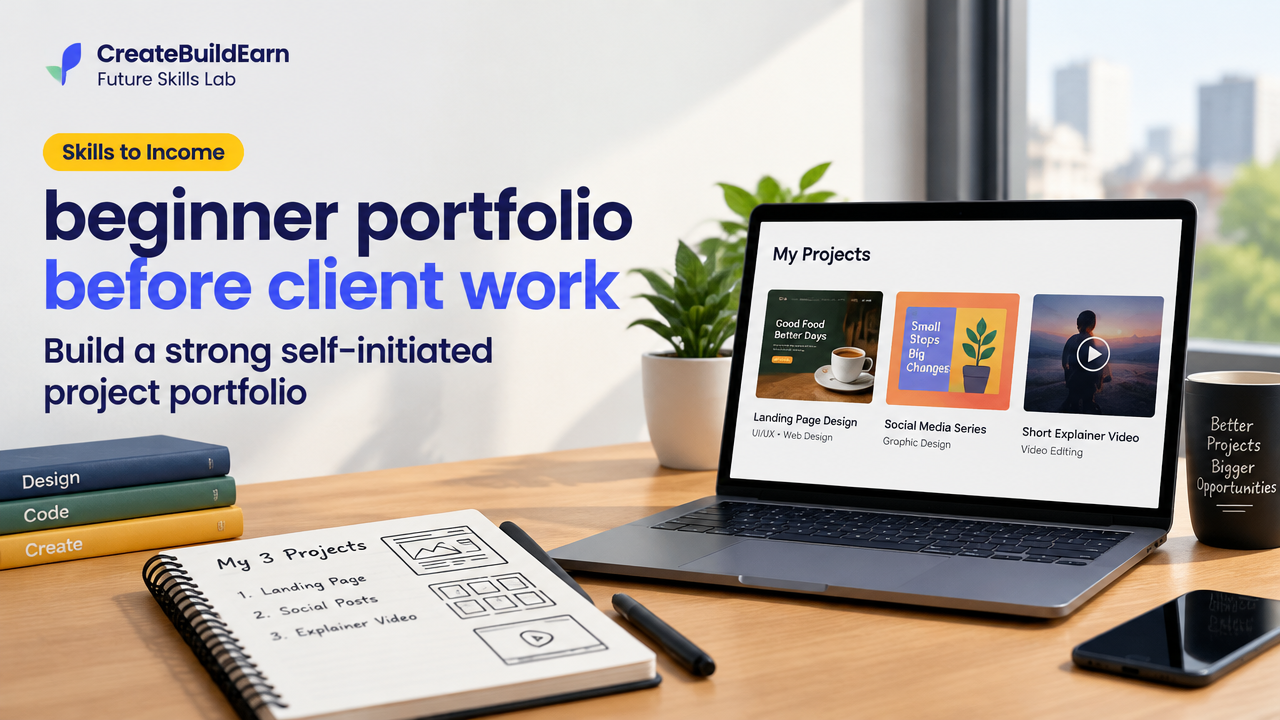
Quick Start
What you will learn/build: How to plan, create and present 3 self-initiated portfolio projects so you can confidently show work to prospects or include them on a website.
Skill level: Beginner — no client experience required.
Time needed: 1–4 weeks depending on depth (3 small projects recommended).
What you need: A basic device (laptop), internet, a free website or portfolio platform (GitHub Pages, Behance or a simple blog), and free tools (Canva, Figma, or a code editor).
Why build a beginner portfolio before client work?
Clients hire evidence, not promises. A beginner portfolio before client work shows you can plan, finish and present projects. Self-initiated work demonstrates problem solving, style and process when you do not yet have paid projects. It also reduces risk for both you and potential clients.
Prerequisites: What should you know first?
- Basic tech comfort: saving files, screenshots and using a web browser.
- One small creative or technical skill (graphic design, simple HTML/CSS, writing, social media post design, data visualisation, basic video editing).
- Willingness to learn by doing and accept feedback.
Step-by-step path to a portfolio you can use with clients
- Choose your 3 focus skills (example: landing page mockup, social post series, short explainer video).
- Define a realistic project brief for each (audience, goal, deliverables, tools, time).
- Create an outcome-focused artifact for each project (images, PDF case study, hosted page or short video).
- Document process: one paragraph about the goal, tools used, steps and one challenge you solved.
- Publish your portfolio on a simple platform and add contact details and a short bio.
- Share with peers for feedback, iterate, then prepare a short pitch template for outreach.
Practical checklist: What to include for each portfolio item
| Item | Why it matters | Minimum example |
|---|---|---|
| Title | Shows what the piece is | “Landing page for Local Cafe — mockup” |
| One-line goal | Clarifies the purpose | “Increase newsletter sign-ups” |
| Deliverables | What you produced | PNG mockup, 1-page case study |
| Tools used | Signals skillset | Figma, Canva, VS Code |
| Process notes | Shows thinking and problem solving | 3 short steps and one challenge |
| Outcome or next step | Shows results or plan | CTA design, suggested test |
Worked example: One portfolio item from brief to publish
Project: Landing page redesign for a neighbourhood cafe (self-initiated).
Brief: Build a single scrolling landing page to highlight menu, timings and newsletter sign-up. Target: local customers who check on mobile. Time: 6 hours.
Steps taken:
- Research (30 min): Looked at 5 local cafe pages and noted common sections.
- Wireframe (1 hour): Sketch on paper then create a Figma frame sized for mobile first.
- Design (2 hours): Make hero image, menu cards and a clear sign-up CTA in Figma or Canva.
- Publish (2 hours): Export images and assemble a single HTML page on GitHub Pages or a simple blog post with images and the one-paragraph case study.
Deliverables: mobile PNG mockup, single-page HTML prototype, 150-word case study.
Learning example (simple HTML snippet for your hosted prototype):
<!-- Learning example: simple landing page section -->
<section>
  <h1>The Corner Cafe</h1>
  <p>Fresh coffee. Friendly space. Open daily 8am–8pm.</p>
  <form action="#">
    <input type="email" placeholder="Sign up for offers" required>
    <button type="submit">Join</button>
  </form>
</section>
(This is a harmless learning example. Replace the form action with a real service only after you confirm privacy and consent rules.)
Try It Now / Mini Project
Mini Project: Create one portfolio item in 2–4 hours.
- Pick a neighbourhood business or a hobby project (book club, local NGO, coach).
- Write a 2-sentence goal and list 3 deliverables (e.g., social post, one-page website mockup, 30-second explainer video).
- Create the deliverable using free tools (Canva for a social post, Figma for a mockup, or free video editor for a short video).
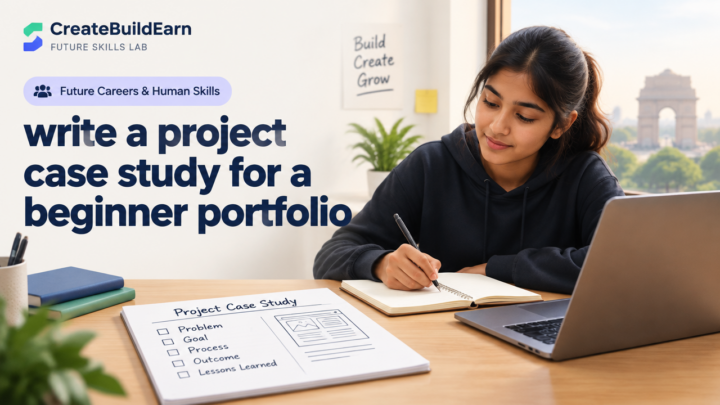
- Write a 150-word case note: goal, process, one challenge and what you would test next.
- Publish it as a blog post or a portfolio item and share the link with a peer for feedback.
How to publish a simple portfolio (platform options)
- Free blog: WordPress.com or GitHub Pages for code samples.
- Portfolio sites: Behance, Dribbble (designs), or LinkedIn posts for short write-ups.
- Combine: host case studies on a blog and store images on free image hosts or GitHub.
Read more about making a site in How to Make a Website: A Beginner Roadmap and writing case studies with a content strategy in Social Media Content Strategy.
Checkpoint: Self-review questions
Before calling this item ‘portfolio-ready’, answer these:
- Is the goal clear in one sentence?
- Do the visuals and text show how the outcome helps an audience?
- Did you document tools and one challenge you solved?
- Can you explain the project in 30 seconds on a call?
Common mistakes beginners make (and how to avoid them)
- Showing only final files without context — always add brief process notes.
- Too many unfinished projects — pick 3 complete items rather than 10 drafts.
- Using placeholder text or images as final deliverables — use real or clearly labelled mock data.
- Overcomplicating publishing — start with a single page or a blog post instead of a full site.
- Relying on AI without checking facts — if you use AI, verify outputs and mention tools used.
Review checklist before showing your portfolio to clients
| Check | Done? |
|---|---|
| 3 complete projects with clear goals | [ ] |
| One-line sentence for each project | [ ] |
| Tools and process notes documented | [ ] |
| Contact info and short bio present | [ ] |
| Hosted link or downloadable PDF available | [ ] |
| Shared with a peer for feedback | [ ] |
Next practice: building credibility and reach
After you have 3 items, practise one of these next steps:
- Create a 60-second video explaining one case study (shows communication skill).
- Write a short post describing a mistake you made and how you fixed it (builds trust).
- Start a small outreach list and send a personalised message with a link to the specific portfolio item relevant to that prospect.
Useful internal links:
- How to Turn Skills Into Income: 9 Powerful Steps — for turning your portfolio into service offers.
- How to Start a Blog: A Beginner Roadmap — publish case studies on a blog.
- Social Media Content Strategy — share your work with an audience.
- Aspect Ratio, Resolution, File Format & Tools for Creators Explained — file guidance for portfolio exports.
Frequently Asked Questions
How many projects should a beginner portfolio have?
A practical beginner target is 3 complete projects that show different skills or problem types. Quality and clarity beat quantity.
Can I use AI to create portfolio pieces?
Yes, but be transparent. Note which parts used AI, verify factual content, check privacy, and ensure you have rights to any generated assets before publishing.
Do self-initiated projects count as real experience?
They demonstrate skills, process and deliverables, which many clients accept for small projects. Treat them like real work: define a brief, meet the brief, and document outcomes.
Where should I host my beginner portfolio if I have no budget?
Start with free options: GitHub Pages (for code/prototypes), a free blog (WordPress.com) or portfolio platforms like Behance. Update or migrate when you’re ready for a custom site.
How should I handle client contact info and privacy?
Use a professional email or form. Don’t publish personal IDs or sensitive information. If you show client work, get permission or anonymise details if the work is speculative.
What if I don’t know what projects to make?
Pick small, common needs: a local business landing page, a poster for a community event, a 30-second explainer for a hobby. Solve a specific problem and document it.
How do I get feedback on my portfolio?
Share it with peers, online communities and mentors. Ask for specific feedback: clarity of goal, visual hierarchy, and whether the case study explains your role.
Should I include pricing or packages on my portfolio?
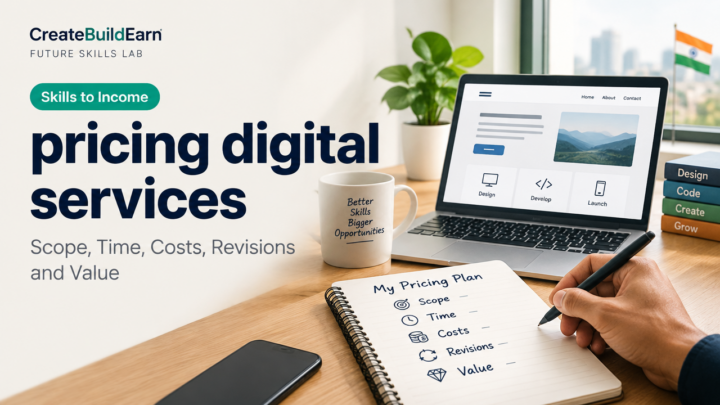
Not necessary at the beginner stage. Focus first on showing work and process. When you’re ready to offer services, create a clear pricing page that explains deliverables and terms.
Conclusion and the next skill to learn
Creating a beginner portfolio before client work is a practical, low-risk way to start professional work. Focus on three clear, finished projects with concise case notes, publish them where a client can view them, and practice presenting each one in 30 seconds.
Next skill to learn: writing short case studies and client proposals—see How to Turn Skills Into Income for a roadmap that connects portfolio work to service offers.
Good luck: pick one small project and finish it today. Real progress comes from completing and polishing work you can show.
Learn it by building something
Use the guide as a learning checklist, build a small version yourself, test it, explain what you learned and then improve the project.
How this guide was prepared
This guide is prepared for everyday readers using practical research, usability checks and editorial review. Product or tool-specific claims should be verified against current official documentation when needed.
How did you like this article?
Your feedback helps us make our guides more useful.

Join the Discussion
Join the conversation and share a useful tip, question or experience.