
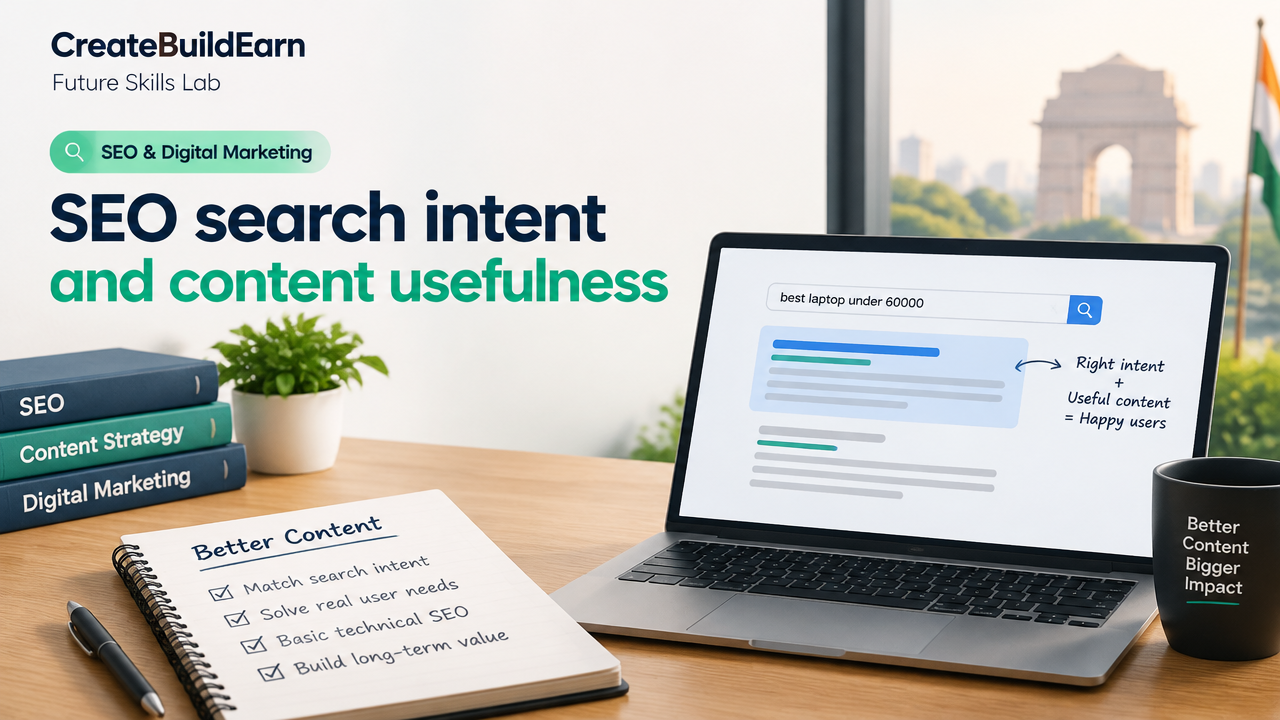
Quick Start
What you will learn/build: How to identify search intent, design content that satisfies users, and apply basic technical SEO checks for crawlability and performance.
Skill level: Beginner — suitable for students and creators.
Time needed: 2–6 hours for learning + 2–4 hours to complete the mini-project.
What you need: A draft article idea or existing page, access to your website (or a demo site), and free tools like Google Search Console, a page-speed tester, and a simple text editor.
Introduction: Why search intent and usefulness matter for SEO
Search engines aim to show pages that best satisfy a user’s need. Matching search intent and making content genuinely useful helps your page rank and keeps visitors engaged. This guide focuses on practical steps you can apply right away: content planning, writing with intent, and simple technical basics that let search engines find and understand your pages.
What is search intent? Simple types and examples
Search intent is the purpose behind a user’s query. Understanding it helps you choose the right page format and content depth. Common intent types:
- Informational: User wants to learn something (e.g., “what is SEO search intent”).
- Navigational: User looks for a specific site (e.g., “CreateBuildEarn homepage”).
- Transactional: User wants to buy or sign up (e.g., “buy domain name India”).
- Commercial investigation: Researching before a purchase (e.g., “best laptops under 60000 INR 2026”).
Match your page’s purpose to the dominant intent for your target query.
How content usefulness is judged (practical signals)
Content usefulness means the page helps the user complete their task quickly and reliably. Practical signals include:
- Clear answer or outcome near the top for informational pages.
- Accurate, trustworthy steps or resources for how-to and tutorials.
- Easy navigation and prominent calls-to-action for transactional pages.
- Freshness and clear sourcing for topics that change often.
Use simple user-focused checks: Does this page answer the user’s question? Can they act on it? Is it easy to scan?
Technical SEO basics that support usefulness
Technical SEO makes sure search engines can find and render your content. Start with these essentials:
| Technical Area | Quick checks |
|---|---|
| Crawlability | Robots.txt, XML sitemap, no accidental noindex tags |
| Mobile-first | Responsive design and mobile-friendly test |
| Page speed | Compress images, use browser caching, check Core Web Vitals |
| Structured data | Schema for articles, FAQs, products where relevant |
| Meta tags & headings | Unique title, meta description, H1 and logical H2s |
| Canonicalization | Proper rel=canonical to avoid duplicate-content issues |
Prerequisites and tools (what to use)
- Google Search Console (verify your site to see impressions and queries)
- Page speed tool (Lighthouse, PageSpeed Insights)
- Simple SEO extension (e.g., Lighthouse in Chrome, or an SEO plugin on WordPress)
- Text editor or CMS access to edit title, headings and content
Step-by-step path: from intent to a useful page
- Choose one target query. Use Search Console or keyword tools to learn typical phrasing.
- Decide intent type (informational, transactional, etc.).
- Create a short outcome statement: what should the user know or do after reading?
- Draft a clear title and meta description that reflects intent and outcome.
- Write a strong first paragraph that answers the query or shows a solution.
- Structure content with H2/H3 headings that map to user tasks or questions.
- Add supporting elements: lists, steps, images, examples, and an FAQ if helpful.
- Run technical checks: sitemap, robots, mobile test, speed, structured data.
- Publish and monitor performance (impressions, clicks, time on page) in GSC.
Worked example: “How to learn Python for data science”
Intent: Informational with a beginner learning path (people expect steps and resources).
Outcome statement: A reader should be able to start a 6-week self-study plan with resources and milestones.
Suggested title & meta:
- Title: How to Learn Python for Data Science: 6-Week Beginner Plan
- Meta description: Step-by-step 6-week plan to learn Python for data science with exercises, free resources and project ideas.
Content outline (top-level headings):
- Quick start (what you need and week-by-week plan)
- Week 1–2: Python basics + practice exercises
- Week 3–4: Data libraries (pandas, NumPy) + mini-project
- Week 5–6: Visualization, basic ML intro + final project
- Resources and checklist
Technical checklist before publish: ensure mobile-friendly layout, compress screenshots, add structured FAQ schema if page includes Q&A, and submit the URL in your sitemap.
Try It Now / Mini Project
Pick a short query in your niche (example: “best study planner for IIT JEE beginners”) and follow these steps:
- Decide intent and write an outcome statement (1–2 sentences).
- Create a title and meta description (one line each).
- Write a 300–500 word page that answers the query with a clear top result (steps, checklist or example).
- Run a mobile-friendly test and a page speed report. Fix one speed issue (e.g., compress an image).
- Publish (or save as draft) and note the URL to monitor in Search Console.
Time target: 2–4 hours.
Checkpoint: self-review before you publish
Use this quick self-test:
- Does the first paragraph clearly answer the user’s need?
- Does the title match the search intent?
- Is the content scannable (headings, bullet lists, short paragraphs)?
- Is the page mobile-friendly and reasonably fast?
- Have you avoided keyword stuffing and focused on helpful language?
Common mistakes to avoid
- Writing for search engines, not users — content should help the person first.
- Using vague or misleading titles that don’t match the content.
- Overloading a single page with many intents — split content by clear intent when needed.
- Neglecting technical basics (broken links, slow images, noindex by mistake).
- Copying content without adding your unique value or verification.
Review checklist (copy and use)
| Item | Yes/No |
|---|---|
| Title matches intent | |
| Clear outcome in first paragraph | |
| Logical H2s and short paragraphs | |
| Images optimized (compressed, alt text) | |
| Mobile-friendly test passed | |
| Page speed checked and improved | |
| Structured data where useful | |
| URL in sitemap / submitted |
Next practice and learning path
After publishing one useful page, try these next steps:
- Monitor clicks and impressions in Google Search Console for two weeks.
- Improve the page based on user queries that bring traffic (add sections that answer common follow-up questions).
- Build an internal link from a related article or homepage.
Related learning pages on CreateBuildEarn:
- How Search Engines Crawl Index and Rank Pages — Beginner Explainer
- SEO Basics: How Search Engines Understand a Page
- How to Start a Useful Blog Around What You Learn
- Beginner Portfolio Before Client Work: Build a Strong Self-Initiated Project Portfolio
Frequently Asked Questions
How do I determine the search intent for a keyword?
Look at the top-ranking pages for that keyword. Are they how-to guides, product pages, or informational overviews? Also consider the wording of the query: words like “buy” point to transactional intent, while “how to” is informational.
Can technical SEO alone make a page rank well?
No. Technical SEO helps search engines access and understand your page, but the content must be useful to users. Combine good technical setup with clear, helpful content for best results.
How long before I see results after publishing a useful page?
Timing varies. Some pages start getting impressions in days, others take weeks. Monitor Search Console and improve content based on actual user queries that reach the page.
Should I target multiple intents on one page?
Generally focus on a single dominant intent. If users expect different outcomes, create separate pages (for example, an overview page and a separate buying guide).
Is it okay to use AI to draft SEO content?
Yes, but verify facts, add your expertise, and check for hallucinations. Use AI to speed writing and then edit heavily to ensure accuracy, clarity and useful examples. Always cite sources and protect user privacy when using AI tools.
What structured data should I add?
Add schema that matches your page type: Article schema for guides, FAQ schema for Q&A sections, and Product schema for product pages. Structured data helps search engines present richer results but does not guarantee special features.
How do I avoid keyword stuffing?
Write naturally for users. Use related terms and synonyms where they make sense. Aim to satisfy the user’s need, not to repeat the target keyword a specific number of times.
Conclusion and the next skill to learn
Matching search intent and creating genuinely useful content are the foundation of effective SEO. Pair that with basic technical SEO checks and you will make pages that both people and search engines can find and use. Next skill to learn: on-page content optimization and measuring performance in Google Search Console — this will help you iterate and improve pages based on real user data.
Ready to practice? Try the mini project above and use the review checklist after publishing. Good SEO begins with useful content and steady improvement.
Learn it by building something
Use the guide as a learning checklist, build a small version yourself, test it, explain what you learned and then improve the project.
How this guide was prepared
This guide is prepared for everyday readers using practical research, usability checks and editorial review. Product or tool-specific claims should be verified against current official documentation when needed.
How did you like this article?
Your feedback helps us make our guides more useful.

Join the Discussion
Join the conversation and share a useful tip, question or experience.