
Quick Start
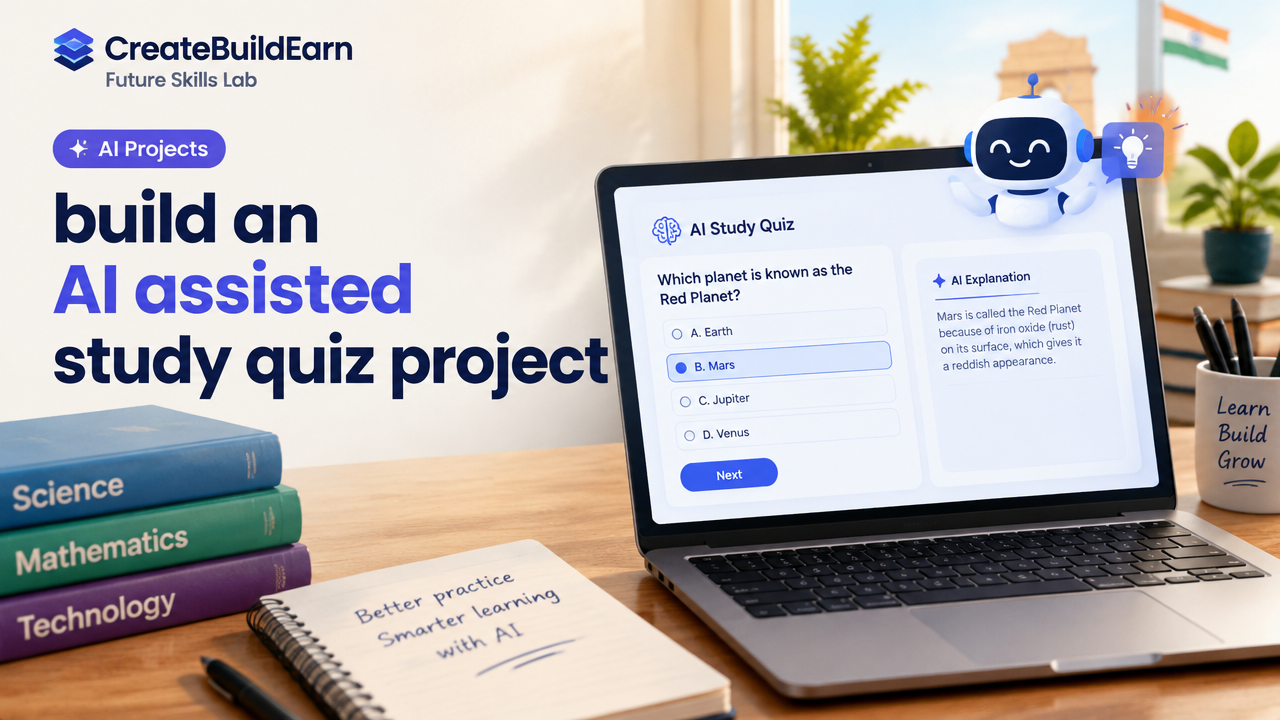
What you will learn/build: A simple web quiz that uses AI to generate study questions and explanations, with safe data handling and human review.
Skill level: Beginner (basic HTML/CSS/JavaScript + clear thinking about privacy and verification)
Time needed: 2–6 hours (first version) + ongoing review time
What you need: A text editor, a basic web browser, a free static hosting option (optional), and access to a trustworthy AI assistant or API that you can test with. If you are a minor, ask a guardian before creating accounts or sharing data.
AI can help create quiz questions, give explanations, and personalise practice. But AI is not always correct, and using it safely matters. This guide shows how to design, build and test an AI-assisted study quiz project responsibly. You will get practical steps, a worked example, a mini-project to try now, a checkpoint, common mistakes and a review checklist.
Why build an AI-assisted quiz?
An AI-assisted quiz can speed up question creation, suggest distractors (wrong answers) and provide tailored explanations. For learners, this means more practice faster. For creators, AI can help iterate content, but human review is essential so learners get accurate, fair material.
Prerequisites
- Basic HTML and JavaScript knowledge (you will use them for the quiz interface).
- Understanding of the subject area you want the quiz to cover (to verify AI output).
- Familiarity with privacy basics: do not collect personal data unless necessary and you have permission.
- Access to an AI tool or API for testing. Verify its terms and whether minors can use it.
Step-by-step path (practical)
- Design the quiz scope: topic, number of questions per session, target difficulty and time per question.
- Create a safe prompt template for the AI that limits hallucinations and asks for citations/source format when possible.
- Build a simple front end to display questions, accept answers and show explanations.
- Run AI-generated content through a human review step before using it in study sessions.
- Log only necessary metadata (e.g., quiz topic, question ID, correct/incorrect) and avoid storing names, emails or sensitive info.
- Test with a small group, collect feedback, and refine prompts and verification steps.
Worked example: Simple web quiz flow
This example shows how to structure your system. The AI will receive a safe, specific prompt and return 5 multiple-choice questions with one correct answer and a short explanation. You must review before publishing.
Sample prompt (for human review use):
"Create 5 multiple-choice questions (each with 4 options) on photosynthesis for high-school level.
- Provide the correct option number and a 1-2 sentence explanation with a citation or recommended textbook chapter.
- Format as JSON: [{id, question, options:[...], answerIndex, explanation, source}].
- Avoid ambiguous wording and do not include personal data."
Learning example code (frontend fetch pattern): This is a learning example showing how you might call an AI API from a server. Do not expose API keys in browser code. Always use a server or trusted proxy to call AI services.
// Learning example (server-side pseudocode)
// 1) Receive quiz request from front end: topic, level
// 2) Build prompt (safe template)
// 3) Call AI provider securely and parse JSON response
// 4) Save only question IDs and review status, not personal data

const prompt = buildPrompt(topic, level);
const aiResponse = await callAiApi(prompt, {maxTokens:1000});
const questions = JSON.parse(aiResponse.text);
// Next: human reviewer checks questions before they go live
Design checklist (table)
| Item | Why it matters | Done? |
|---|---|---|
| Clear quiz scope | Helps focused questions and relevant difficulty | [ ] |
| Safe AI prompt template | Reduces hallucinations and inconsistent formats | [ ] |
| Human review step | Ensures correctness and fairness | [ ] |
| Minimal data logging | Protects learner privacy | [ ] |
| Explainability in answers | Helps learners understand mistakes | [ ] |
Try It Now / Mini Project
Mini-project: Build a one-topic quiz generator that uses an AI only to suggest questions, then review and run the quiz locally.
- Pick a narrow topic (e.g., “water cycle” or “Pythagoras theorem”).
- Create a prompt template like the sample above asking for JSON output (5 questions, 4 options, answerIndex and explanation).
- Implement a local JSON file to store questions. Do not call any AI API yet — instead, paste a sample AI response into the JSON file. This helps you build the UI safely first.
- Build the web UI to load that JSON, present questions, accept answers and show explanations.
- When UI works, test the AI prompt manually in the AI tool, paste results into JSON and review. Only after review, include the new questions in the quiz flow.
This approach avoids immediate API keys exposure and forces a human review step before learners use AI-generated content.
Checkpoint: Self-review
Before you publish or share your quiz, answer these:
- Have you verified each AI-generated question and explanation for accuracy?
- Is there a clear source or citation, or do you mark content that needs verification?
- Are you storing only non-sensitive metadata (e.g., correct/incorrect counts) and no personal identifiers?
- Do you have a simple process for learners to report wrong questions?
Common mistakes and how to avoid them
- Trusting AI blindly: Always human-review questions. AI can hallucinate facts and sources.
- Exposing API keys: Never put API keys in client-side JavaScript. Use a server or secure proxy.
- Collecting unnecessary data: Avoid storing names, emails or sensitive info unless you need them and have consent.
- Poor prompt design: Be specific about format, level and citation to reduce errors.
- No feedback loop: Add a way for learners to flag errors so you can improve questions.
Next practice and roadmap
After your first version, try these next steps:
- Add spaced repetition scheduling so learners see missed questions more often (study principle: active recall and spacing).
- Allow teachers or subject experts to approve questions via a simple review dashboard.
- Experiment with short AI-generated explanations and then write improved human explanations for tricky items.
- Measure learning outcomes (pre-test/post-test) without tracking personal identifiers.
Relevant internal resources you can read next:
- Active Recall Spaced Repetition Study System for Beginners
- How to Use AI as a Tutor Without Letting It Do All the Thinking
- AI Agents Memory and Human Review Explained
- Design Safe No-Code Automation on Paper — Plan, Test and Build Safely
Frequently Asked Questions
Do I need programming skills to make an AI-assisted quiz?
No — you can start with a basic static quiz using a JSON file and HTML/CSS. For AI integration, basic JavaScript and a simple server to call an AI API help. The mini-project above shows a low-code starting path.
How do I keep learner data private?
Log only what you need: question IDs, correct/incorrect, timestamps or anonymised session IDs. Avoid collecting names, emails or identifiers without consent. If you must collect personal data, explain why, get consent and secure it.
Can AI-generated questions be used without review?
No. Always review AI output for accuracy, bias, cultural sensitivity and clarity. AI can make mistakes or produce poorly phrased questions that confuse learners.
What if the AI gives a wrong explanation?
Mark the question as “needs review” and correct it yourself or with a subject expert. Add a feedback button so learners can report mistakes quickly.
How should I store API keys securely?
Store keys on a server or secure environment variables. Never include keys in client-side code. If you use a third-party service, read their docs on secure key management and rotate keys if needed.
Are there age restrictions for using AI tools?
Many AI providers and platforms have age limits or require parental consent. Do not create accounts or bypass restrictions. If you are under 18, ask a parent or guardian to help and review terms of use.
How many questions per session is best?
Start small: 5–10 questions per session for focused practice. For spaced repetition, fewer questions but repeated at intervals often works better than long sessions.
Can I monetise a quiz with AI content?
Yes, but follow ethical rules: ensure accuracy, respect user privacy, disclose AI use, and build a portfolio of reviewed content. Avoid promising results or charging for unverified content. For business basics, learn about fair pricing and cost-break-even models before charging.
Conclusion and next skill to learn
Building an AI-assisted study quiz project is a practical way to combine learning design, basic coding and responsible AI use. Start with a small, reviewed system that protects learner privacy and includes human verification. The next skill to learn is spaced repetition and active recall implementation to make your quiz truly effective — see the Active Recall Spaced Repetition guide linked above.
Good luck building — remember: AI helps create, but learners and humans must verify and improve the work.
Learn it by building something
Use the guide as a learning checklist, build a small version yourself, test it, explain what you learned and then improve the project.
How this guide was prepared
This guide is prepared for everyday readers using practical research, usability checks and editorial review. Product or tool-specific claims should be verified against current official documentation when needed.
How did you like this article?
Your feedback helps us make our guides more useful.



Join the Discussion
Join the conversation and share a useful tip, question or experience.