
Quick Start
What you will learn/build: Understand the difference between rule-based automation and AI agents. See 3 simple workflow examples and build a small, safe email-triage mini-project.
Skill level: Beginner — no coding required for the mini-project; optional light scripting for advanced learners.
Time needed: 45–90 minutes for the mini-project and review; 2–3 hours to study examples and checkpoints.
What you need: A free email account for testing (or a fake/test inbox), a note app or paper, and optionally a no-code automation tool (like Make or Zapier) or a Python environment if you choose to code.
Introduction — why this matters
Students, creators and beginners often hear “automation” and “AI agent” used interchangeably. They are related but not the same. Knowing the difference helps you choose tools that save time, remain safe and give predictable results. This guide uses simple workflows and a hands-on mini-project so you can learn by doing.
What is automation (simple definition)
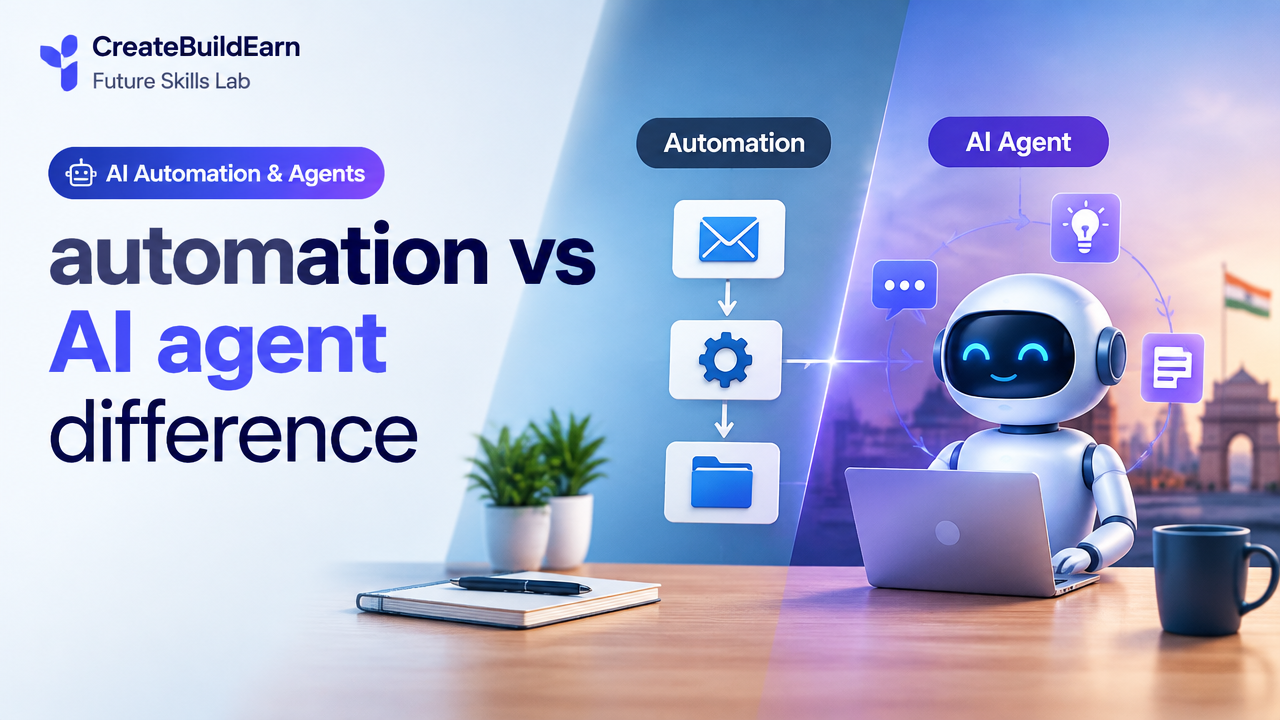
Automation follows explicit rules you define. Think “if X happens, do Y.” Examples: send a welcome email when someone signs up, or move files to a folder when they arrive. Automation is predictable, fast and easy to test. It is best for repetitive tasks with clear steps.
What is an AI agent (simple definition)
An AI agent is a system that can observe, decide and act toward a goal using models that interpret data (like language or images). Agents can handle unclear instructions, ask clarifying questions, and adapt based on new information or memory. They can act across tools, but they may be less predictable than rule-based automation and need careful human review.
Key differences at a glance
| Feature | Automation (Rule-based) | AI Agent |
|---|---|---|
| Decision type | Fixed rules | Model-driven, probabilistic |
| When to use | Clear repetitive tasks | Complex or unclear tasks requiring judgement |
| Predictability | High | Lower, needs review |
| Human oversight | Occasional | Strongly recommended |
| Typical tools | No-code automators, scripts | Agent frameworks, LLMs + connectors |
Simple workflow examples
Below are short workflows to show how the same goal can be solved by automation or by an AI agent.
1) Email triage — automation
Rule: If email subject contains “invoice”, move to Finance folder. If sender is a known contact, mark as important.
Pros: Fast and reliable. Cons: Misses emails that don’t match rules.
2) Email triage — AI agent
Agent reads incoming email, classifies urgency and type (invoice, support, spam), suggests a reply draft, and can schedule follow-up reminders based on content. It can ask you if uncertain.
Pros: Handles variety and ambiguity. Cons: Requires verification and careful privacy handling.
3) Social media posting — automation vs agent
Automation: Schedule posts from a spreadsheet at fixed times. Agent: Analyze trending topics and suggest captions, pick the best time, and post with human approval.
Worked example: Step-by-step email triage (automation then agent)
Goal: Reduce time spent on sorting incoming emails.
- Start with simple automation: create two rules in your email settings—move emails with “invoice” to Finance; star emails from your teacher or manager.
- Measure: track how many emails are correctly sorted in one week. Note false positives/missed items.
- Introduce an AI agent for suggestions: connect a local or hosted LLM through a safe service (or use a no-code agent that supports human review). Configure it to: summarize incoming email, label urgency, and draft one-sentence replies for review.
- Human-in-loop: Always review agent suggestions before sending. Keep logs and delete sensitive data from prompts. Use the Student AI Privacy Checklist before uploading any personal info (see internal link).
Learning example (pseudo-code) — rule-based:
// Automation rule pseudocode
if subject.contains("invoice") then move_to("Finance")
if sender in contacts then set_flag("Important")
Learning example (pseudo-code) — agent loop:
// AI agent pseudocode (learning example only)
loop new_email:
  summary = llm.summarize(email.text)
  label = llm.classify(email.text)
  draft_reply = llm.write_reply(email.text)
  present_to_user(summary, label, draft_reply)
  if user.approves then send(draft_reply)
endloop
Practical path: How to choose and build safely
- Map the task: Is it fixed and repeatable? Prefer automation.
- Data sensitivity: If data is personal or private, avoid sending raw data to external LLMs unless you confirm provider policies and use redaction.
- Start small: Build a single rule or a limited-scope agent with human review.
- Test & measure: Track error rates and time saved.
- Document and maintain: Keep rules and prompts in a central file so you can update them safely.
Try It Now / Mini Project
Build a safe email-triage system that suggests replies. Steps:
- Create two email rules in your inbox (invoice to folder, contacts flagged).
- Prepare a prompt template for summaries and reply drafts (do not paste private IDs or passwords).
- Use a no-code agent or a local small model to generate a one-sentence summary and a draft reply for non-sensitive emails. Present suggestions in a draft folder; review before sending.
- Record 10 examples and mark which suggestions were helpful—this is your evaluation dataset.
Time: ~45–90 minutes. Safety: Do not upload IDs, bank details, or other sensitive info. See Student AI Privacy Checklist for details.
Checkpoint / Self-review
After the mini-project, answer these:
- Did automation correctly sort at least 80% of target messages?
- Were agent suggestions useful at least 6/10 times?
- Did you avoid sending sensitive data to third-party services?
- Do you have a clear review step before any final action?
Common mistakes and how to avoid them
- Trusting agent outputs blindly — Always use human review for important actions.
- Over-automating early — Start with simple rules, then add complexity.
- Sending sensitive data to public LLMs — Redact or localize sensitive content.
- No logging or documentation — Keep prompts and rules versioned so you can fix errors later.
Review checklist (quick table)
| Item | Done? | Notes |
|---|---|---|
| Task mapped and repeatable | [ ] | |
| Automation rules tested | [ ] | |
| Agent has human-in-loop | [ ] | |
| Privacy checks completed | [ ] | See linked checklist |
| Performance measured | [ ] | Record baseline |
Next steps / roadmap
After you finish the mini-project, try one of these:
- Extend rules to other patterns or folders.
- Train a small classifier on your labeled emails to improve agent accuracy.
- Build a documented prompt library and test variations.
- Explore other workflows like social media scheduling or study helpers.
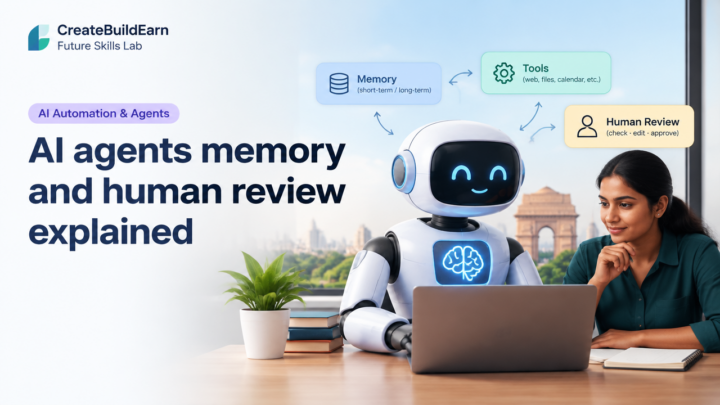
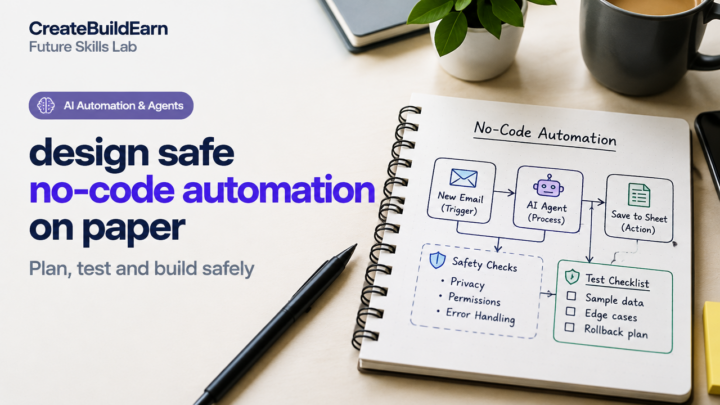
Useful internal links: AI Agents Memory and Human Review Explained, Design Safe No-Code Automation on Paper, Student AI Privacy Checklist Before Uploading Personal Information, Build an AI Assisted Study Quiz Project.
Frequently Asked Questions
What is the simplest way to start with automation?
Start with inbox or file rules in your email or OS. Pick one repetitive task and make a single rule. Measure the result for a week and adjust.
Do AI agents replace human work?
No. AI agents can assist and speed up tasks, but they can make mistakes. Human oversight, especially for decisions with consequences, is essential.
Is it safe to send emails to an AI model for summaries?
Only if you are confident about the provider’s privacy policies or you have removed sensitive information. Use local models or redaction for personal data. See the Student AI Privacy Checklist link above.
When should I prefer automation over an AI agent?
Prefer automation when tasks are repetitive, rules are clear, and outcomes must be predictable. Automation is often cheaper and easier to maintain.
How do I test an AI agent before using it widely?
Run it on a small, non-sensitive dataset, compare outputs to human judgement, and track accuracy and false positives. Keep it in sandbox mode with human approval required.
Can I mix automation and agents?
Yes. A common pattern is rule-based filtering + agent suggestions. Use automation for routing and agents for complex classification or drafting with review steps.
What tools can beginners use?
No-code automators (like Zapier or Make) and simple agent platforms that provide human-in-loop workflows are good starting points. For learners who code, try small Python scripts and local LLMs for safe testing.
How do I keep audit logs for agent actions?
Log inputs, outputs, timestamps and user decisions in a secure document or system. This helps debugging and ensures accountability. Avoid storing raw sensitive data unless encrypted and necessary.
Conclusion — what to learn next
You should now be able to tell when to use simple automation and when an AI agent makes sense. Next skill: practice designing safe workflows on paper before building them—try Design Safe No-Code Automation on Paper or build a small study tool using an agent with human review.
Learning path suggestion: after this, explore project-based work by creating a small portfolio piece showing a rule-based automation and an agent-assisted workflow to demonstrate responsible, practical use.
Remember: start small, keep humans in control, and protect private data.
Learn it by building something
Use the guide as a learning checklist, build a small version yourself, test it, explain what you learned and then improve the project.
How this guide was prepared
This guide is prepared for everyday readers using practical research, usability checks and editorial review. Product or tool-specific claims should be verified against current official documentation when needed.
How did you like this article?
Your feedback helps us make our guides more useful.

Join the Discussion
Join the conversation and share a useful tip, question or experience.