
Quick Start
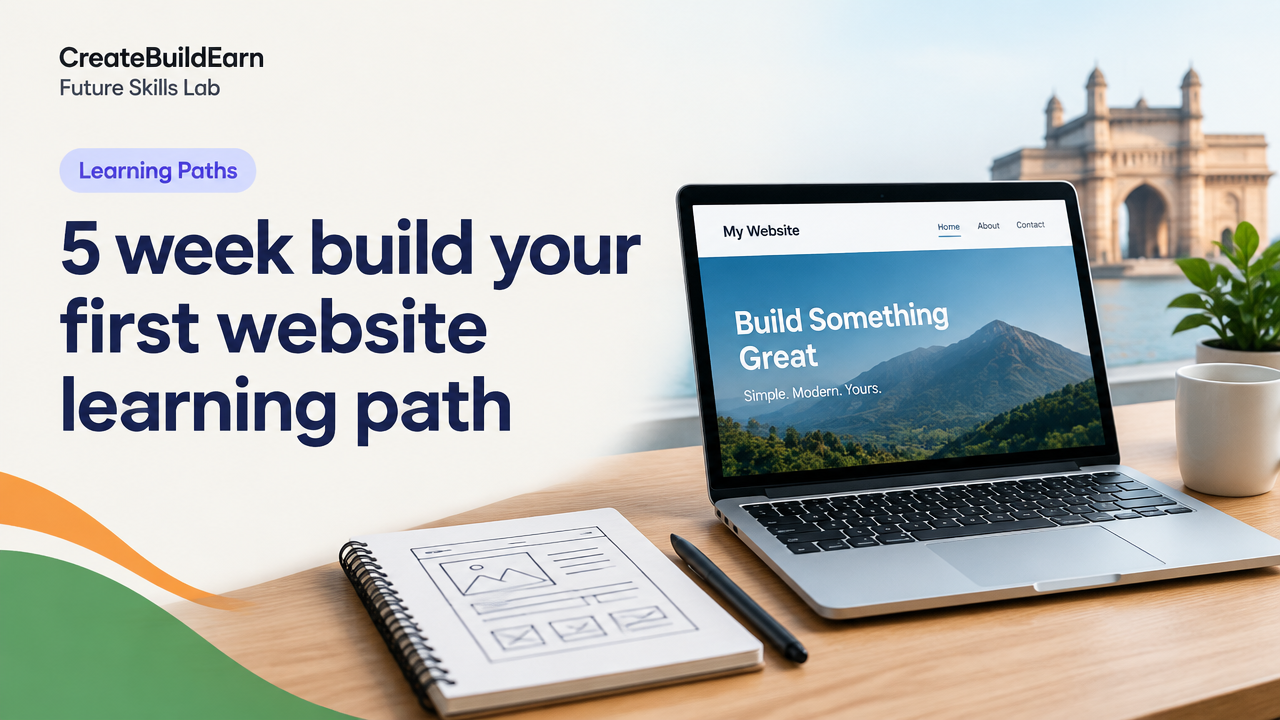
What you will learn/build: A simple, responsive first website (home page + about + contact) and a hosted live site.
Skill level: Beginner — no prior coding required. Basic computer skills helpful.
Time needed: 5 weeks, 3–5 hours per week. Shorter sessions possible with focused practice.
What you need: A laptop/desktop, a text editor (free: VS Code, Notepad++), a web browser, and optional free hosting or shared hosting account. A free GitHub account is useful for static sites.
Why this path works
This learning path breaks website building into weekly, practical steps. Each week focuses on one skill area so you learn by doing. You will make a small, testable project every week and combine work into a live website by week five.
What you’ll understand by the end
- How a website is structured (HTML), styled (CSS) and lightly interactive (basic JavaScript).
- How to make pages responsive for phones.
- How to host and launch a simple site and keep it secure.
- How to plan further growth: content, SEO basics and turning work into a portfolio piece.
Prerequisites
- Computer with internet access and a modern browser (Chrome/Firefox/Edge).
- Free code editor (VS Code recommended) and a basic file/folder workflow.
- Willingness to test, break and try again — debugging is part of learning.
5-Week step-by-step plan
Follow this weekly plan. Each week ends with a small deliverable you can add to a portfolio or host live.
| Week | Focus | Deliverable |
|---|---|---|
| Week 1 | HTML structure & pages | index.html with header, sections and footer |
| Week 2 | CSS basics, layout, fonts, colors | Styled site with external CSS |
| Week 3 | Responsive design (mobile-first) | Responsive layout that reflows on phones |
| Week 4 | Accessibility & small interactions | Keyboard-friendly nav & simple JS form validation |
| Week 5 | Host, launch & secure | Live site on a free or low-cost host + launch checklist |
Week-by-week quick tasks
- Week 1: Create a folder, make index.html and two other pages (about.html, contact.html). Use semantic tags: header, nav, main, section, footer.
- Week 2: Link an external style.css. Learn selectors, box model, margins and simple grids (flexbox).
- Week 3: Start mobile-first: design for small screens, then add media queries for larger widths.
- Week 4: Add ARIA labels where needed, ensure contrast and add simple JavaScript to validate a contact form.
- Week 5: Choose hosting (static or WordPress), set up repository or host account, upload files, test on multiple devices, and publish.
Worked example: A minimal index.html
Below is a small, harmless learning example you can copy into a file called index.html and open in a browser. It shows HTML structure only.
<!-- Learning example: index.html -->
<!doctype html>
<html lang="en">
<head>
<meta charset="utf-8">
<meta name="viewport" content="width=device-width,initial-scale=1">
<title>My First Website</title>
<link rel="stylesheet" href="styles.css">
</head>
<body>
<header>
<h1>My First Website</h1>
<nav>
<a href="index.html">Home</a> |
<a href="about.html">About</a> |
<a href="contact.html">Contact</a>
</nav>
</header>
<main>
<section id="hero">
<h2>Welcome</h2>
<p>This page is part of a 5-week beginner learning path.</p>
</section>
<section id="about">
<h3>About this project</h3>
<p>Small, focused steps help you build confidence.</p>
</section>
</main>
<footer>© My Name</footer>
</body>
</html>
Security & privacy notes
When you host your site or use third-party tools, check privacy and account age requirements. Do not upload personal ID documents to public sites and follow safe password practices. For fundamental security steps see Cybersecurity Basics.
Try It Now / Mini Project
Mini project: Build a 3-page static site (Home, About, Contact).
- Create a folder called
my-site. - Make
index.html,about.html,contact.html, andstyles.css. - Copy the worked example HTML into
index.html. Add a short paragraph and a link to an image you own or a placeholder image. - Open
index.htmlin your browser and fix layout issues by editingstyles.css. - Optional: Create a free GitHub repository and push files to show progress in your portfolio.
Time: 1–3 hours depending on edits. Deliverable: local site you can open and test.
Checkpoint: Self-review before moving on
Use these questions to test readiness for the next week.
- Can you explain the difference between an HTML element and an attribute?
- Does your page show correctly on phone and desktop when you resize the browser?
- Can you edit a linked CSS file and see changes without reloading server settings?
- Can you open your files locally and access them using a browser file path?
Common mistakes beginners make
- Editing HTML but forgetting to save the file before testing. Save often.
- Using inline styling everywhere—prefer external CSS for maintainability.
- Not testing on mobile early; fixing layout later is harder than designing mobile-first.
- Uploading sensitive files (passwords, keys) to public repositories. Keep secrets out of code.
Review checklist (quick table)
| Item | Done |
|---|---|
| Folder and files created (index, about, contact, styles) | [ ] |
| Semantic tags used: header, nav, main, footer | [ ] |
| External CSS linked | [ ] |
| Responsive at small widths | [ ] |
| Site tested in two browsers | [ ] |
| Backup or repo created (optional) | [ ] |
Next practice & growth roadmap
After this 5-week path, focus on:
- Making a reusable component (header/footer) in HTML/CSS.
- Learning basic Git workflow and pushing to GitHub Pages or a static host.
- Exploring WordPress if you want content management—start with the Gutenberg Page Building Workflow.
- Deepen responsive layouts with our Responsive Web Design Mobile-First Basics.
- Practice a small UI component from the HTML CSS Profile Card Mini Project.
Resources & tips
- Take small notes and keep a simple plan for each session. See our guide on How to Research a Topic and Organize Notes Without Copying.
- Protect account data and follow privacy checks before sharing. Review Cybersecurity Basics.
Frequently Asked Questions
Do I need to learn JavaScript in this 5-week path?
No. Basic JavaScript is optional in the first five weeks. Week 4 suggests a small JS form validation exercise, but you can skip it and focus on HTML/CSS first.
Can I use WordPress instead of a static site?
Yes. WordPress is a good option if you want an easy content editor. This path covers static sites, but week 5 points to hosting and WordPress as a next step. If you choose WordPress, start with a simple theme and learn Gutenberg.
Where can I host my site for free?
There are free options for static sites (GitHub Pages, Netlify) and trial plans from hosting providers. Verify terms and privacy before signing up. Avoid uploading personal ID documents to host dashboards.
How do I test responsiveness on my phone?
Open the page URL on your phone or use your desktop browser’s developer tools to simulate mobile widths. Testing on an actual device is best.
How do I add this project to my portfolio?
Host the site live or deploy to a free host and add a short case study: goal, steps taken, screenshots, and lessons learned. Keep repo/private keys out of public view.
What if I get stuck debugging HTML/CSS?
Use the browser inspector to find layout issues, check the console for errors, and make small changes iteratively. Ask for help in community forums with specific code snippets.
Can minors create hosting accounts?
Many services require age and identity rules. Do not bypass age limits or payment rules. Ask a guardian or use educational accounts that follow provider rules.
Conclusion: Your next skill to learn
Finish the five-week path and then choose one clear next skill: Git for version control, basic JavaScript for interactivity, or WordPress for content management. Each path turns your project into a stronger portfolio piece.
Good luck — build small, test often, and keep your work backed up. When ready, review the linked learning resources above and start the next 4–8 week deep dive that matches your goals.
Learn it by building something
Use the guide as a learning checklist, build a small version yourself, test it, explain what you learned and then improve the project.
How this guide was prepared
This guide is prepared for everyday readers using practical research, usability checks and editorial review. Product or tool-specific claims should be verified against current official documentation when needed.
How did you like this article?
Your feedback helps us make our guides more useful.


Join the Discussion
Join the conversation and share a useful tip, question or experience.