
Quick Start
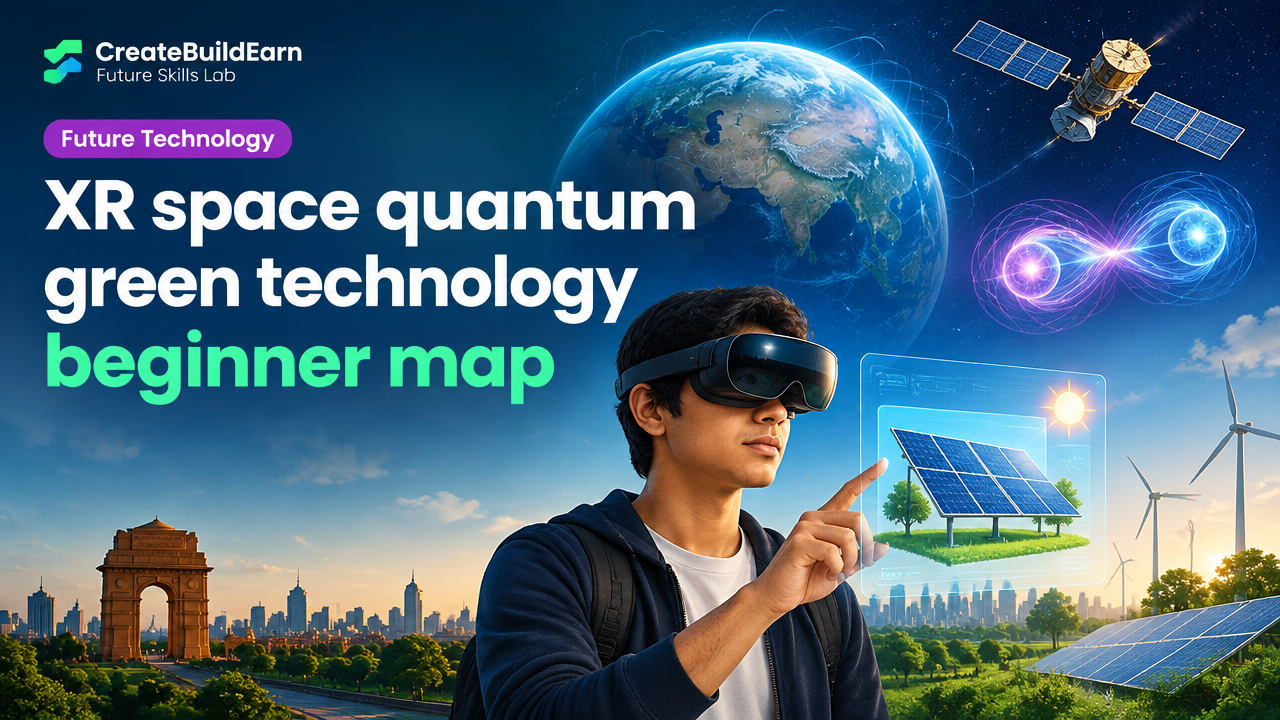
What you will learn/build: A clear beginner map of XR, space, quantum and green technology, how they connect, necessary skills and a small AR mini-project to visualise solar panels.
Skill level: Beginner—no prior specialist knowledge needed. Basic coding or design curiosity helps.
Time needed: Read: 30–60 minutes. Mini-project: 2–6 hours (split into short sessions).
What you need: Laptop, phone with browser (for Web AR preview), free code editor (VS Code), basic images/models, internet access. Optional: simple 3D model in glTF format.
Introduction: A compact map for curious beginners
This guide explains what XR, space, quantum and green technology mean for learners in India and worldwide. You will get simple definitions, a practical learning path (Learn → Create → Build → Grow → Earn/Value → Future Path), a worked example, and a hands-on mini-project you can complete safely without special hardware.
What each field means — simple definitions
XR (Extended Reality)
XR is an umbrella term for Virtual Reality (VR), Augmented Reality (AR) and Mixed Reality (MR). It blends digital content with the physical world. Common uses: training simulators, architectural visualisations, interactive learning and AR filters on phones.
Space technology
Space tech covers satellites, rockets, ground systems, space data (e.g., remote sensing) and the software that processes satellite data. It enables navigation, weather forecasting, communications and scientific discovery.
Quantum technology
Quantum technology uses physics at the smallest scales. Main applied areas today: quantum computing (specialised computation), quantum sensing (very precise measurement), and quantum communication (secure data transfer using quantum properties). For beginners, focus on basic concepts like superposition and entanglement at a conceptual level.
Green technology (cleantech)
Green tech focuses on reducing environmental impact. Examples: renewable energy (solar, wind), energy storage (batteries), electric mobility, efficient buildings, smart grids and materials that reduce waste. Green tech often combines hardware and software for optimisation.
Why these fields matter and how they connect
- XR helps visualise complex space or quantum data—useful for education and design.
- Space tech provides environmental data (satellite imagery) used in green tech projects like monitoring deforestation or solar potential.
- Quantum sensing could make environmental measurements far more precise in future green applications.
- Combining XR and green tech creates powerful tools for community awareness (visualising energy flows, urban planning simulations).
Prerequisites and foundational skills to start
- Curiosity and basic digital literacy (file handling, using a browser, installing apps).
- Basic coding (HTML/CSS/JavaScript) helps for Web XR and prototypes. Free courses or local classes work.
- Basic math and physics literacy — helpful for space and quantum concepts but not a hard requirement at first.
- Design basics: arranging elements, contrast and alignment for XR interfaces. (See: Poster Design Hierarchy.)
Step-by-step beginner pathway (Learn → Create → Build → Grow → Earn/Value)
This pathway aligns with the CreateBuildEarn tracks: start with study, then create small projects, build simple prototypes, share to grow, and convert skills into value ethically.
| Stage | Focus | Mini project idea | Outcome |
|---|---|---|---|
| Learn | Concepts & safety | Write a one-page primer explaining one field | Basic understanding |
| Create | Design & prototyping | Mock up XR screen or satellite data visual | Visual prototype |
| Build | Simple implementation | Web AR page showing a 3D solar panel | Working demo |
| Grow | Share & feedback | Post demo, ask peers for feedback | Improved portfolio piece |
| Earn/Value | Portfolio & service | Offer prototype services to a school or NGO | Portfolio example, non-monetary value |
Worked example: Visualise rooftop solar using a simple Web AR approach
Goal: Create a phone-friendly AR view that overlays a simple solar panel model on an image of a roof. This is a small cross of XR + green tech for practical learning.
Tools: Free code editor, A-Frame (open-source WebVR/AR), a basic 3D glTF model (free sources exist), phone with a modern browser that supports WebXR or camera access.
High-level steps:
- Prepare a photo of the roof (or use a placeholder image).
- Find a small glTF solar panel model or use a plain box as a learning model.
- Create a simple A-Frame HTML to place the model on the scene and enable AR mode.
- Test on your phone and adjust scale and position.
Learning example (harmless) code snippet using A-Frame and AR.js:
<!-- Learning example: simple A-Frame scene with a box as a solar panel -->
<!doctype html>
<html>
  <head>
    <script src="https://aframe.io/releases/1.4.0/aframe.min.js"></script>
    <script src="https://cdn.rawgit.com/jeromeetienne/AR.js/1.7.7/aframe/build/aframe-ar.js"></script>
  </head>
  <body>
    <a-scene embedded arjs='sourceType: webcam;'>
      <a-box position='0 0.5 0' material='color: #333' scale='1 0.2 0.6'></a-box>
      <a-entity camera></a-entity>
    </a-scene>
  </body>
</html>
Notes: This example is for learning. To use a real glTF model, replace <a-box> with a <a-asset-item> and <a-entity gltf-model=’…’/>. Test with safe sample assets and keep privacy in mind when using camera access.
Try It Now / Mini Project
Mini-project: Build a one-page Web AR rooftop solar mockup.
- Create a folder and an index.html with the A-Frame example above.
- Replace the box with a free small glTF panel or leave the box if you prefer.
- Open index.html on a local server (use the VS Code Live Server extension or Python’s simple HTTP server).
- On your phone, open the page, allow camera, and try placing the model on a flat surface. Adjust scale values to match real-world size.
- Document what changed when you adjusted scale/position and take a screenshot to add to your learning notes.
Time: 2–6 hours depending on learning pace. Safety: Do not use public Wi‑Fi for testing if it asks for sensitive permissions; avoid recording or sharing identifiable people without consent.
Checkpoint: Self-review
- Can you explain each field in one sentence?
- Have you created at least one visual prototype (image mock or AR demo)?
- Can you list 2 tools used in XR and 2 in green tech projects?
- Have you saved screenshots and short notes to a learning folder or portfolio?
Common mistakes beginners make
- Trying to master everything at once. Pick one field overlap (XR+green or space+data) and focus.
- Skipping small prototypes—many learners wait for perfect hardware. Start with phone/web demos.
- Copying code without understanding privacy or camera permissions in AR. Read permissions prompts and explain them in your notes.
- Neglecting design and usability—good visuals help non-technical audiences understand tech projects.
Review checklist before you share or add to a portfolio
| Item | Yes/No |
|---|---|
| Project has a clear goal (education/visualisation/measurement) | |
| Code or mockups are saved with short README notes | |
| Screenshots or short video show how it works | |
| You considered privacy and permissions for camera/data | |
| Next step and learning gap are recorded |
Next practice and learning roadmap
- Improve prototypes: convert your AR mock to include satellite data overlays (learn basic geoJSON and mapping).
- Learn beginner coding: follow a short HTML/CSS/JavaScript path (see our 7-step coding roadmap).
- Build a portfolio: add this mini-project to a simple portfolio (see Beginner Portfolio).
- Turn skills into value ethically: follow portfolio-first steps (see How to Turn Skills Into Income).
- If interested in creator growth, follow the 4-week creator learning path for disciplined practice (see 4 Week Digital Creator Path).
Frequently Asked Questions
What should I learn first: XR, space, quantum or green tech?
Start with the field that matches your curiosity and local opportunities. For most beginners, XR or green tech (solar, efficiency) are easier to prototype and show results quickly. Space and quantum often require more specialised study but you can begin with conceptual learning and small data projects.
Do I need expensive hardware to start with XR or space projects?
No. Many XR experiments use Web AR and smartphone browsers. Space projects can start with free satellite imagery datasets and mapping tools. Use free or low-cost tools first to learn concepts and prototypes before investing in specialised hardware.
Is quantum technology relevant for beginners?
Yes—learners should understand core concepts and where quantum tech might apply. Practical quantum programming often uses simulators and introductory libraries; conceptual literacy is valuable even before deep technical study.
How can green tech work overlap with XR and space?
Examples: satellite data showing urban heat islands (space + green), and XR visualisations that help communities plan solar installations (XR + green). These overlaps make projects more impactful for real-world problems.
Where can I show small projects for feedback?
Start with student communities, maker spaces, local NGOs or classroom presentations. Share prototypes on a personal portfolio or GitHub with clear notes. Offer to demo to peers for constructive feedback.
How do I handle privacy and safety when using camera or satellite data?
Always get consent if you record people. Limit sharing of identifiable data. When using satellite imagery, follow the provider’s usage rules. Document what data you collected and why, and avoid public sharing of sensitive images.
What next skill should I learn after this map?
Learn basic coding and design for prototypes (HTML/CSS/JS and simple 3D tools). These skills let you build repeatable demos and add to a portfolio that opens learning and collaboration opportunities.
Conclusion and the next skill to learn
This beginner map gives you practical clarity about XR, space, quantum and green technology and a safe mini-project to start building. Next: learn basic HTML/CSS/JavaScript and version-control (Git) to turn prototypes into shareable portfolio pieces. Keep practicing with mini-projects and collect feedback—skills grow fastest through small, consistent builds.
Learn it by building something
Use the guide as a learning checklist, build a small version yourself, test it, explain what you learned and then improve the project.
How this guide was prepared
This guide is prepared for everyday readers using practical research, usability checks and editorial review. Product or tool-specific claims should be verified against current official documentation when needed.
How did you like this article?
Your feedback helps us make our guides more useful.


Join the Discussion
Join the conversation and share a useful tip, question or experience.