
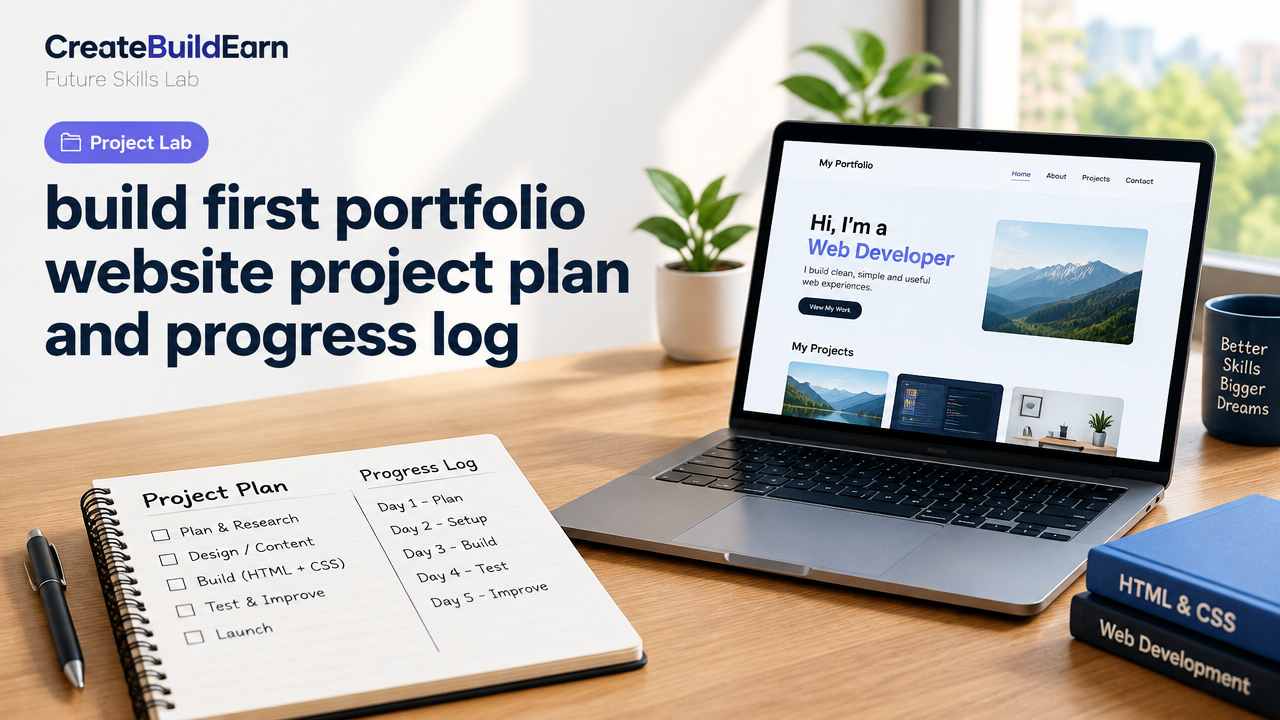
Quick Start
- What you will learn/build: A clear project plan and progress log to build your first portfolio website (MVP), including an action timeline, checklist, basic HTML/CSS example and a weekend mini-project.
- Skill level: Beginner (no prior web experience needed).
- Time needed: 1 weekend for an MVP, 4–6 weeks for a polished portfolio with content and SEO basics.
- What you need: A computer, internet access, a text editor (e.g., VS Code), free GitHub account (optional), and basic images/text for your portfolio. Optional: a domain name and low-cost hosting—verify current prices from providers.
Introduction
This guide gives you a practical, project-first plan to build your first portfolio website and keep a progress log while learning. The goal is to help students and beginners move from idea to a working online portfolio you can show to teachers, peers or clients. You will get a timeline, daily progress-log format and a small code example to start fast.
Why a project plan and progress log matter
A project plan breaks a big task into small, doable steps. A progress log records what you did, what failed and what to try next. Together they keep momentum, make learning visible and create material you can show as proof of work in portfolios or interviews.
Prerequisites
- Basic computer skills: using a browser, saving files, uploading images.
- Willingness to learn simple HTML and CSS (examples included).
- Optional: a GitHub account to host the site for free with GitHub Pages; or a low-cost hosting account. Verify platform rules and age limits before creating accounts.
Step-by-step project plan (4-week example)
Use this as a template. Adjust to your schedule and goals.
| Week | Focus | Deliverable |
|---|---|---|
| Week 1 | Plan: content, sections, images, tone | Site map, content drafts, 3 hero images |
| Week 2 | Build MVP: homepage & About | Working homepage with contact info |
| Week 3 | Portfolio pages & simple project pages | 2–4 project pages with images and descriptions |
| Week 4 | Polish, responsive tweaks, publish | Mobile-responsive site, live on GitHub Pages or host |
Daily progress-log template (use for each work session)
Copy these fields into a simple notes file or a Google Doc and update each day.
- Date:
- Start time / End time:
- Task worked on (short):
- What I changed / added:
- Problems found and how I tried to fix them:
- Next step tomorrow:
- Screenshots / links:
Worked example: a 2-hour weekend MVP
Below is a short, realistic log of a beginner building a basic portfolio homepage in one afternoon.
- 09:30–09:45 — Created site map: Home, About, Projects, Contact. Wrote short bio.
- 09:45–10:30 — Built homepage HTML and added a hero image. Saved as index.html.
- 10:30–11:15 — Added CSS for layout and responsive header. Fixed spacing bugs.
- 11:15–11:30 — Tested on phone, took notes of visual issues. Deployed to GitHub Pages following the provider’s guide.
- Notes: Learned how to update GitHub Pages and how to compress images to reduce load time.
Learning example: small HTML/CSS profile card (safe code)
Copy this example into a file named index.html and open in a browser. This is a simple, harmless learning example to practise structure and styling.
<!doctype html>
<html lang="en">
<head>
  <meta charset="utf-8">
  <meta name="viewport" content="width=device-width,initial-scale=1">
  <title>My Portfolio</title>
  <style>
    body{font-family:Arial,Helvetica,sans-serif;padding:20px}
    .card{max-width:400px;border:1px solid #ddd;padding:16px;border-radius:8px}
    .avatar{width:80px;height:80px;border-radius:50%;object-fit:cover}
    h1{font-size:1.2rem;margin:8px 0}
  </style>
</head>
<body>
  <div class="card">
    <img src="avatar.jpg" alt="Your name" class="avatar">
    <h1>Your Name</h1>
    <p>Short bio: student, hobby, what you build.</p>
    <p><a href="projects.html">See my projects</a></p>
  </div>
</body>
</html>
Try It Now / Mini Project
Weekend Mini-Project: Build a one-page portfolio MVP.
- Create a folder and file
index.html. - Copy the profile card example above and replace text with your name and a photo (use a small JPG or PNG).
- Write one short project description and link to a GitHub repo or a PDF.
- Compress images (see internal guide: How Image Compression Changes File Size and Quality).
- Optional deploy: create a free GitHub account and publish with GitHub Pages, or follow a beginner WordPress workflow (WordPress Gutenberg Page Building Workflow).
Checkpoint / Self-review
After each week, answer these questions honestly.
- Is the homepage load time acceptable on my phone?
- Can I explain each project in one sentence?
- Have I backed up my files (Git, cloud)?
- Does the site work on mobile and desktop?
- Do the images have clear permission to use (my photos or licensed)?
Common mistakes and how to avoid them
- Too much perfectionism: Ship an MVP first, then improve. A live, simple site is better than a perfect draft on your laptop.
- Large images: Compress before uploading to avoid slow loading.
- No progress log: Without notes, you forget what you tried. Use the daily template above.
- Ignoring accessibility: Add alt text for images and use readable font sizes.
- Forgetting privacy: Don’t post personal ID documents or unnecessary personal data. See the student AI privacy checklist before using AI tools: Student AI Privacy Checklist.
Review checklist before publishing
| Item | Done? |
|---|---|
| Homepage live (index.html) | [ ] |
| About/bio written and short | [ ] |
| At least 2 project pages with images | [ ] |
| Images compressed and have alt text | [ ] |
| Mobile-friendly tested | [ ] |
| Backed up to GitHub or cloud | [ ] |
Next practice: grow the site with content and basics of SEO
After your MVP is live, keep practicing by adding a blog or case study pages, learning responsive layouts, and basic SEO. Start with these internal guides:
- 5-Week Build Your First Website Learning Path
- Responsive Web Design Mobile-First Basics
- HTML CSS Profile Card Mini Project
- Personal Brand Consistency and Proof of Work
Frequently Asked Questions
How long does it take to build a good portfolio?
A simple MVP can be done in one weekend. A polished portfolio with several projects, responsive design and SEO usually takes 4–6 weeks with regular practice. Timelines vary with available time and complexity.
Do I need to buy a domain and hosting immediately?
No. You can build and test locally and publish on free hosting options like GitHub Pages. Buying a domain gives a professional URL—check current prices from domain registrars before buying.
Can I use AI to write my project descriptions?
Yes, but use AI responsibly: verify facts, avoid copying others’ text, and remove personal data before uploading to any tool. See our AI content research checklist for guidance: AI Content Research Checklist.
What should be in a project page?
Include a project title, one-sentence summary, your role and tools used, a short process description (3–5 steps), images/screenshots, and a link to the code or live demo if available.
How do I keep my progress log organized?
Use a single document, a simple notebook or a Git repository with a journal.md. Update it every work session with the template in this guide.
What if I get stuck on a coding problem?
Search focused questions, check beginner resources, ask on community forums or peers, and write what you tried in your log. Small, reproducible examples help others help you. Also review the prompt writing formula if you use AI help: Prompt Writing Formula.
How do I balance learning and polishing the site?
Follow the MVP-first rule: spend most time building and posting real work, then allocate short, scheduled sessions for polish. Use a content calendar approach to avoid burnout: Creator Content Calendar.
Conclusion and the next skill to learn
Use this plan and progress-log format to move from idea to a live portfolio. Start with the weekend mini-project to create momentum, keep a daily log, and iterate. Next, learn responsive design and basic SEO to make your portfolio reach more viewers—try the Responsive Web Design guide and the 5-week site path linked above.
Tip: Keep your progress log as proof of work. It becomes part of your portfolio and shows how you solve problems—an important future-skill recruiters and collaborators value.
Good luck—build, log, and share your first portfolio website.
Learn it by building something
Use the guide as a learning checklist, build a small version yourself, test it, explain what you learned and then improve the project.
How this guide was prepared
This guide is prepared for everyday readers using practical research, usability checks and editorial review. Product or tool-specific claims should be verified against current official documentation when needed.
How did you like this article?
Your feedback helps us make our guides more useful.

Join the Discussion
Join the conversation and share a useful tip, question or experience.