
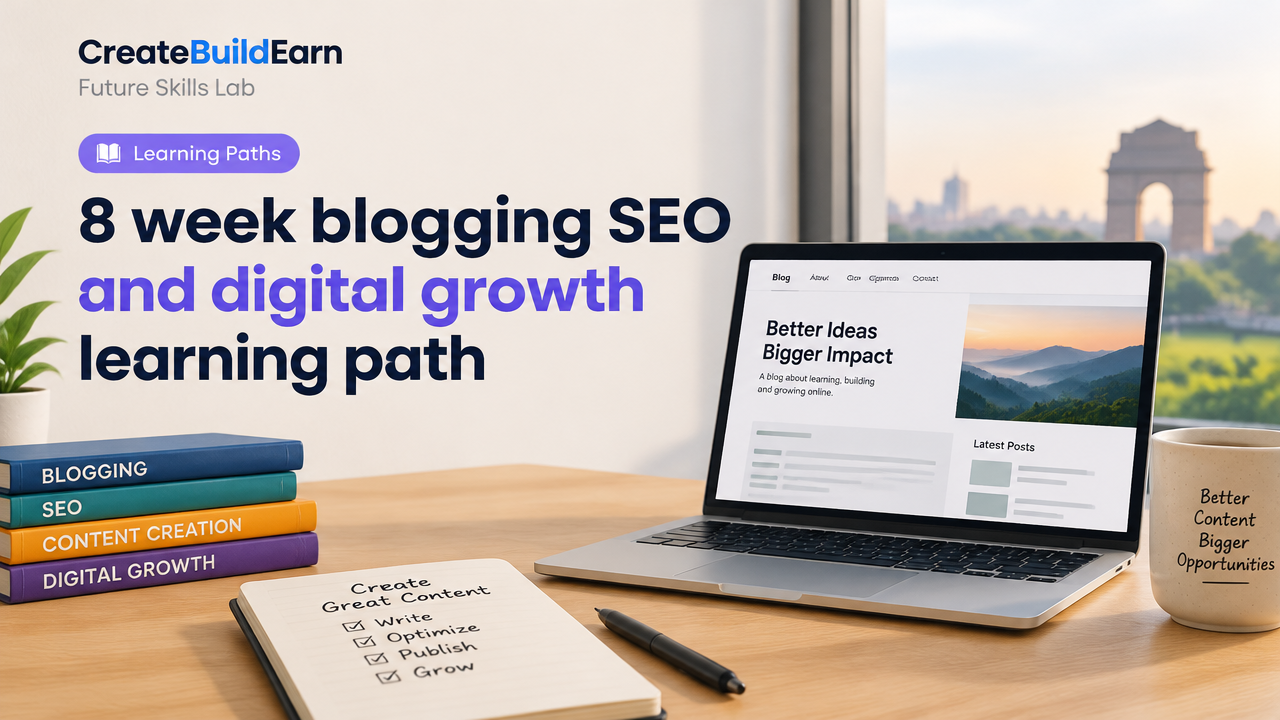
Quick Start
What you will learn / build: A live, SEO-friendly blog and an 8-week routine to create, publish and promote content that attracts real users ethically.
Skill level: Beginner → Intermediate (no prior coding required; basic computer skills).
Time needed: 3–6 hours per week for 8 weeks (intensive weeks 1, 4, 6; lighter review weeks 2, 3, 5, 7, 8).
What you need: A computer, internet, a free WordPress.com account or low-cost shared hosting with WordPress, a simple content editor (Google Docs), and a free keyword tool (Google Search or free keyword planner).
This learning path is project-first: each week has practical tasks so you end with a working blog, several SEO-optimized posts, and a simple promotion plan. You will practice safe AI use, create proof-of-work, and prepare a basic portfolio to show real progress.
Why this 8 week path works
SEO and blogging combine technical setup, consistent writing, and audience growth. Spreading work across 8 focused weeks prevents burnout and creates visible results. You’ll learn how search intent guides content, how WordPress and basic SEO fit together, and how to measure progress with simple metrics.
8 Week Plan — Weekly Goals & Tasks
Follow this weekly plan. Each week ends with a deliverable you can show in a portfolio.
| Week | Main Focus | Deliverable |
|---|---|---|
| 1 | Foundations: niche, audience, tools, WordPress setup | Live blog with homepage & About page |
| 2 | Keyword research & content idea validation | 5 topic outlines (long-tail keywords) |
| 3 | Write & publish first post with on-page SEO | Post #1 published |
| 4 | Content system: templates, schedule, visuals | Content template + content calendar |
| 5 | Publish 2–3 more posts; internal linking | 3–4 posts and internal links |
| 6 | Basic promotion: social, communities, email start | Promotion plan + first traffic sources |
| 7 | Measure & improve: analytics, CTR, titles | Improved post(s) based on data |
| 8 | Portfolio & growth next steps | Portfolio page + 90-day growth checklist |
Prerequisites and safe AI use
No technical prerequisites. If you use AI for idea generation or drafting, always verify facts, rewrite in your own voice, and never paste private data. Review our Student AI Privacy Checklist before using AI tools.
Step-by-step path with practical checkpoints
- Choose a narrow niche — pick a small topic you care about (e.g., budget vegetarian meals for students). Narrow niches let you rank faster.
- Set up WordPress — follow a beginner workflow such as our WordPress Gutenberg Page Building Workflow to create clean pages quickly.
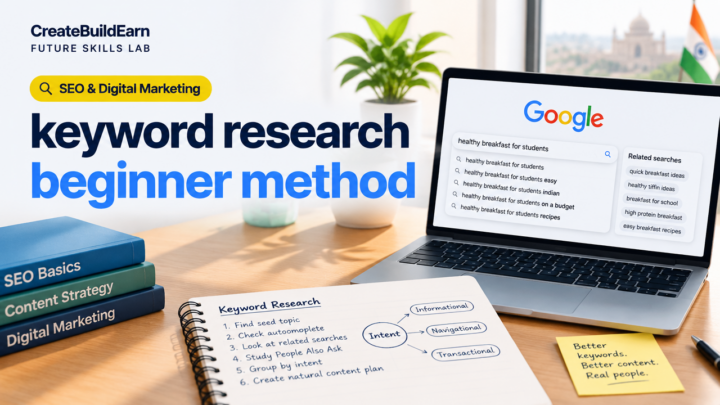
- Research keywords — use search intent: find questions people ask and match content to that intent. See our guide on SEO Search Intent and Content Usefulness.
- Write with a template — intro, problem, solution, step-by-step, conclusion, call-to-action. Use headings for scannability.
- On-page SEO checklist — title with keyword, concise meta description, URL slug, headings, alt text for images, internal links, and a clear CTA.
- Promote ethically — share in relevant communities, post consistently on social media, and build an email list for readers who want updates.
- Measure and improve — check impressions, clicks and top queries in Google Search Console (or simple analytics) and update posts based on real queries.
Worked example: Optimizing a single post
Scenario: You want to rank for “budget vegetarian meals for college students” (long-tail keyword).
- SEO title: “Budget Vegetarian Meals for College Students — 10 Easy Recipes”
- Meta description: “10 cheap, healthy vegetarian meals college students can make in 30 minutes or less. Shopping tips and weekly plan.”
- Slug:
/budget-vegetarian-meals-college-students - H2s: “Why budget vegetarian meals work for students”, “10 recipes with cost estimates”, “Weekly shopping checklist”, “Make-ahead tips”
- Internal links: Link to your post about quick breakfast ideas and your About page.
This structure matches search intent (recipes + time + cost) and gives clear sections both for readers and search engines.
Try It Now / Mini Project
Mini-project (Week 3): Publish your first SEO-optimized post.
Follow these steps in one session:
- Pick 1 long-tail keyword you can answer fully.
- Create a content outline with 3–5 headings.
- Write a 700–1000 word post using the outline.
- Optimize title, meta description, slug, images (alt text) and add 2 internal links.
- Publish and share in one relevant online community (never spam).
Checkpoint — Self review
Use this short checklist to evaluate your progress after Week 3–4:
| Item | Yes / No |
|---|---|
| Is the blog live and accessible? | |
| Is the first post matching target keyword and search intent? | |
| Does the post have a clear CTA (newsletter, another post)? | |
| Did you share the post in one relevant place? |
Common mistakes to avoid
- Writing for yourself, not searchers — always match search intent.
- Neglecting titles and meta — many clicks are won or lost here.
- Keyword stuffing — write naturally and use keywords where they fit.
- Using AI without fact-checking — verify and humanize AI drafts.
- Posting once and disappearing — consistency matters more than frequency.
Review checklist before moving on
- Live site with About and Contact pages.
- At least 3 published posts with internal links.
- Basic promotion plan and one active distribution channel.
- Saved content calendar for next 4–8 posts.
- Portfolio or proof-of-work page linking to your best posts.
Next practice & roadmap (after 8 weeks)
After finishing this path, focus on:
- Improving underperforming posts with data-driven edits (Week 9–12).
- Building an email funnel and lead magnet (small guide or checklist).
- Learning basic content promotion ads and budgeting (ethical testing only).
- Turning content into other formats: videos, carousels, or downloadable PDFs.
Recommended internal readings:
- WordPress Gutenberg Page Building Workflow
- SEO Search Intent and Content Usefulness
- Beginner Portfolio Before Client Work
- Personal Brand Consistency and Proof of Work
Frequently Asked Questions
How many posts should I publish in 8 weeks?
A practical target is 6–10 posts: start with 1 in week 3, then 1–2 posts per week as you get faster. Quality beats quantity—focus on usefulness and on-page SEO.
Do I need paid hosting now?
No. You can start on free WordPress.com or low-cost shared hosting. Paid hosting gives flexibility, but choose what’s affordable. Compare plans carefully and consider future migration.
Can I use AI to write posts?
Yes, for ideas and drafts, but always verify facts, add your voice, and check for hallucinations. Follow privacy rules—do not upload private data. See our Student AI Privacy Checklist.
How do I measure success?
Start with simple metrics: organic impressions, clicks, average position in Search Console, time on page, and newsletter signups. Improve content based on queries people use to find you.
Should I monetize during these 8 weeks?
Focus on building useful content and a portfolio first. Early monetization often distracts from product-market fit. When ready, choose ethical options: sponsored content that fits your audience, or offering a small paid product or service.
What if I get low traffic?
Low traffic is normal early on. Improve titles and meta descriptions, add internal links, promote posts in one relevant community, and update content using real search queries. Patience and iteration matter.
How do I create visuals without a designer?
Use simple royalty-free images and lightweight graphic tools (canva-like tools). Keep visuals consistent with your brand and resize for web. See guidance in our design and creator tool articles for practical tips.
Conclusion — next skill to learn
Finish the 8 week path with a portfolio page listing your best posts and a short growth plan. Next, learn split-testing titles and basic analytics to refine your content (focus next on measuring click-through rates and editing posts to match queries).
Good luck—build something small, publish it, and iterate. Real learning comes from doing and measuring.
Learn it by building something
Use the guide as a learning checklist, build a small version yourself, test it, explain what you learned and then improve the project.
How this guide was prepared
This guide is prepared for everyday readers using practical research, usability checks and editorial review. Product or tool-specific claims should be verified against current official documentation when needed.
How did you like this article?
Your feedback helps us make our guides more useful.

Join the Discussion
Join the conversation and share a useful tip, question or experience.